Jump to content
View in the app

A better way to browse. Learn more.

Foro AtlantisRO

A full-screen app on your home screen with push notifications, badges and more.

To install this app on iOS and iPadOS
  1. Tap the Share icon in Safari
  2. Scroll the menu and tap Add to Home Screen.
  3. Tap Add in the top-right corner.
To install this app on Android
  1. Tap the 3-dot menu (⋮) in the top-right corner of the browser.
  2. Tap Add to Home screen or Install app.
  3. Confirm by tapping Install.

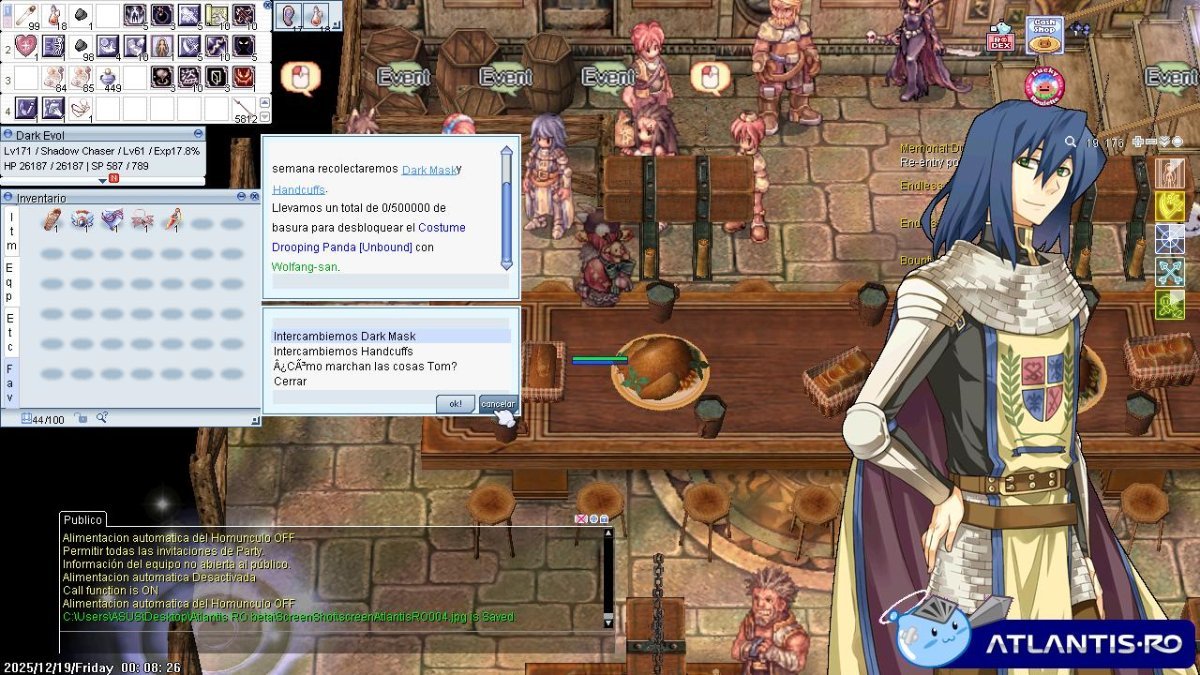
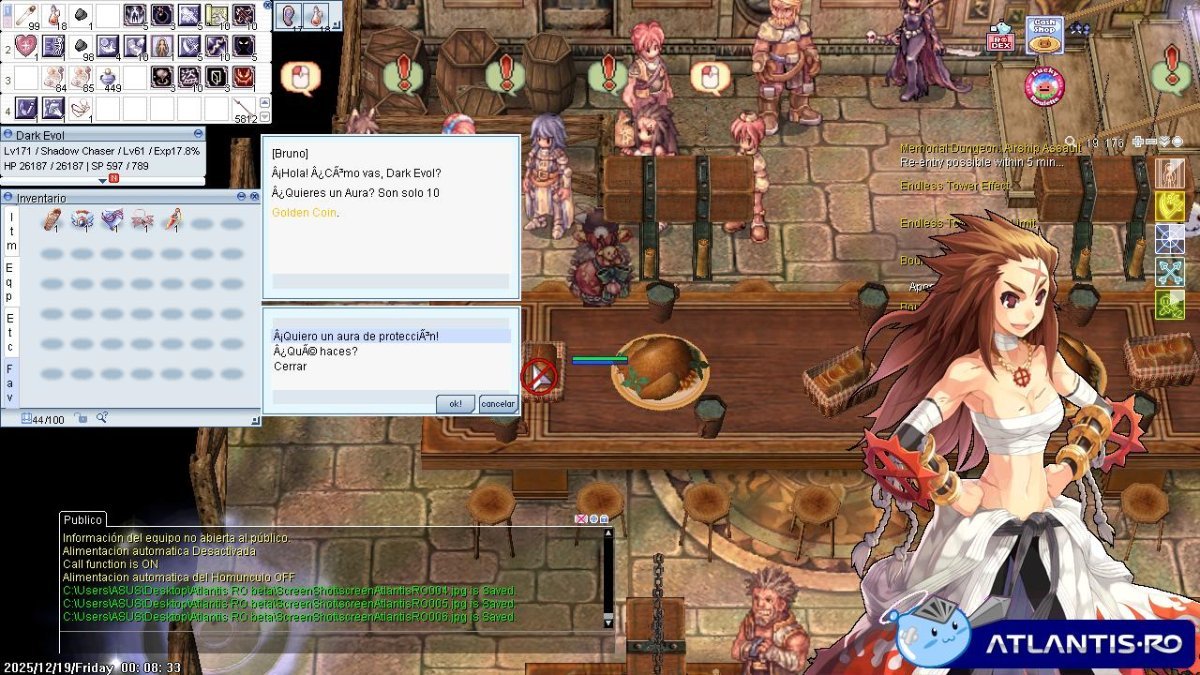
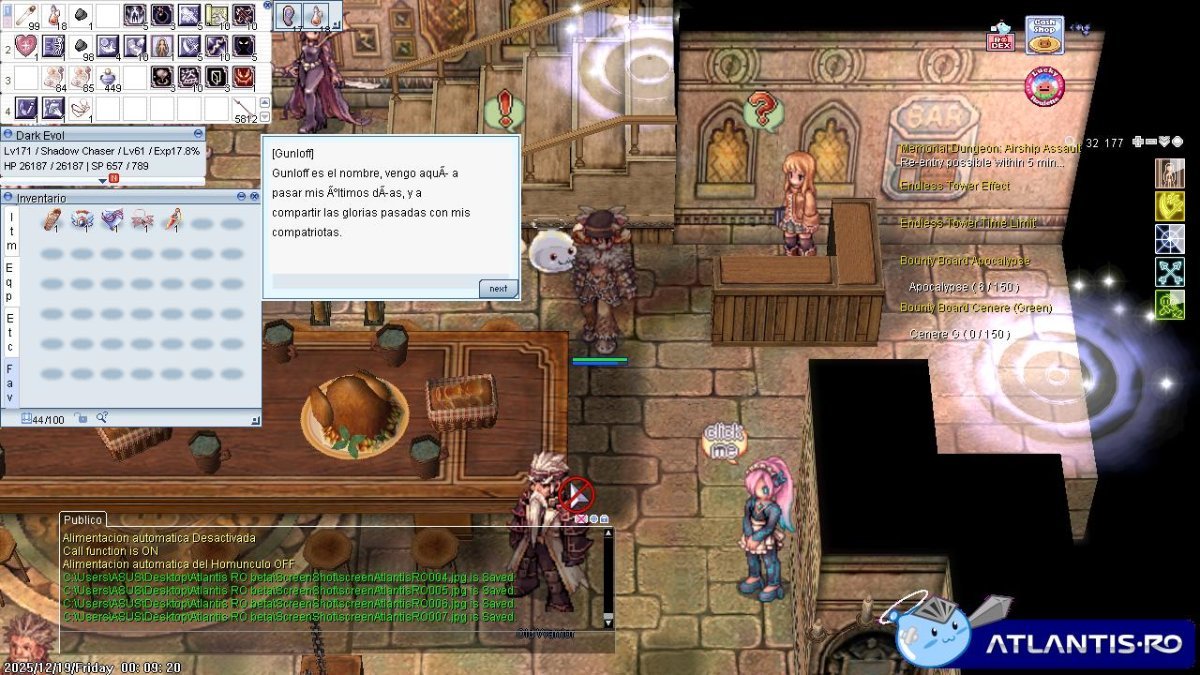
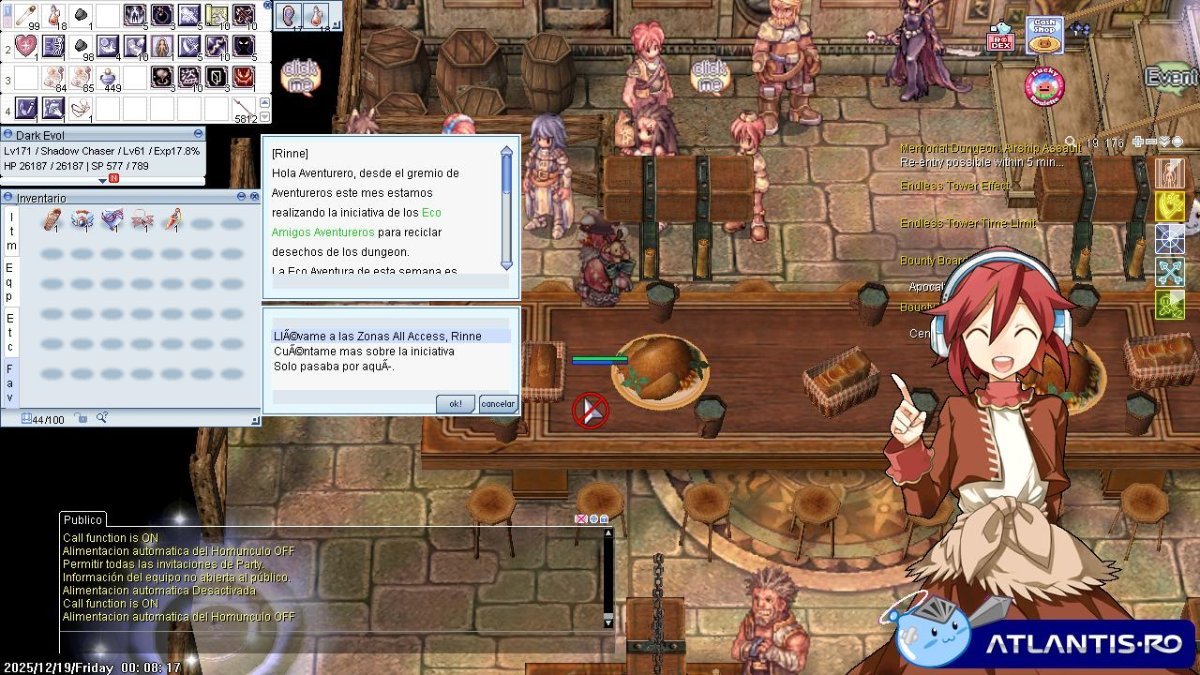
Algunos npcs tienen algunos textos que no se entienden, ire actualizando conforme vaya encontrando mas. 
 

screenAtlantisRO004.jpg

screenAtlantisRO005.jpg

screenAtlantisRO007.jpg

screenAtlantisRO008.jpg

Críticas de usuarios

Comentarios recomendados

Publicado

Hola Evol, gracias, descuida ese problema es por la codificación UTF8 en lugar de ANSI para scripts en español, fue por una mala sincronización que no subió los script en formato ANSI. 

Lo comunicamos en los Known Issues:

  • El emulador no está correctamente sincronizado, por lo que muchos NPC en español tienen textos con símbolos raros (gibberish).


Procedo a cerrar.

Guest
This is now closed for further comments

Configure browser push notifications

Chrome (Android)
  1. Tap the lock icon next to the address bar.
  2. Tap Permissions → Notifications.
  3. Adjust your preference.
Chrome (Desktop)
  1. Click the padlock icon in the address bar.
  2. Select Site settings.
  3. Find Notifications and adjust your preference.