Jump to content
View in the app

A better way to browse. Learn more.

Foro AtlantisRO

A full-screen app on your home screen with push notifications, badges and more.

To install this app on iOS and iPadOS
  1. Tap the Share icon in Safari
  2. Scroll the menu and tap Add to Home Screen.
  3. Tap Add in the top-right corner.
To install this app on Android
  1. Tap the 3-dot menu (⋮) in the top-right corner of the browser.
  2. Tap Add to Home screen or Install app.
  3. Confirm by tapping Install.

Tabla de líderes

Contenido popular

Showing content with the highest reputation on 08/10/23 en Mensajes

  1. 3 puntos
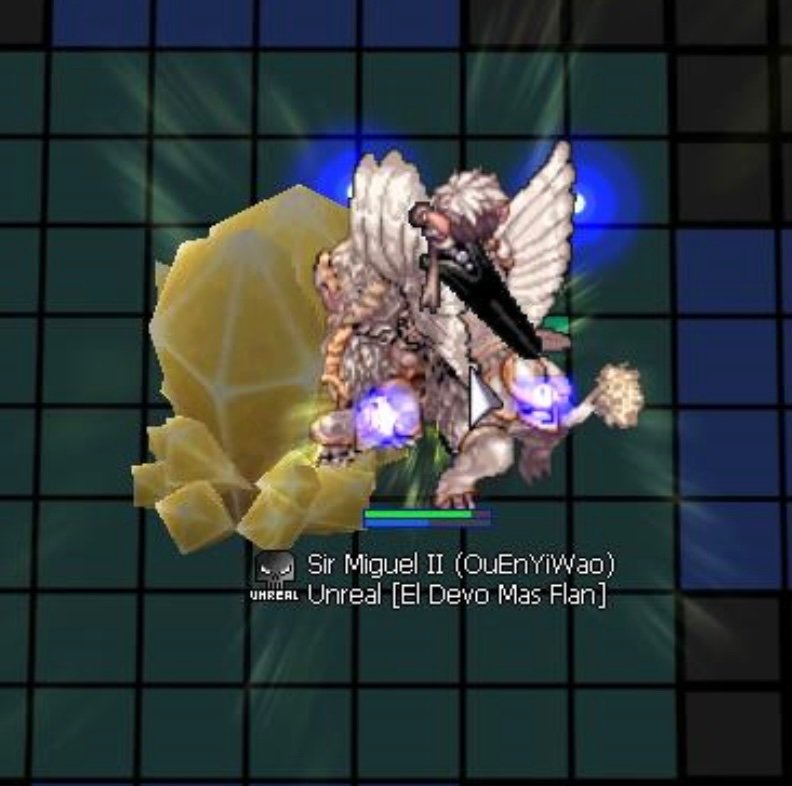
    Huy que malos calls e intentos de call del Linker ? Doy clases los Viernes... Manden tikets pak nerfeen los REBES de MGM
  2. 1 punto
    Que opinan JAJAJJAJAJA?
  3. 1 punto
    Nos vemos el viernes , buena woe ?
  4. 1 punto
    Bueno lo que se demoraron ahi pa hacer algo 1, 2 no se la verdad....relax aqui andamos Activos, todo bien el viernes full piedrita. ?
  5. 0 puntos
    a ver cuanto duran 3k de comidas de int

Account

Navigation

Buscar

Configure browser push notifications

Chrome (Android)
  1. Tap the lock icon next to the address bar.
  2. Tap Permissions → Notifications.
  3. Adjust your preference.
Chrome (Desktop)
  1. Click the padlock icon in the address bar.
  2. Select Site settings.
  3. Find Notifications and adjust your preference.