Jump to content
View in the app

A better way to browse. Learn more.

Foro AtlantisRO

A full-screen app on your home screen with push notifications, badges and more.

To install this app on iOS and iPadOS
  1. Tap the Share icon in Safari
  2. Scroll the menu and tap Add to Home Screen.
  3. Tap Add in the top-right corner.
To install this app on Android
  1. Tap the 3-dot menu (⋮) in the top-right corner of the browser.
  2. Tap Add to Home screen or Install app.
  3. Confirm by tapping Install.

Neonithe

Members
  • Ingreso

  • Última visita

  1. Solucionado! muchas gracias y disculpas por la molestia ?
  2. Hola! acabo de probarlo, pero sigue igual ?
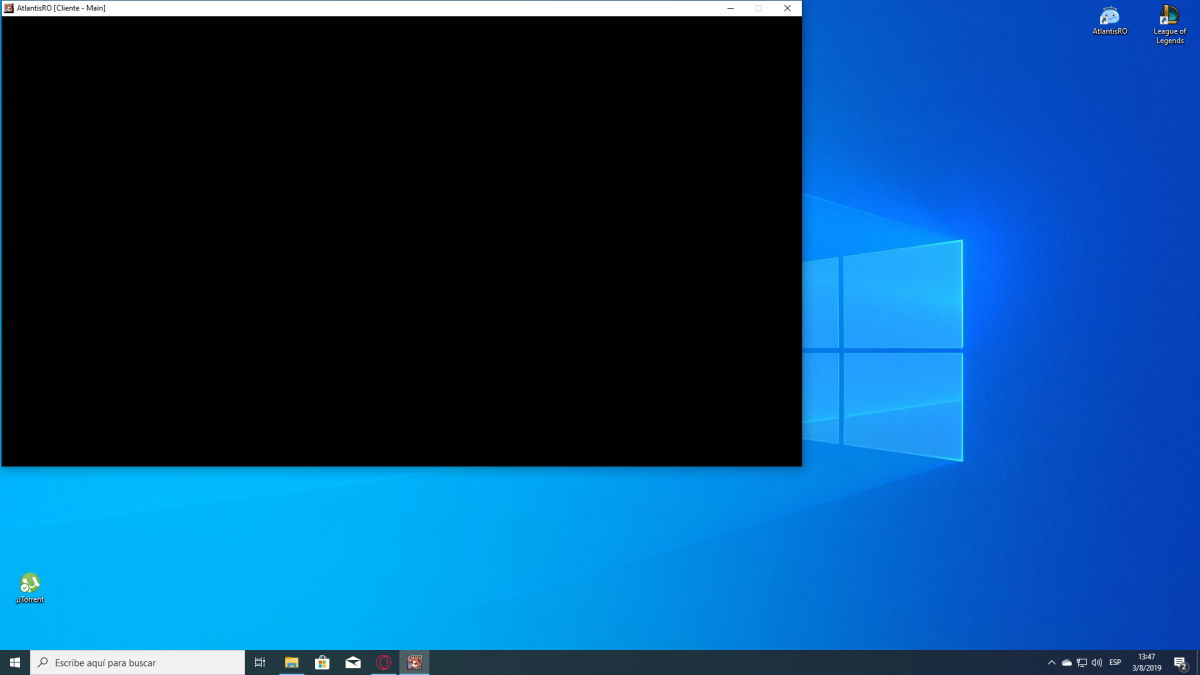
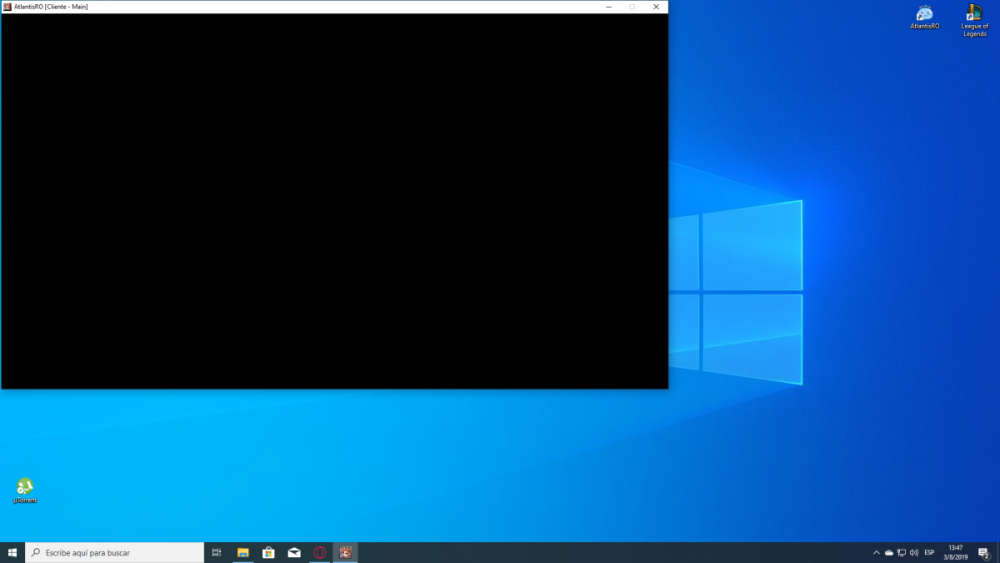
  3. Hola buenas! formatee mi pc hace dos días. Instalé todos los drivers de la gpu (tengo una rx570, no sé si sirva de algo el dato) y en drive booster no me aparecen nuevos, pero cuando quiero iniciar el juego se queda en negro así. La música del juego se escucha normalmente Alguna solución? antes de formatear podía jugar bien. Desde ya muchas gracias!

Configure browser push notifications

Chrome (Android)
  1. Tap the lock icon next to the address bar.
  2. Tap Permissions → Notifications.
  3. Adjust your preference.
Chrome (Desktop)
  1. Click the padlock icon in the address bar.
  2. Select Site settings.
  3. Find Notifications and adjust your preference.