carlos_s744
Members
-
Ingreso
-
Última visita
-
 carlos_s744 ha cambiado su foto de perfil
 -
Simplemente eso, que opciones son viables actualmente? Gracias.
-
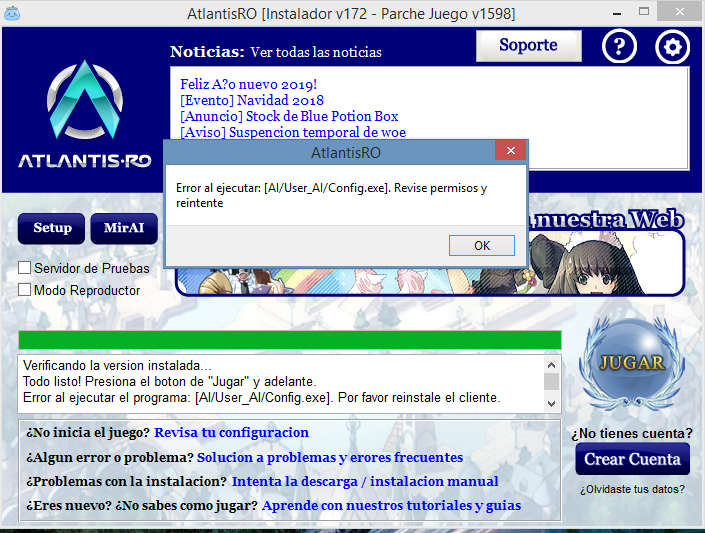
Buenas, como se está configurando actualmente el AI? Intente apretando el MirAi que aparece en el cliente pero me sale ese mensaje.. que sucede? o se configura desde otro lugar?
-
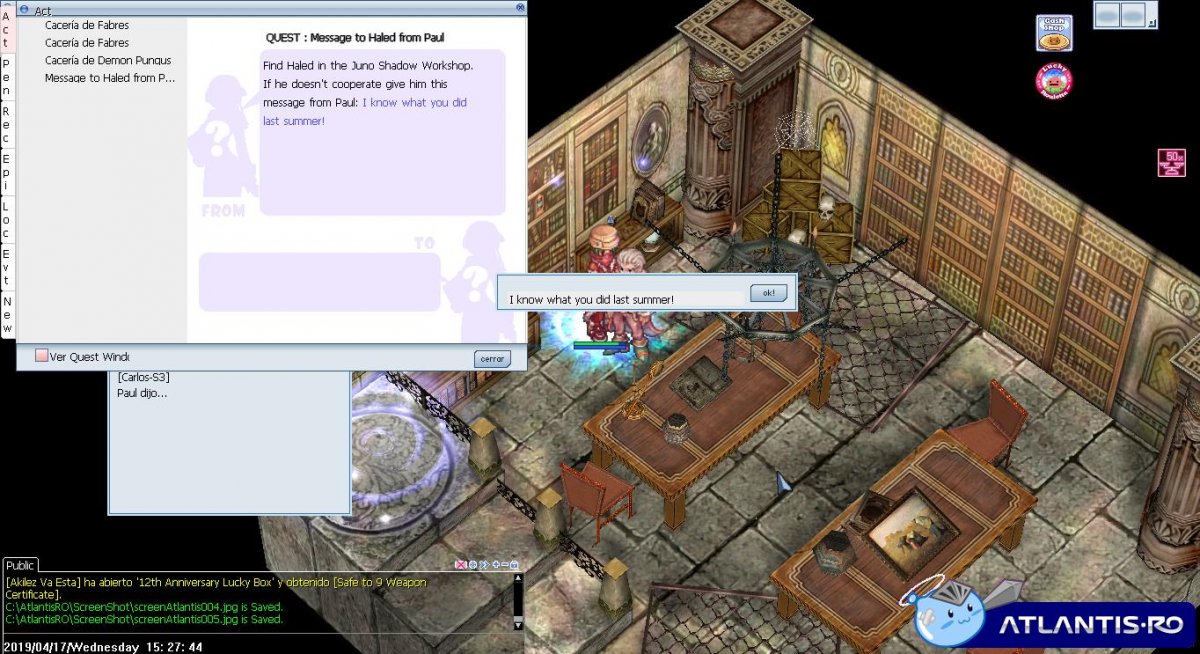
Muchas gracias! ambos tenían razón, me resulto a la primera con la frase que me dijiste
-
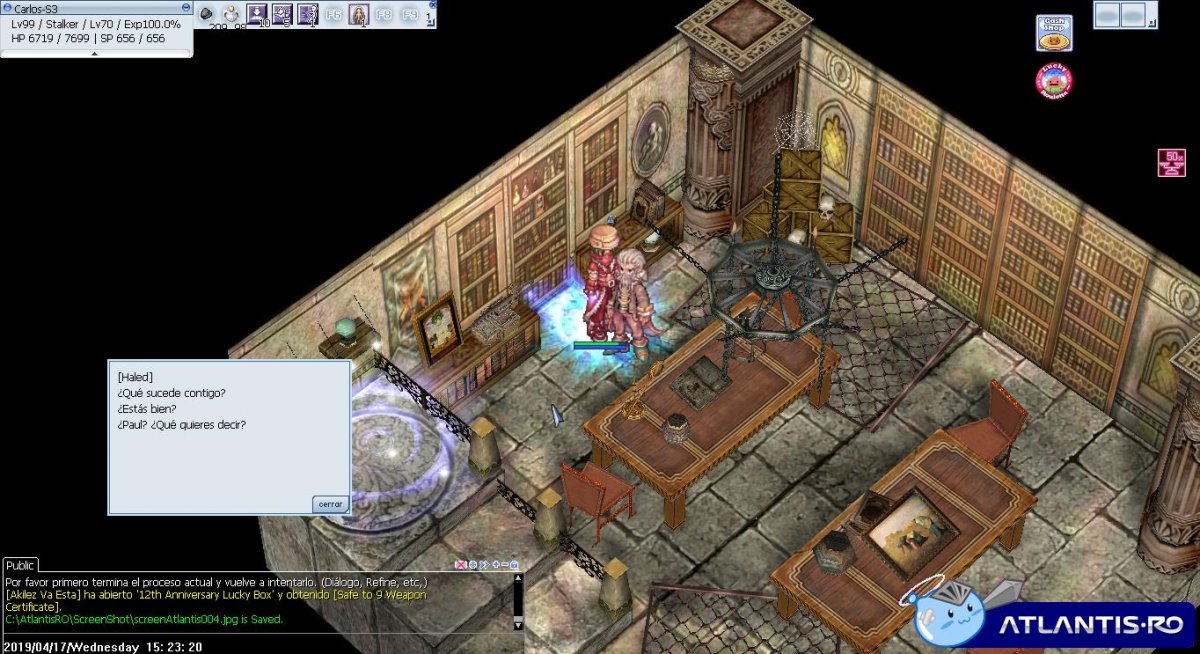
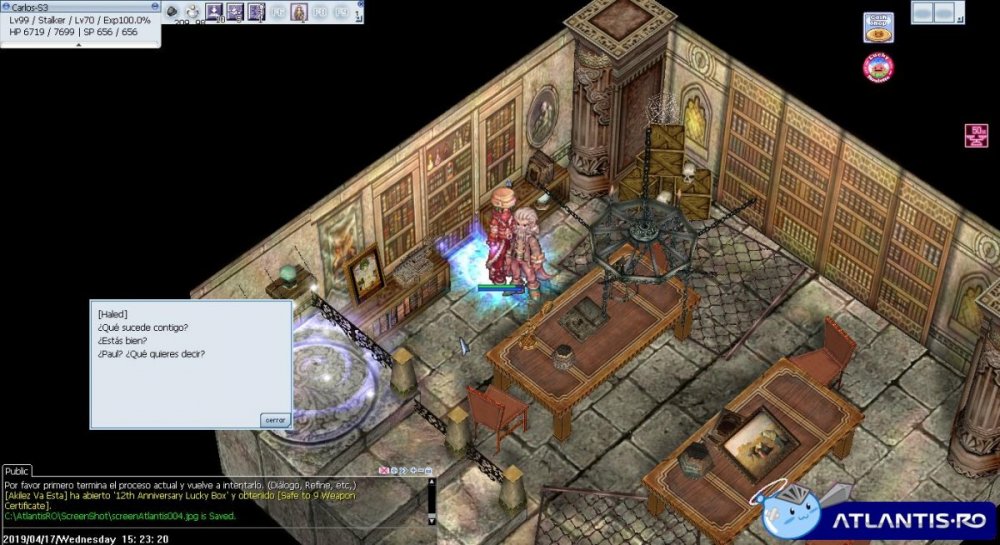
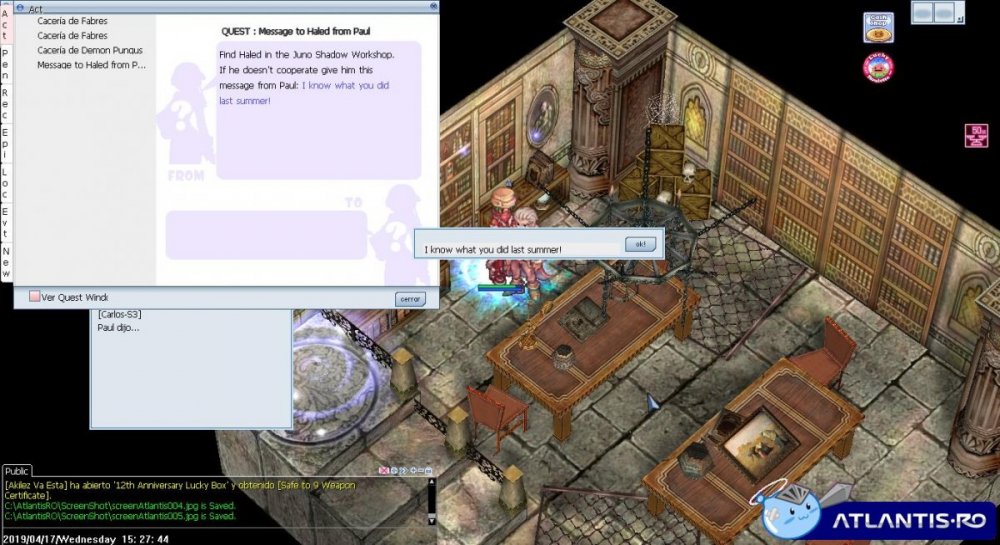
Bueno gente, quedo en esta parte de la quest, donde me pide colocar la siguiente frase para continuar. Mi problema es que la coloco tal cual se ve en la imagen (y de muchas otras formas), pero la única respuesta que recibo es esta: Ojala me puedan ayudar, ya no se que mas probar, también intente colocando la frase en español..
-
Muy buenas, quisiera consultar sobre el mejor equipo actualmente para warlock (que no incluya mvp card obviamente ), eso gracias.