MARSATTACK
Members
-
Ingreso
-
Última visita
Todo lo publicado por MARSATTACK
-
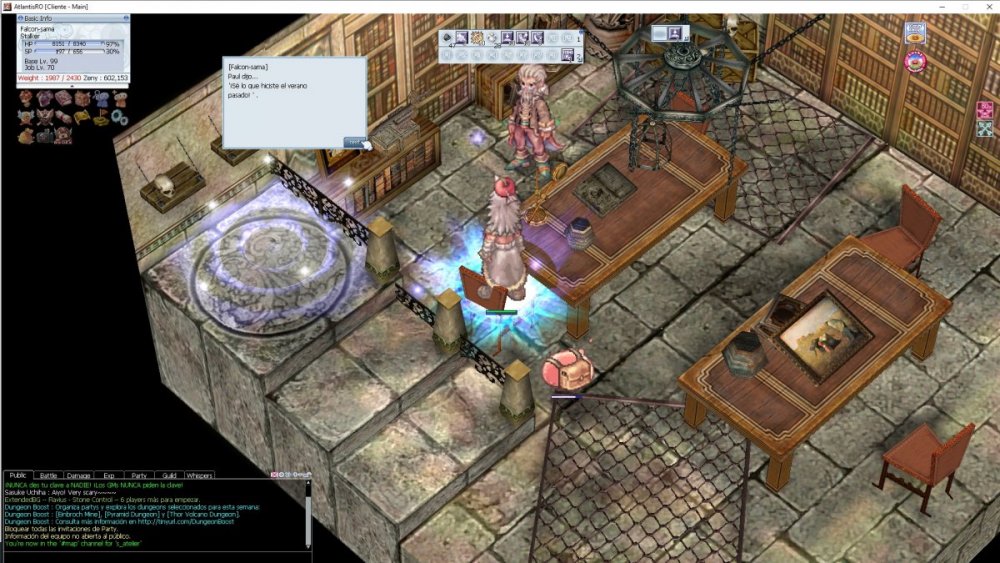
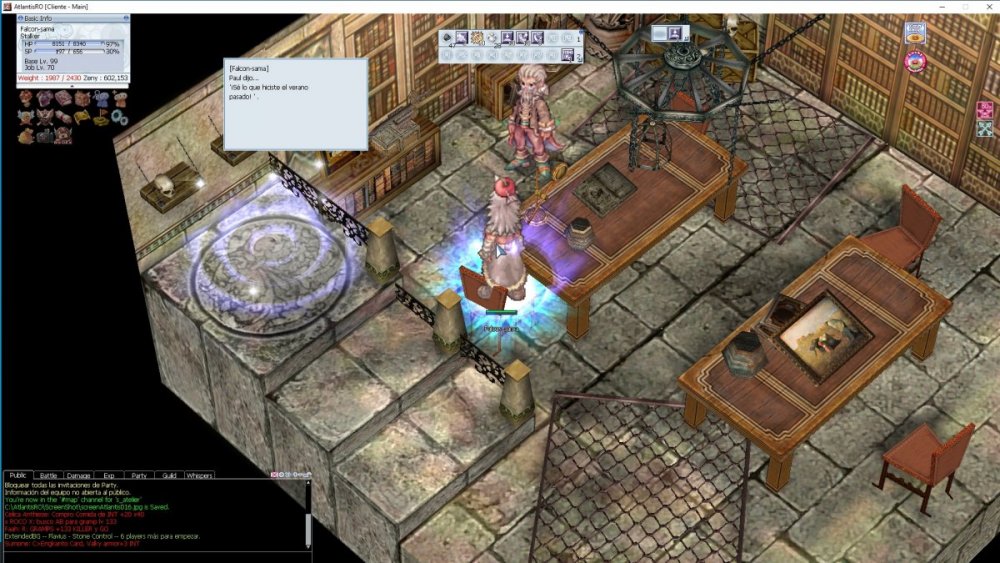
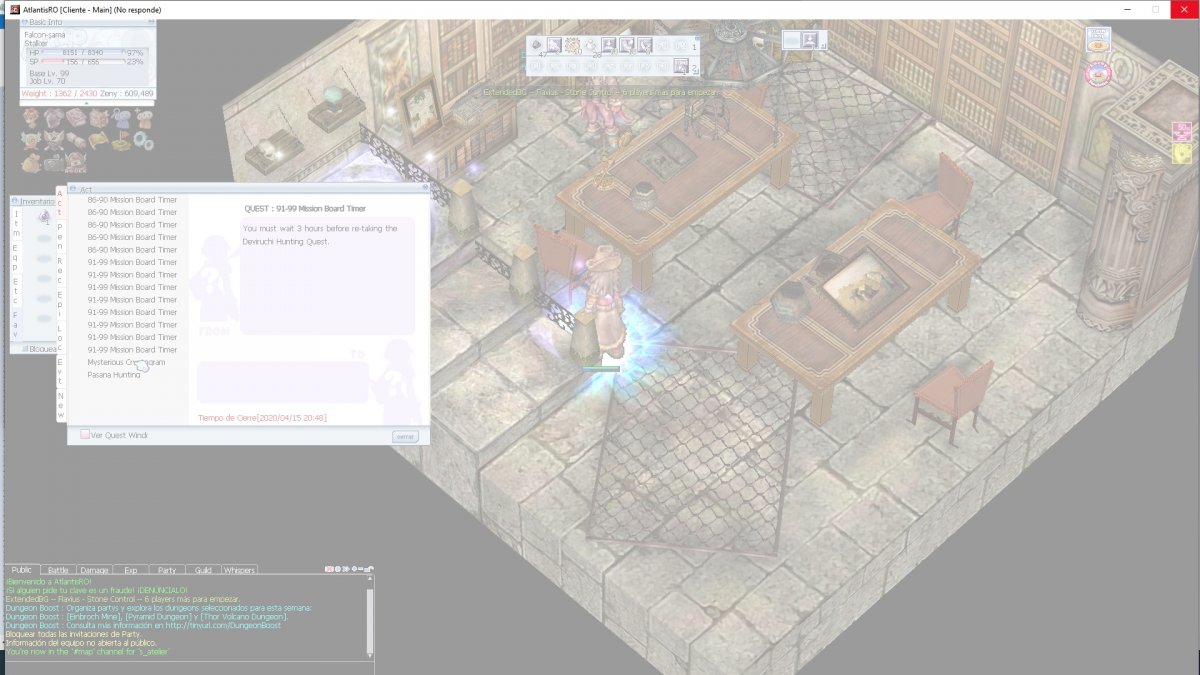
 Update intenten poniendo ¡Sé lo que hiciste el verano pasado! y debería continuar el quest, pero amenos en mi caso se sigue buggeando como por ejemplo cuando intento ver el siguiente paso en el quest se trababa y se cerraba la pantalla. como quiera ignoren el quest log y sigan con el quest.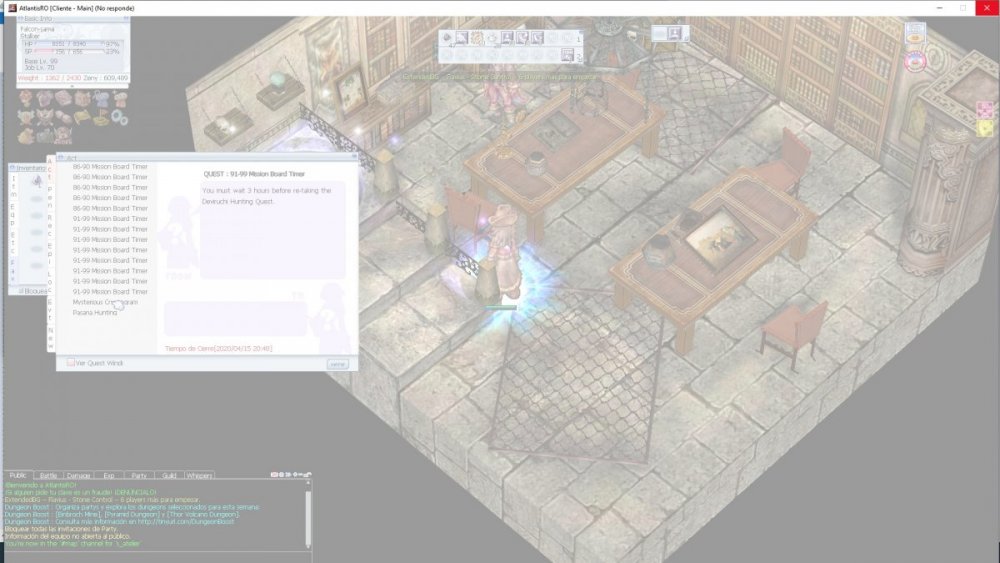
-
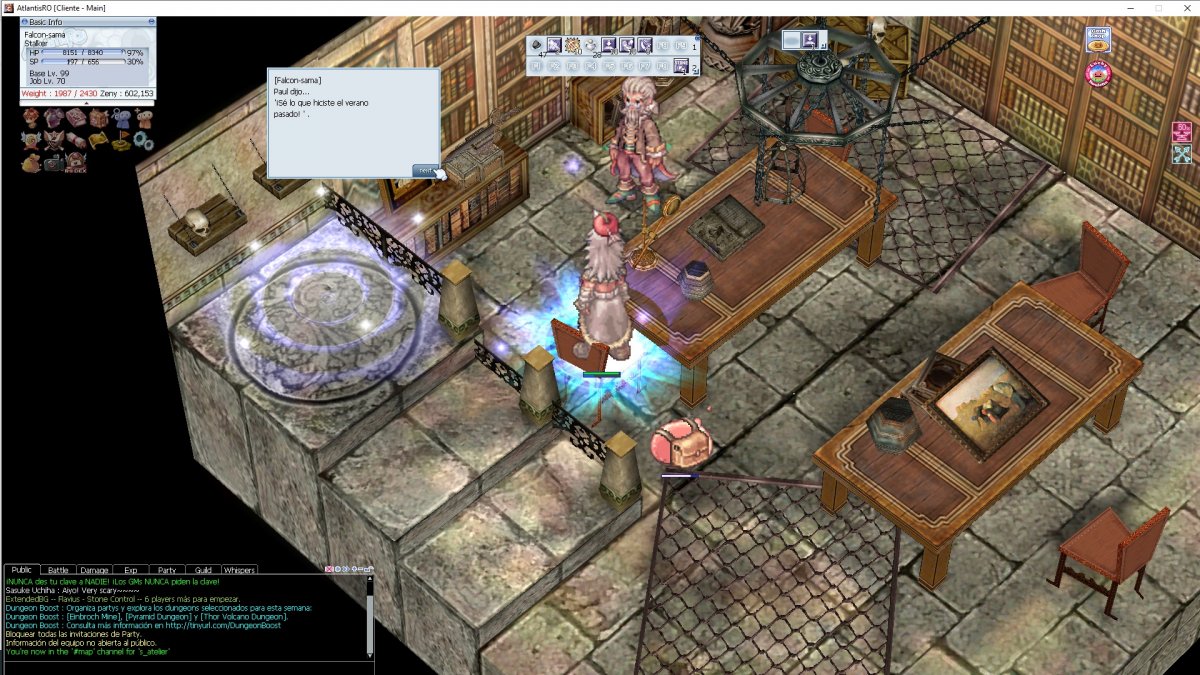
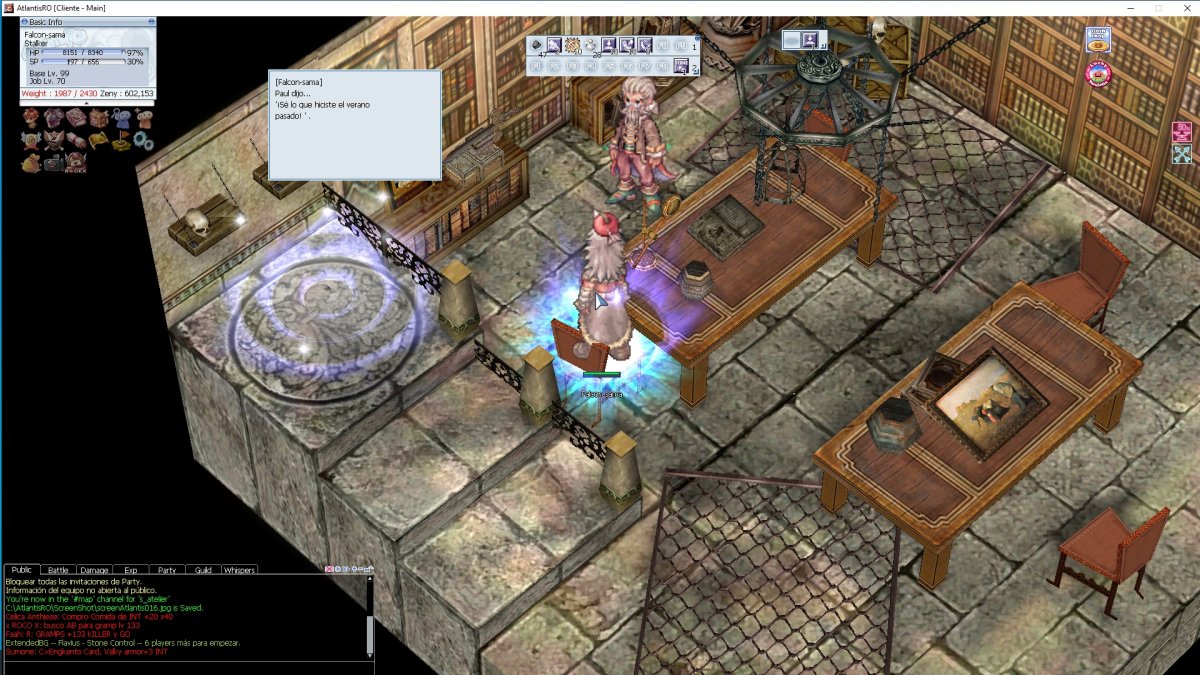
Hola!, creo encontré un error en uno de los pasos del quest, estoy hablando con el manager y cuando me pide que ponga la respuesta (¡Sé lo que hiciste el verano pasado!) no quiere avanzar el siguiente dialogo ya intente cerrando y volviendo a logear. alguna ayuda?