Jump to content
View in the app

A better way to browse. Learn more.

Foro AtlantisRO

A full-screen app on your home screen with push notifications, badges and more.

To install this app on iOS and iPadOS
  1. Tap the Share icon in Safari
  2. Scroll the menu and tap Add to Home Screen.
  3. Tap Add in the top-right corner.
To install this app on Android
  1. Tap the 3-dot menu (⋮) in the top-right corner of the browser.
  2. Tap Add to Home screen or Install app.
  3. Confirm by tapping Install.

shusita

Members
  • Ingreso

  • Última visita

Todo lo publicado por shusita

  1. La pasamos genial ❤️
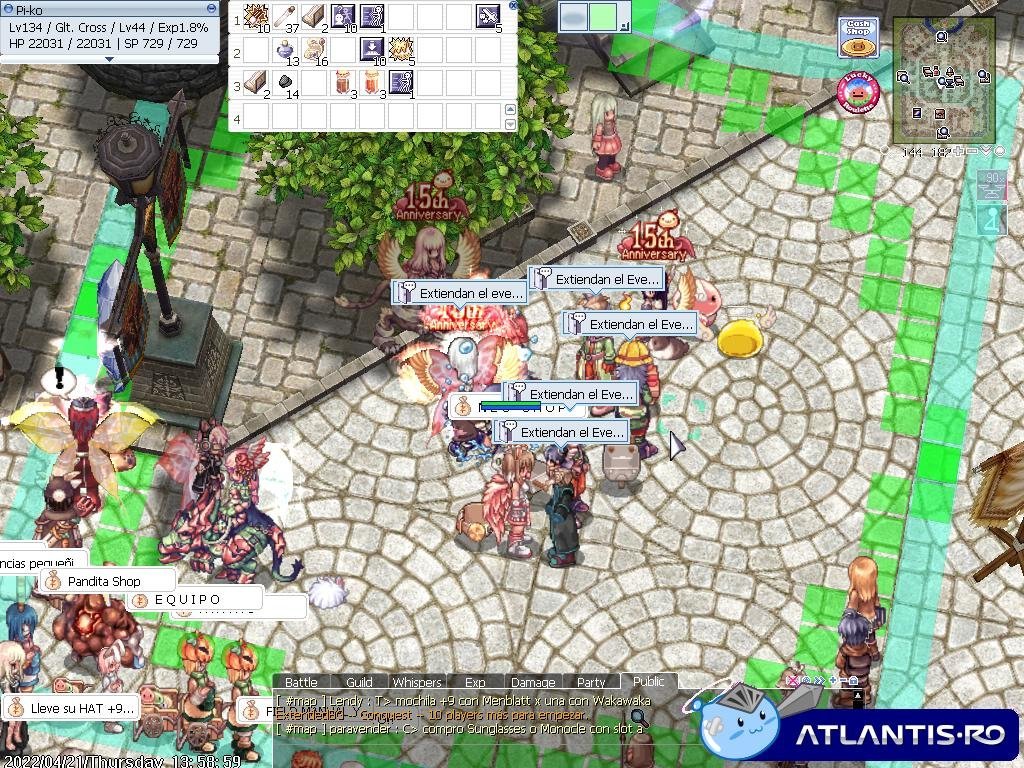
  2. Debido al éxito del mismo pido se extienda el tiempo de duración, por favor. Favor de extender el evento. Gracias
  3. Hola bienvenido, te mande un mensajito
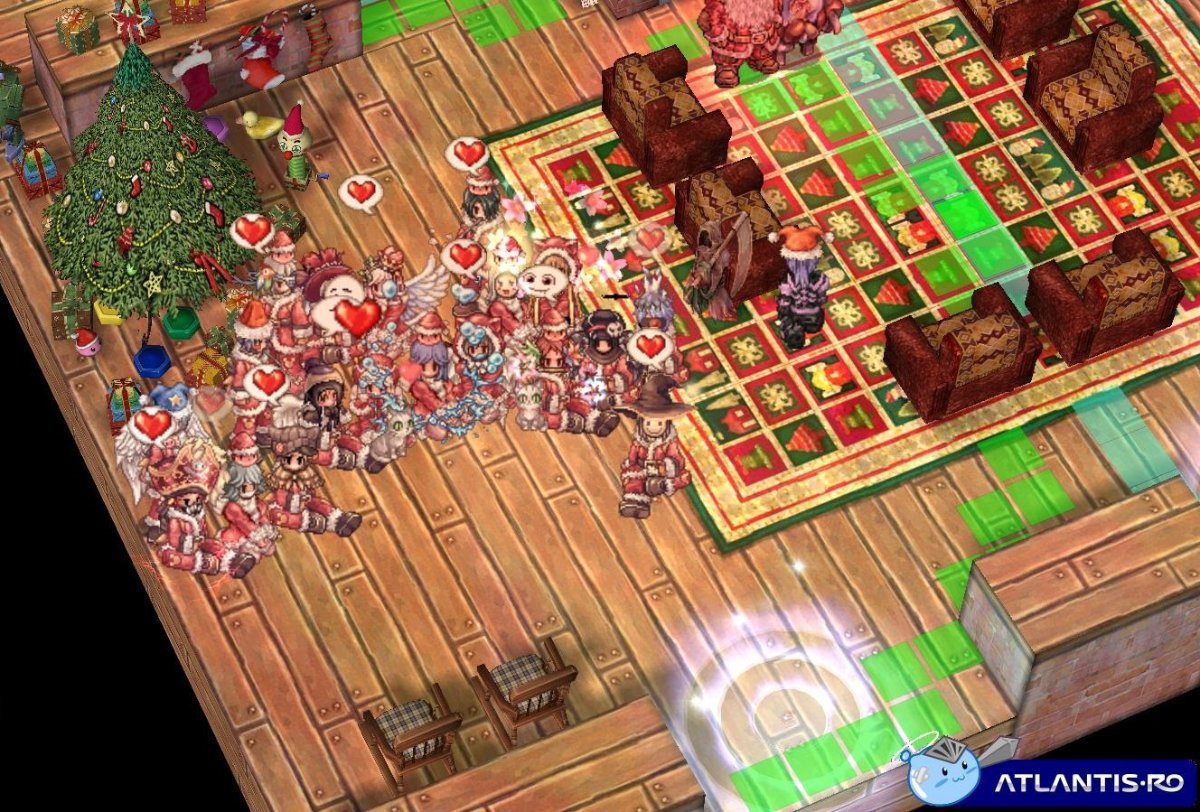
  4. Felices fiestas ! Intercambio Navideño Dragons (gracias a la organizadora) Dragons Recluta go Rachel
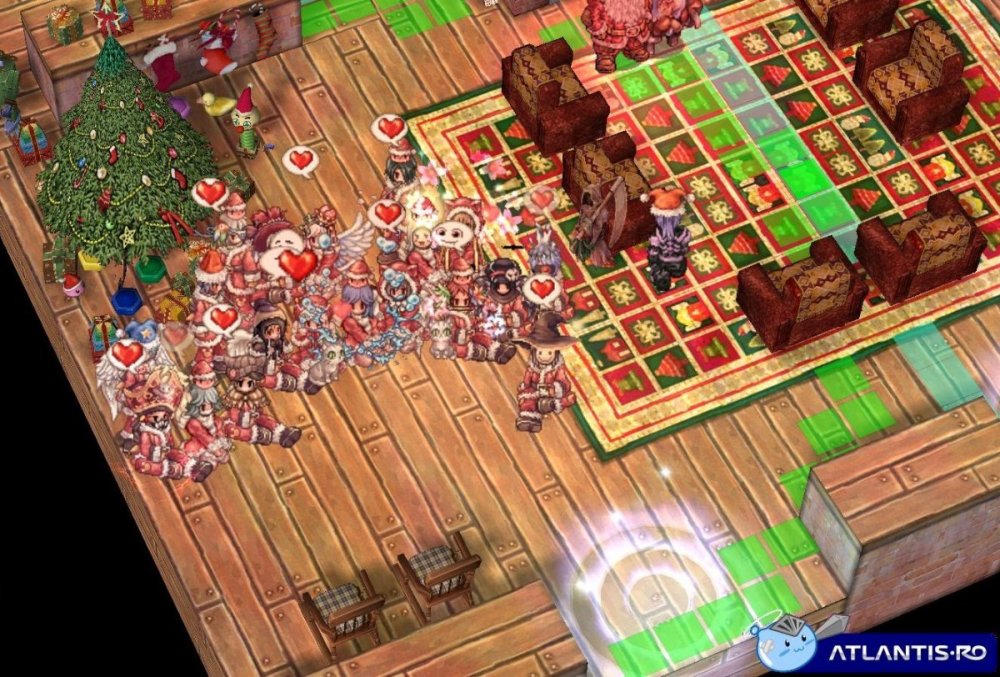
  5. Up ❤️
  6. go Rachel
  7. Buen Torneo ! Felicidades a los ganadores! Dragons Recluta
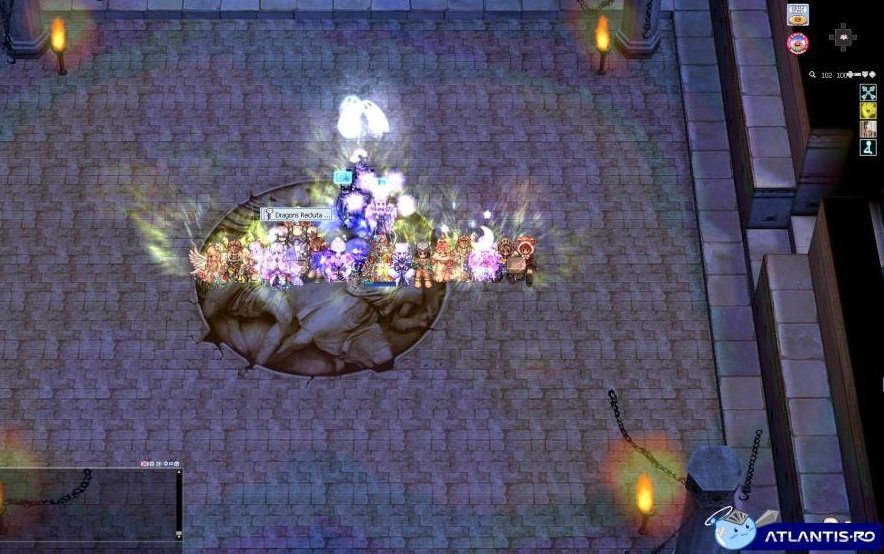
  8. Apoyo lo que dice Ferchis :3

Configure browser push notifications

Chrome (Android)
  1. Tap the lock icon next to the address bar.
  2. Tap Permissions → Notifications.
  3. Adjust your preference.
Chrome (Desktop)
  1. Click the padlock icon in the address bar.
  2. Select Site settings.
  3. Find Notifications and adjust your preference.