jgquintana
Members
-
Ingreso
-
Última visita
Todo lo publicado por jgquintana
-
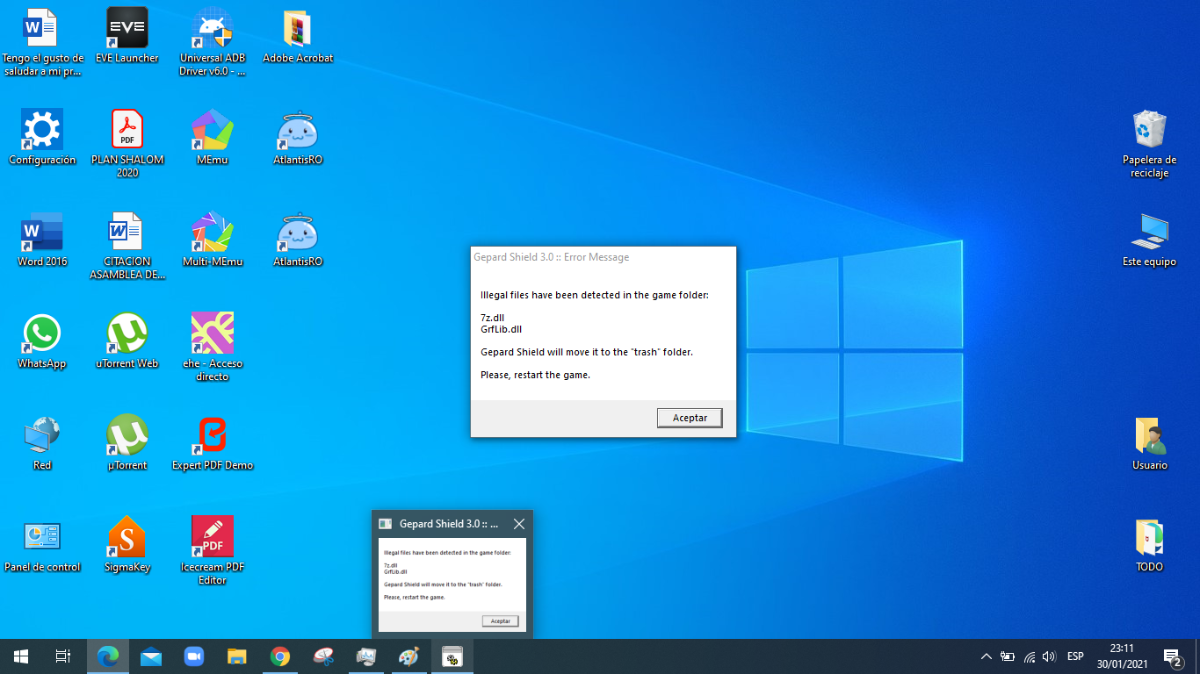
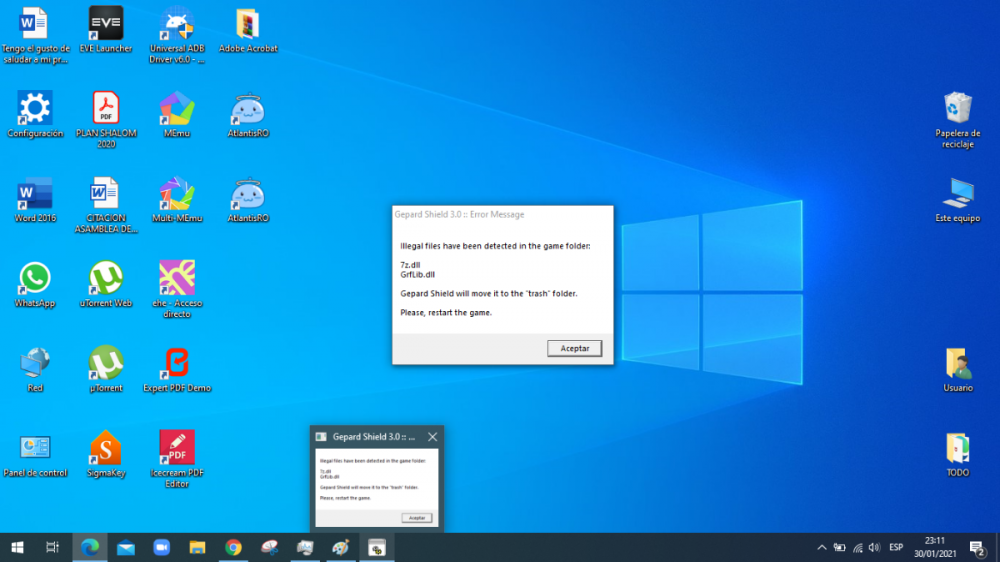
 si ya se soluciono gracias sino que el parche me creo otro acceso, no me di cuenta y el iniciarlo tambien salio un cuadro de error y 2 archivos pero de ahí normal inicio... XD ... gracias
 -
descargue parche manual, y ahora sale esto ,,
-
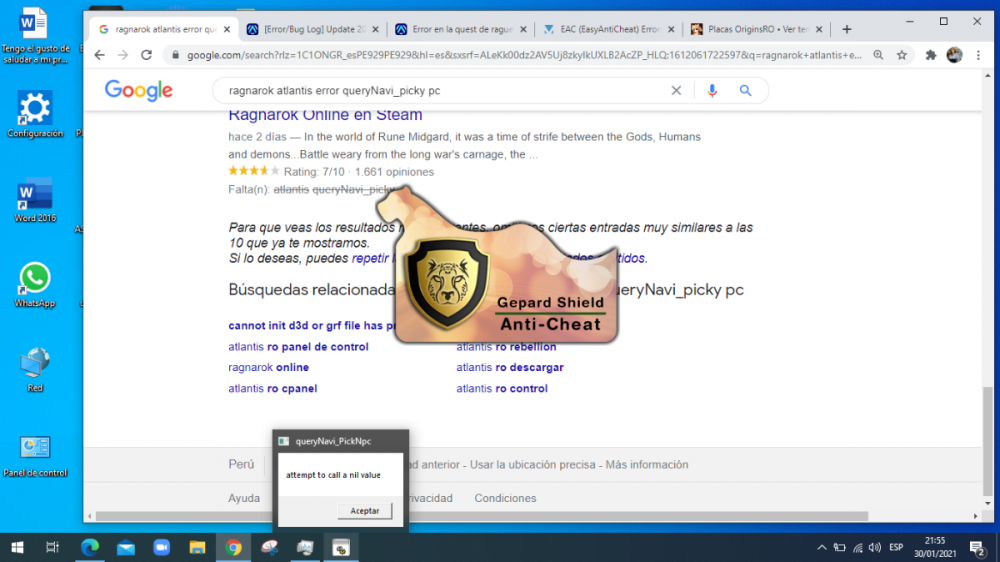
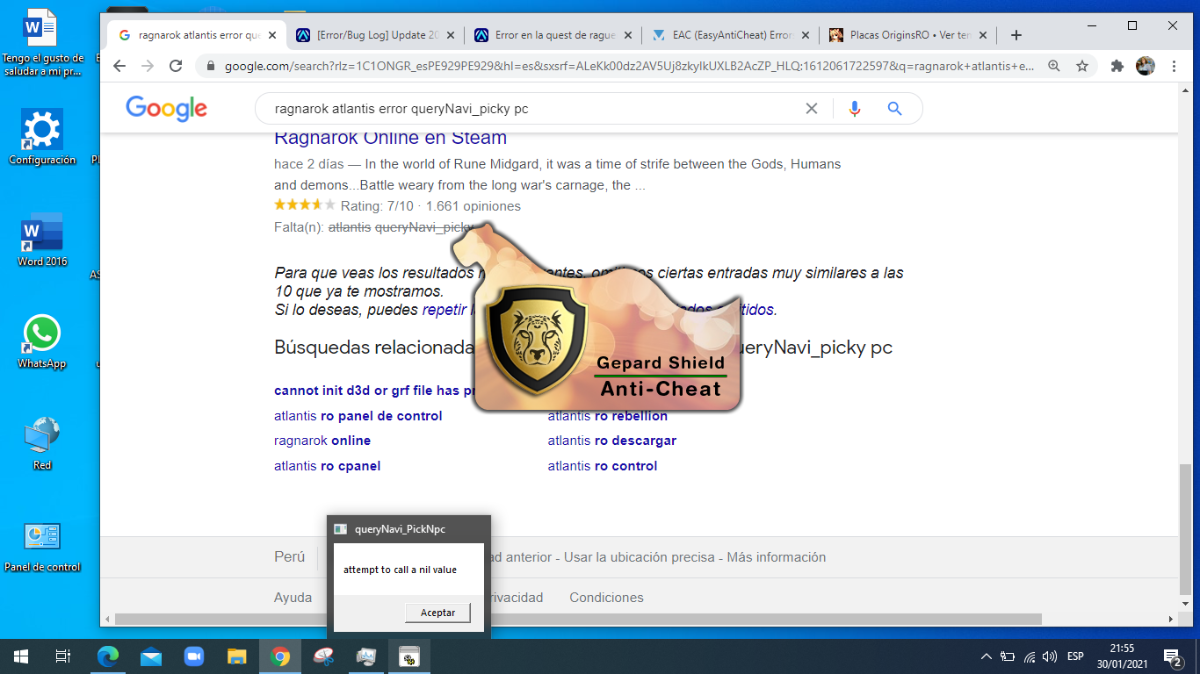
buenas noches, me canse de buscar solución, me sales este mensaje, supuestamente se instalo bien , pero bueno de verdad me canse ayuda pliss