Mikezada
Members
-
Ingreso
-
Última visita
-
Hola!!! Muchísimas gracias @Lord Nikolai Ivanovich, tu comentario me sirvió de mucha ayuda, solo me hacia falta la parte de compatibilidad que no recordaba, ya con eso todo listo el launcher hecho a andar y actualizar lo que hacia falta y al fin logre entrar sin problema, me dio un problema por alguien que paso en prontera pero eso es por el objeto que llevaba puesto seguro que no me reconoció el sprite o algo así (no tome captura de los errores xD), entre nuevamente y como si nada Muchísimas gracias!! Saludos.-
-
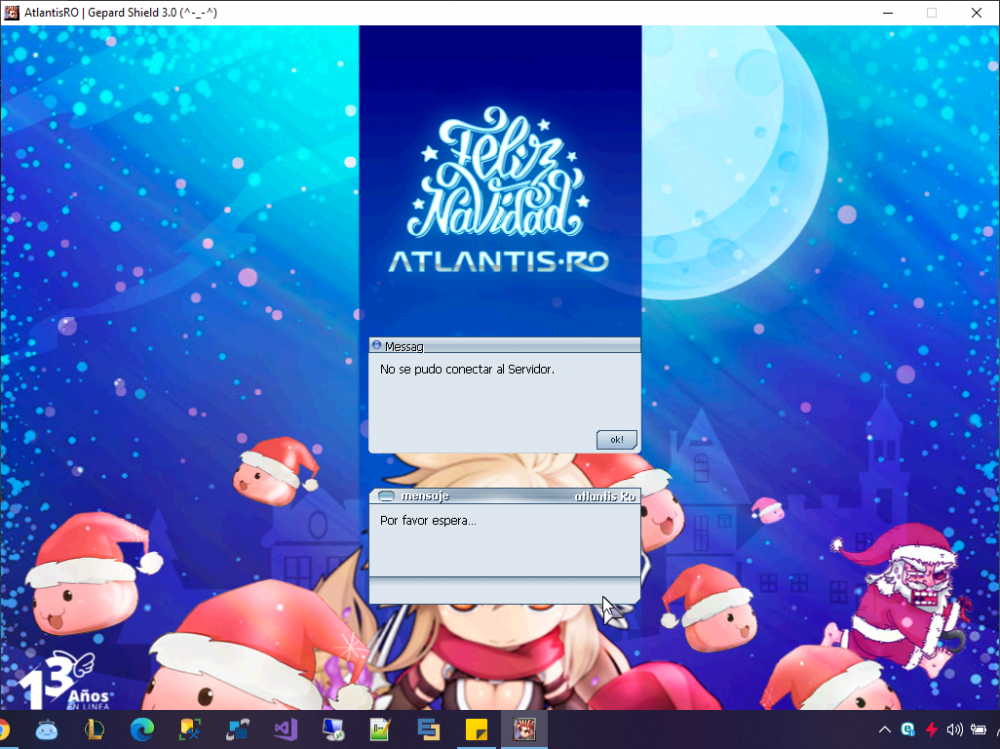
Hola buen día! Estoy instalando desde cero el cliente de RO y al tratar de entrar solamente me envía mensaje de que no se pudo conectar con el servidor. Si entro al panel de control con mis cuentas si tengo acceso, cabe mencionar que ya agregue la exclusion en el antivirus para que no me bloque las conexies, mas sin embargo continuo sin poder acceder. Favor de su apoyo. Saludos.-