
Jump to content
View in the app

A better way to browse. Learn more.

Foro AtlantisRO

A full-screen app on your home screen with push notifications, badges and more.

To install this app on iOS and iPadOS
  1. Tap the Share icon in Safari
  2. Scroll the menu and tap Add to Home Screen.
  3. Tap Add in the top-right corner.
To install this app on Android
  1. Tap the 3-dot menu (⋮) in the top-right corner of the browser.
  2. Tap Add to Home screen or Install app.
  3. Confirm by tapping Install.

miguelbenitez

Members
  • Ingreso

  • Última visita

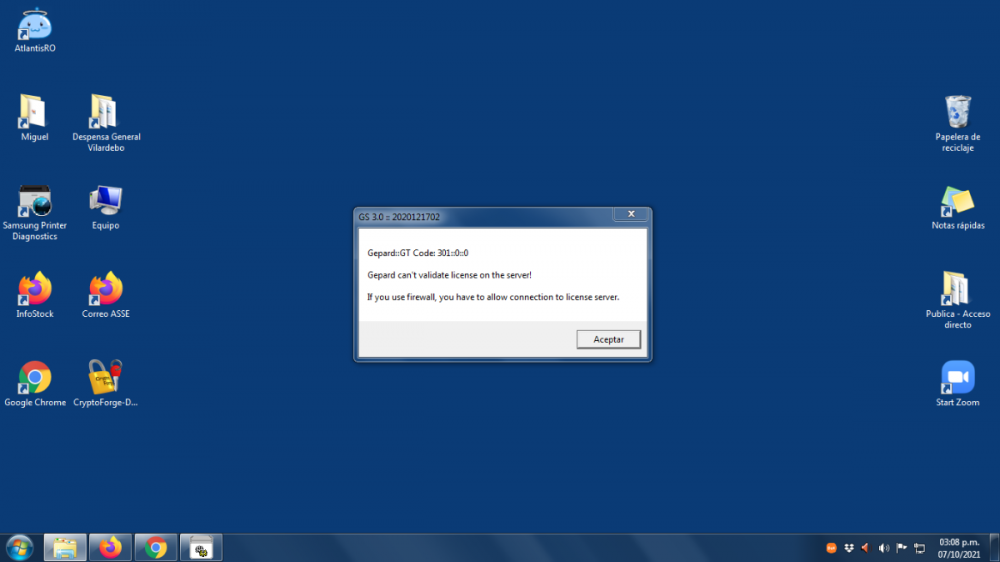
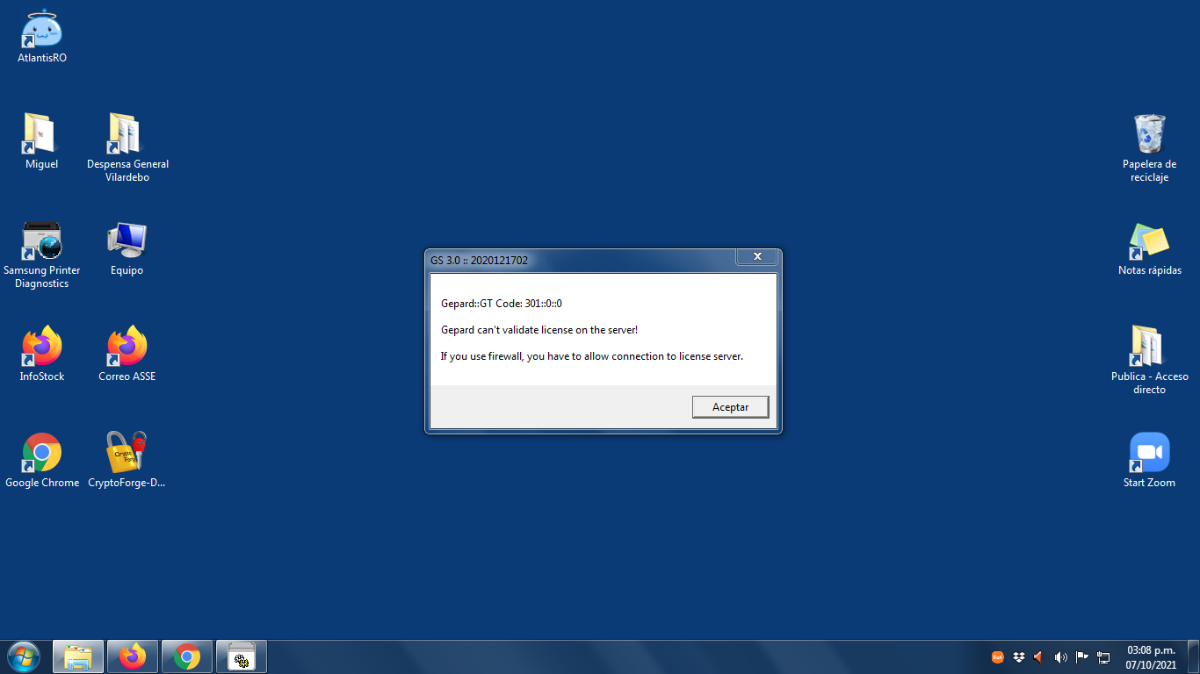
  1. Gracias por la respuesta pero ese error sale en mi trabajo que talvez sea problema de firewall o restricciones. Lo instale en casa y ahora me da este error
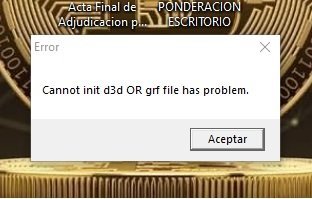
  2. Hola a toda la comunidad de este gran juego.... Soy un ex jugador de hace 10 años y que nuevamente quiero volver a estar entre ustedes... La duda concreta es esta: Entro a su web, descargo el archivo completo de 2GB de espacio, se instala y entro desde el acceso directo que se crea en el escritorio pero no puedo entrar. Adjunto foto de pantalla para que vean que es y como lo soluciono.
Configure browser push notifications

Chrome (Android)
  1. Tap the lock icon next to the address bar.
  2. Tap Permissions → Notifications.
  3. Adjust your preference.
Chrome (Desktop)
  1. Click the padlock icon in the address bar.
  2. Select Site settings.
  3. Find Notifications and adjust your preference.