Jump to content
View in the app

A better way to browse. Learn more.

Foro AtlantisRO

A full-screen app on your home screen with push notifications, badges and more.

To install this app on iOS and iPadOS
  1. Tap the Share icon in Safari
  2. Scroll the menu and tap Add to Home Screen.
  3. Tap Add in the top-right corner.
To install this app on Android
  1. Tap the 3-dot menu (⋮) in the top-right corner of the browser.
  2. Tap Add to Home screen or Install app.
  3. Confirm by tapping Install.

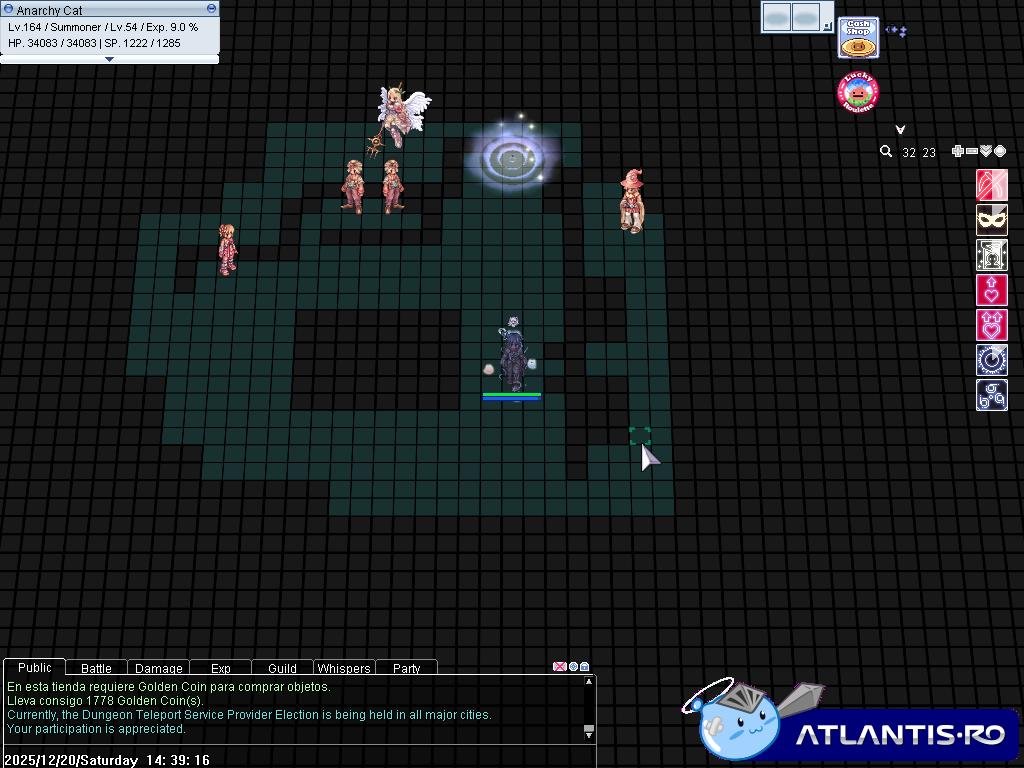
No sé si fue a propósito pero faltan algunos npc, en la zona de golden coins y a la derecha de prontera.
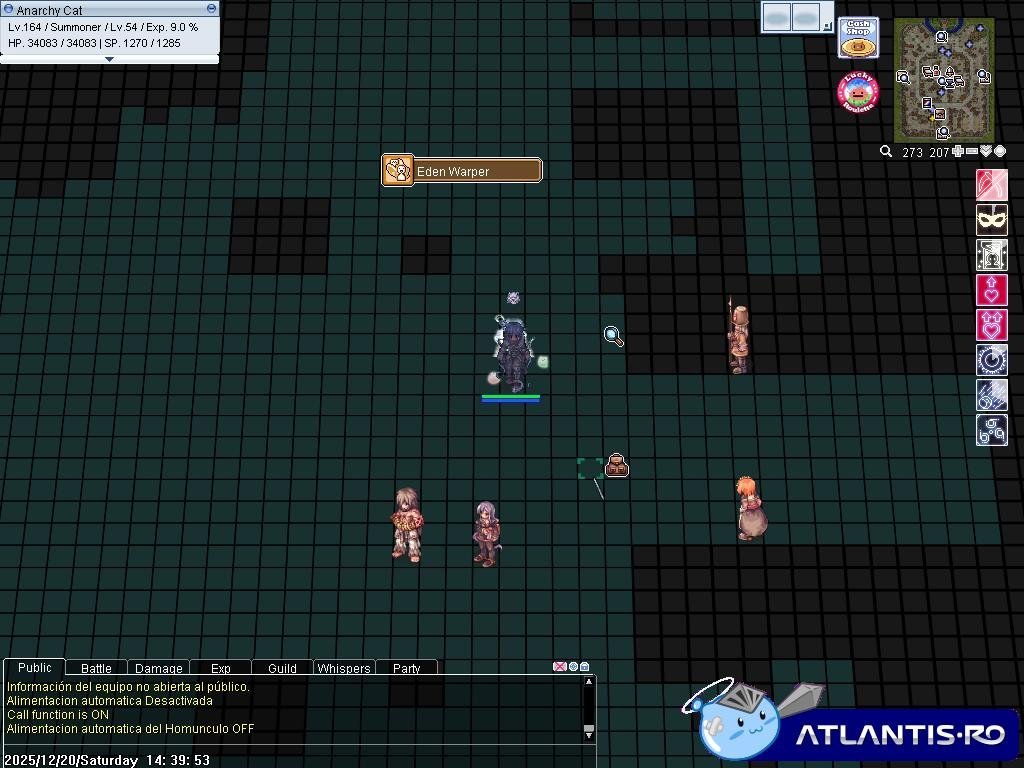


image.thumb.jpeg.d8762d03b640291866d74ebc72157c1f.jpegimage.thumb.jpeg.8efdc9eb81a55b008159b1332dce17b6.jpeg

Críticas de usuarios

Comentarios recomendados

KonPeko

Members
Publicado

Los de Prontera parece ser visual,se ven que estan un poco corridos pero hay hartos indicadores que hay que ajustar.
La tienda de golden ya no tendra a Rupi por ser un sistema obsoleto,y el king poring esta a mediados de ser renovado.

Publicado

No procede, los Flags de NPCs deben ser reacomodados por Zetsumei luego, ya es consciente de ello.

Los NPC de King Poring no se cargan aún.

Rupies, lo dicho por KonPeko.

Cerramos.

Guest
This is now closed for further comments

Configure browser push notifications

Chrome (Android)
  1. Tap the lock icon next to the address bar.
  2. Tap Permissions → Notifications.
  3. Adjust your preference.
Chrome (Desktop)
  1. Click the padlock icon in the address bar.
  2. Select Site settings.
  3. Find Notifications and adjust your preference.