Jump to content
View in the app

A better way to browse. Learn more.

Foro AtlantisRO

A full-screen app on your home screen with push notifications, badges and more.

To install this app on iOS and iPadOS
  1. Tap the Share icon in Safari
  2. Scroll the menu and tap Add to Home Screen.
  3. Tap Add in the top-right corner.
To install this app on Android
  1. Tap the 3-dot menu (⋮) in the top-right corner of the browser.
  2. Tap Add to Home screen or Install app.
  3. Confirm by tapping Install.

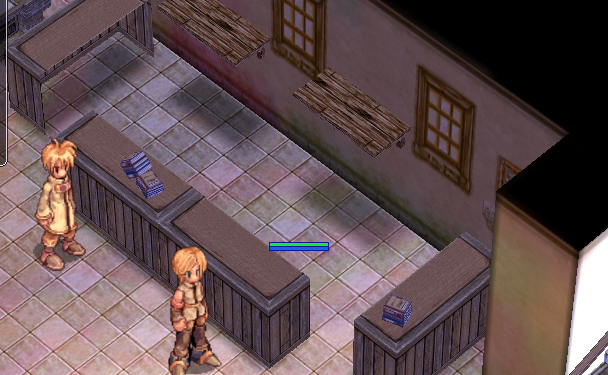
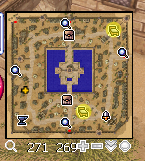
No están los npcs del inn, la coordeanda "teorica" es moroc_in 80,100 para el sur
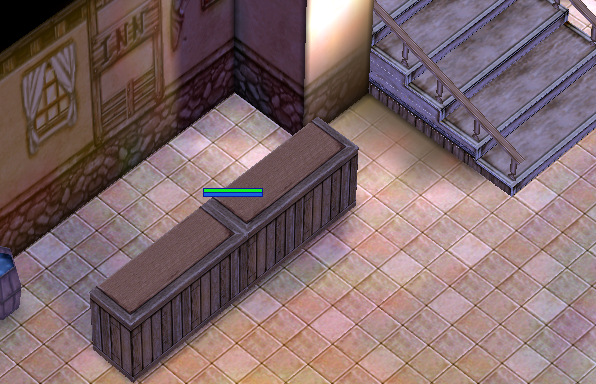
image.png.72493cb6fde21c9b66f820b9d4091bf1.png

morocc_in 148,139 para el norte

image.png.bebde25953da7db40955edeeb6c86a0f.png

image.png.43a6a8e6c8c46eaecc51c70bc8f3f731.png

Críticas de usuarios

Comentarios recomendados

Publicado

@Dohko gracias D., ya me asigne un track a mi mismo para ver esto.

Dime, ¿sabes de otras ciudades con el mismo problema? Ya tengo asignado el mismo caso por ejemplo clones faltantes de Guild Storage y con Kafras como las de los 4 cardinales en Prontera.

Join the conversation

Puede publicar ahora y registrarse más tarde. Si tiene una cuenta, iniciar sesión para publicar con su cuenta.

Guest
Add a comment...

Configure browser push notifications

Chrome (Android)
  1. Tap the lock icon next to the address bar.
  2. Tap Permissions → Notifications.
  3. Adjust your preference.
Chrome (Desktop)
  1. Click the padlock icon in the address bar.
  2. Select Site settings.
  3. Find Notifications and adjust your preference.