Tabla de líderes
-
TheOne
Members6Puntos449Contenido -
W ee D
Members2Puntos300Contenido -

Randy Marsh
Members2Puntos538Contenido -

Affar
Members1Puntos285Contenido




Contenido popular
Showing content with the highest reputation on 01/29/21 en Mensajes
-
2 puntos
-
1 puntoEl consultorio de la Dra Corazón está abierto, dirección Veins cerca de la casita de la izquierda. Monocell una súper guild! ??????1 punto
-
1 puntoBuscas partys divertidas aqui es el lugar, buen ambiente, mucho apoyo y sobre todo muchas partys. PD; Tambien contamos con la consejera del corazon, pregunta por ella ?1 punto
-
1 puntoPero miren nomás, ¿A poco no es un papucho? :v Su cara parece tallada por los mismos Angeling u////u (?)
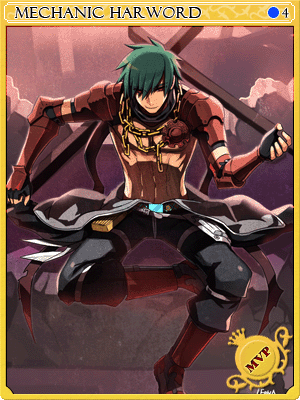 1 punto
 -
1 puntoRenoob, es ver a todas las guilds basuras juntandose para dar batalla, ahdhahshsha sigue llorando fracasado, sigan mamando pitos para mantenerse juntos putitos, por qué tanto edit? Ojalá pudieras editar tus cromosomas fracasado1 punto
-
1 punto
-
1 punto
-
1 punto
-
1 puntoUp a los chicos de Monocell !!! Te esperamos en Veins !!! Salen partys todos los días !!! ⊙﹏⊙1 punto
-
1 punto
-
1 punto
-
1 punto
-
1 punto
-
1 punto