


Jump to content
View in the app

A better way to browse. Learn more.

Foro AtlantisRO

A full-screen app on your home screen with push notifications, badges and more.

To install this app on iOS and iPadOS
  1. Tap the Share icon in Safari
  2. Scroll the menu and tap Add to Home Screen.
  3. Tap Add in the top-right corner.
To install this app on Android
  1. Tap the 3-dot menu (⋮) in the top-right corner of the browser.
  2. Tap Add to Home screen or Install app.
  3. Confirm by tapping Install.

Tabla de líderes

Contenido popular

Showing content with the highest reputation on 04/19/26 en Mensajes

  1. [Comunicado - Extensión] Comunidad, debido a que mucha gente no pudo aprovechar el fin de semana como deseaban por los ataques DDoS que anularon la posibilidad de loguear para muchos, extendemos la duración del evento 2 días hasta el miércoles 22 (00:01 hs del jueves 23). Atlas trabaja en mitigar la saturación de los puertos para restaurar la infraestructura y capacidad de login, pero puede haya momentos de inaccesibilidad intermitente, agradecemos mucho el apoyo. Finalizado el Evento, Toby seguirá disponible para tradear los AGP de Nuevo Año/San Valentín por 4 días más.
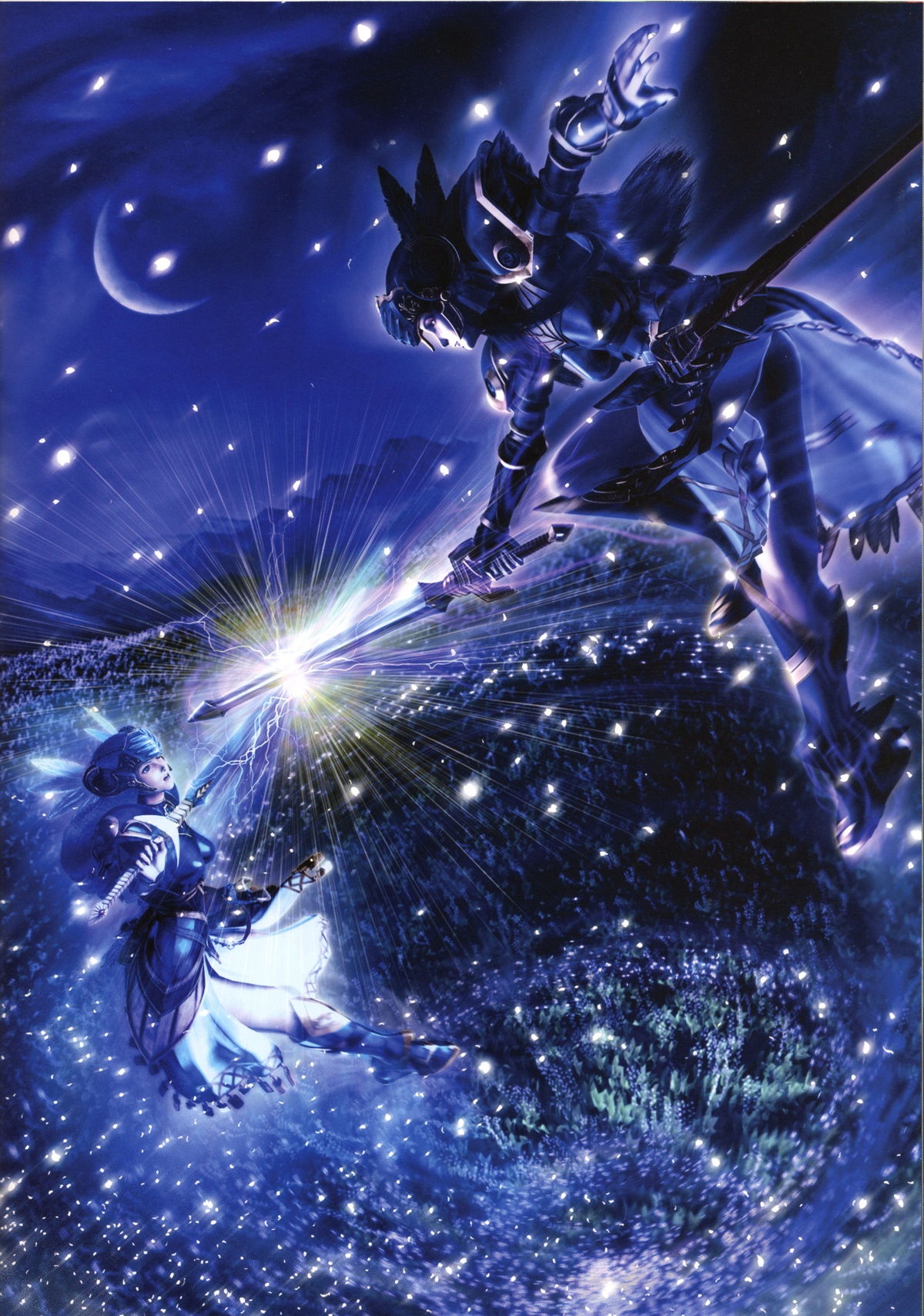
  2. Sé que usted está siempre atento al Lore 🧐

Account

Navigation

Buscar

Configure browser push notifications

Chrome (Android)
  1. Tap the lock icon next to the address bar.
  2. Tap Permissions → Notifications.
  3. Adjust your preference.
Chrome (Desktop)
  1. Click the padlock icon in the address bar.
  2. Select Site settings.
  3. Find Notifications and adjust your preference.