
Jump to content
View in the app

A better way to browse. Learn more.

Foro AtlantisRO

A full-screen app on your home screen with push notifications, badges and more.

To install this app on iOS and iPadOS
  1. Tap the Share icon in Safari
  2. Scroll the menu and tap Add to Home Screen.
  3. Tap Add in the top-right corner.
To install this app on Android
  1. Tap the 3-dot menu (⋮) in the top-right corner of the browser.
  2. Tap Add to Home screen or Install app.
  3. Confirm by tapping Install.

Dazzle~

Members
  • Ingreso

  • Última visita

  1. Aún no arreglan ... aah no eso ya lo arreglaron :V <3
  2. Dazzle~ responde a Natu de tema en WoE
    Buena woe <3 saludos al Kagerou que tuvo que vender todos sus costumes para pagar la skill xD <3
  3. Dazzle~ responde a Natu de tema en WoE
    kakaksjakjskajs yo se quien es ese federico xD
  4. Dazzle~ responde a Natu de tema en WoE
    Salimos de la cueva pero a partir traseros <3 buena woe s2 :3
  5. Dazzle~ responde a Atros dark de tema en WoE
    No fuiste? y que tu rg se manda solo? ._. por que lo vi en la primera hora :v
  6. Dazzle~ responde a Ancelot de tema en WoE
    La mob que te hizo el amor :v
  7. Dazzle~ responde a Ancelot de tema en WoE
    Fuiste a woe (? ._. ni te sentiste xD
  8. Dazzle~ ha cambiado su foto de perfil
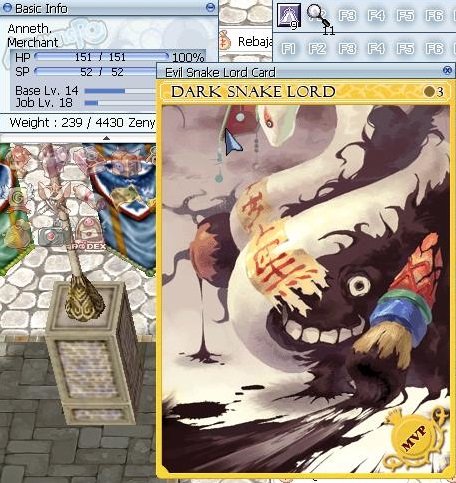
  9. V>Evil snake lord card /Giant snake+10 +16int con menblatt resivo ofertas
Configure browser push notifications

Chrome (Android)
  1. Tap the lock icon next to the address bar.
  2. Tap Permissions → Notifications.
  3. Adjust your preference.
Chrome (Desktop)
  1. Click the padlock icon in the address bar.
  2. Select Site settings.
  3. Find Notifications and adjust your preference.