-
Order Of The Unknown regresa
Bienvenidos los nuevos seguimos reclutando jugadores
-
Order Of The Unknown regresa
Seguimos reclutando gente para la temporada 2025
-
Order Of The Unknown regresa
Seguimos activos bienvenidos los nuevos
-
-
CodeCrowds empezó a seguir decimods
-
AtlantisRO 2024
asi hasta con mucho gusto donare al servidor a.a
-
Order Of The Unknown regresa
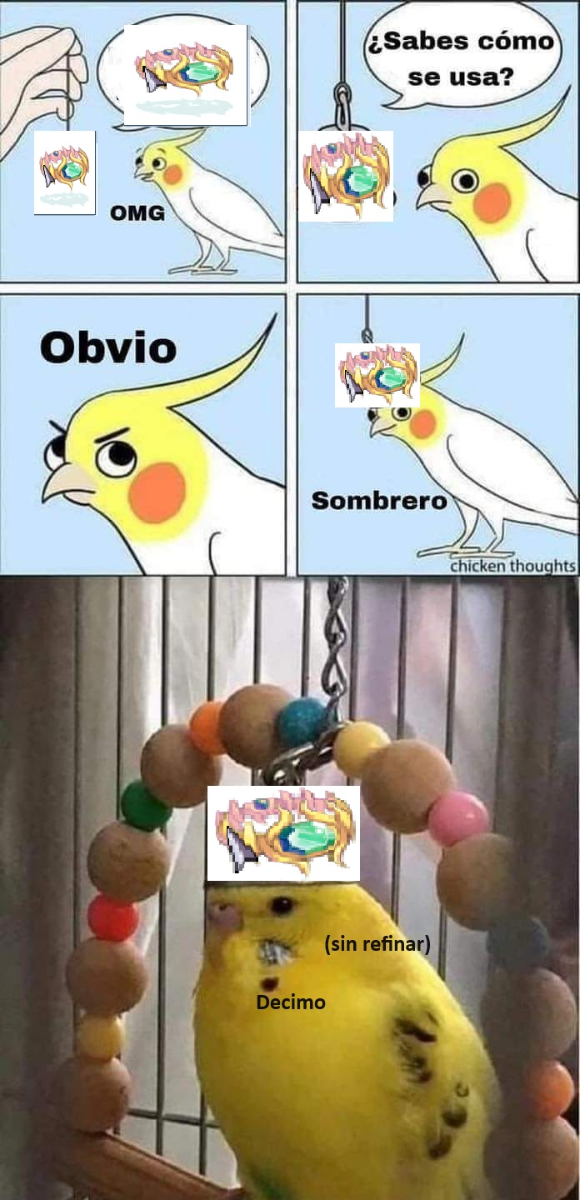
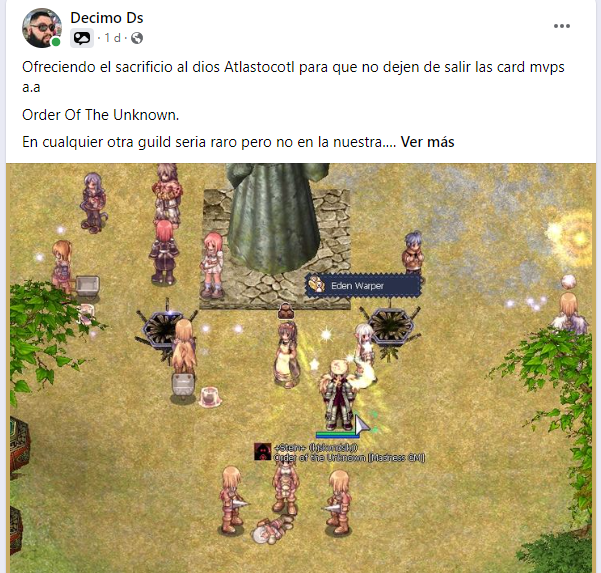
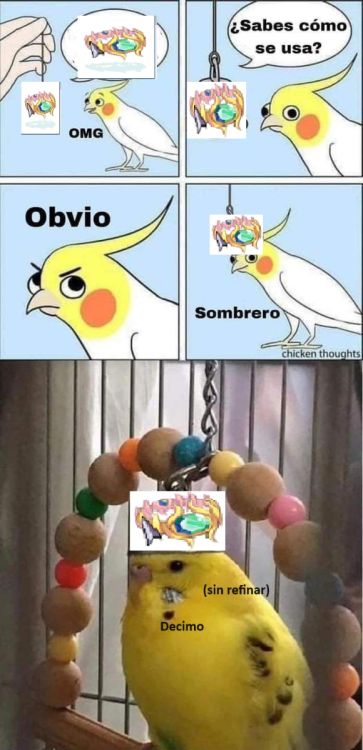
Seguimos reclutando cualquier lvl cualquier job pedimos uso de discord. Si entendiste el meme genial nos gustaria que formaras parte, sino entendiste te ayudamos a que no te pase como a mi a.a/
-
Order Of The Unknown regresa
- Order Of The Unknown regresa
Seguimos reclutando full parties. Bienvenidos los nuevos.- Order Of The Unknown regresa
Bienvenidos los nuevos seguimos reclutando- Order Of The Unknown regresa
Bienvenidos los nuevos seguimos reclutando, divirtiendonos mientras somos los mejores a.a- Order Of The Unknown regresa
Bienvenidos los nuevos- Order Of The Unknown regresa
- Order Of The Unknown regresa
bienvenidos los nuevos seguimos reclutando- Order Of The Unknown regresa
Si ya no puedes jugar solo o te sale mas barato jugar ro que salir. te invitamos a nuestra guild Order Of The Unknown, full parties y muchas actividades (nuevos proyectos), cualquier lvl cualquier job nuevos u old school, solo pedimos uso discord para organizarnos.- Order Of The Unknown regresa
Bienvenidos los nuevos seguimos reclutando todos los levels todos los jobs nuevos y retirados- Order Of The Unknown regresa
- Order Of The Unknown regresa
Account
Buscar
Configure browser push notifications
Chrome (Android)
- Tap the lock icon next to the address bar.
- Tap Permissions → Notifications.
- Adjust your preference.
Chrome (Desktop)
- Click the padlock icon in the address bar.
- Select Site settings.
- Find Notifications and adjust your preference.
Safari (iOS 16.4+)
- Ensure the site is installed via Add to Home Screen.
- Open Settings App → Notifications.
- Find your app name and adjust your preference.
Safari (macOS)
- Go to Safari → Preferences.
- Click the Websites tab.
- Select Notifications in the sidebar.
- Find this website and adjust your preference.
Edge (Android)
- Tap the lock icon next to the address bar.
- Tap Permissions.
- Find Notifications and adjust your preference.
Edge (Desktop)
- Click the padlock icon in the address bar.
- Click Permissions for this site.
- Find Notifications and adjust your preference.
Firefox (Android)
- Go to Settings → Site permissions.
- Tap Notifications.
- Find this site in the list and adjust your preference.
Firefox (Desktop)
- Open Firefox Settings.
- Search for Notifications.
- Find this site in the list and adjust your preference.