


Ancelot
Members
-
Ingreso
-
Última visita
Todo lo publicado por Ancelot
-
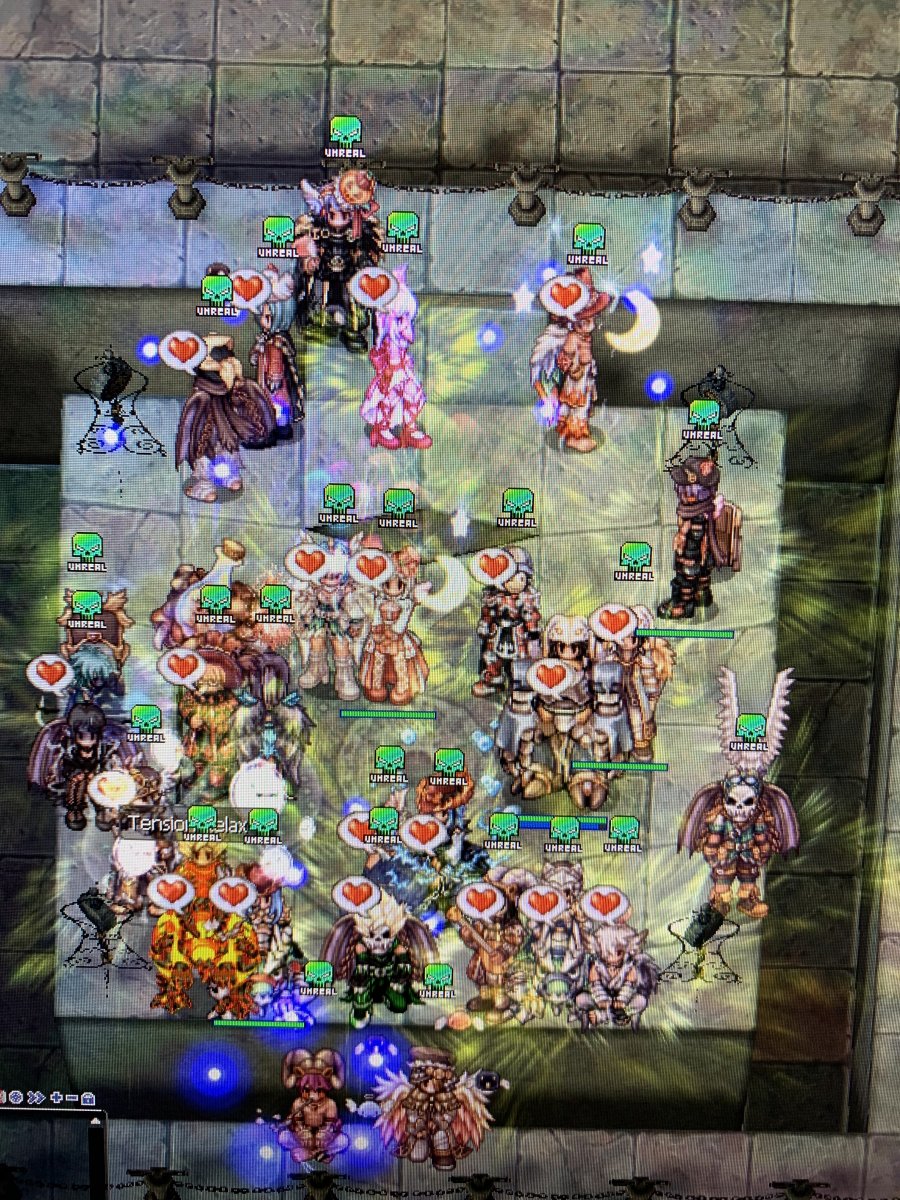
 Prontera izquierda ❤️
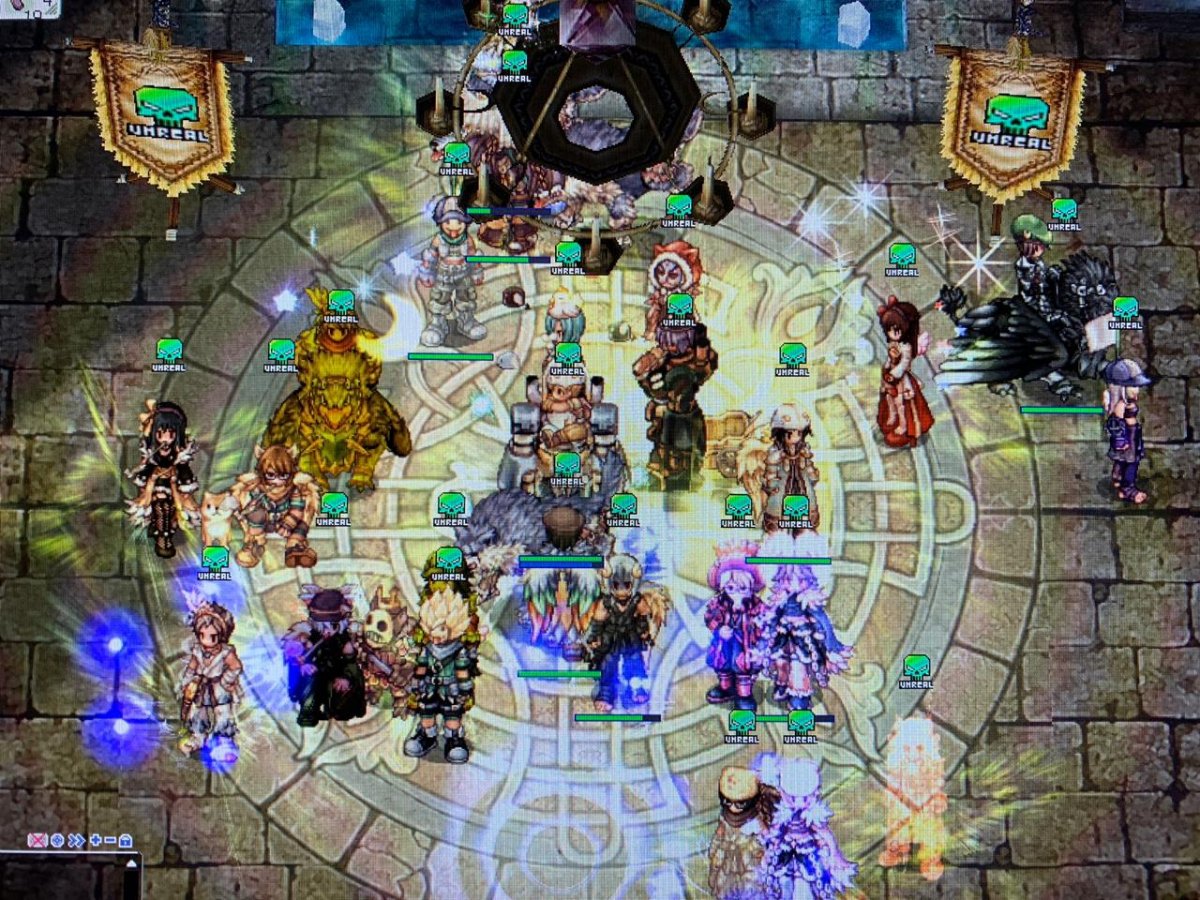
Ojalá el miércoles lleguen...
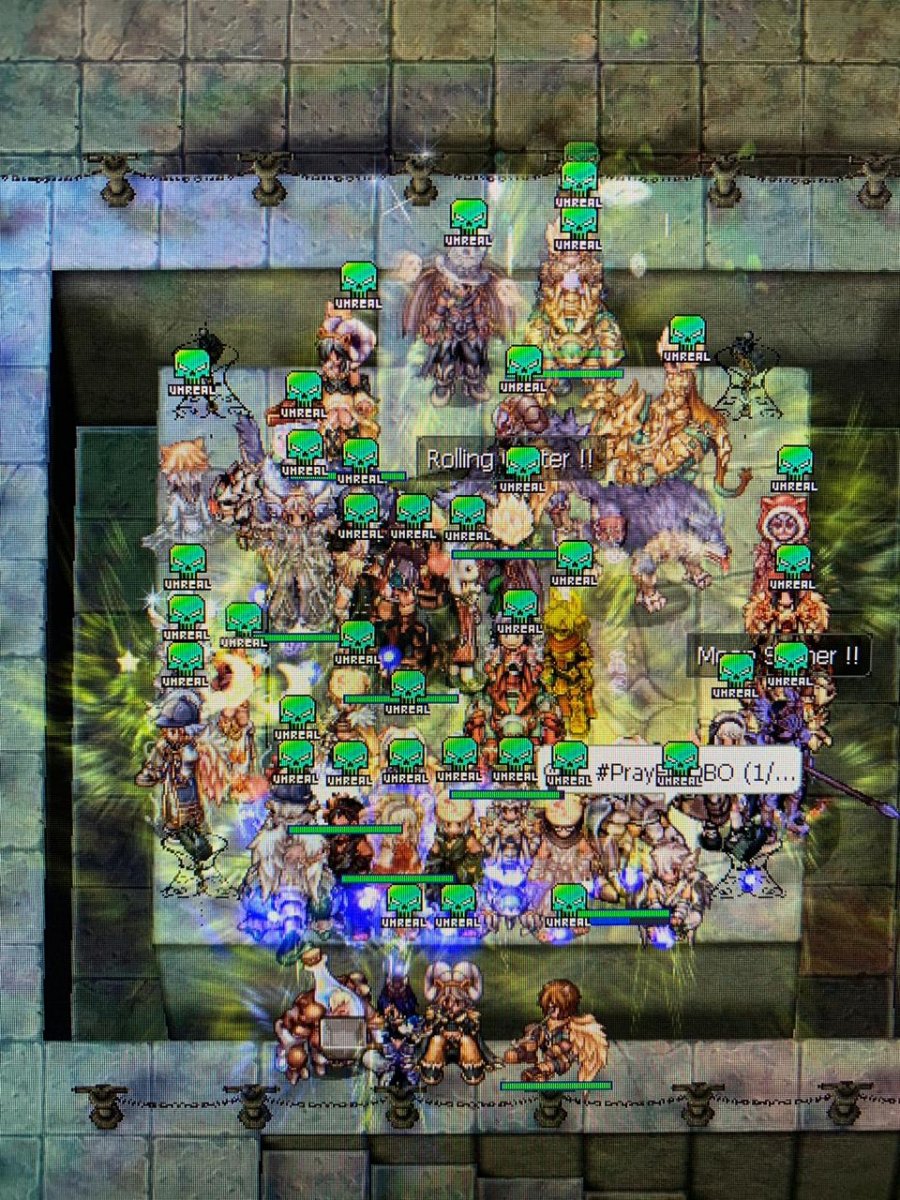
Gran WOE! Unreal Recluta, prontera izquierda
Prontera izquierda ❤️
Ojalá el miércoles lleguen...
Gran WOE! Unreal Recluta, prontera izquierda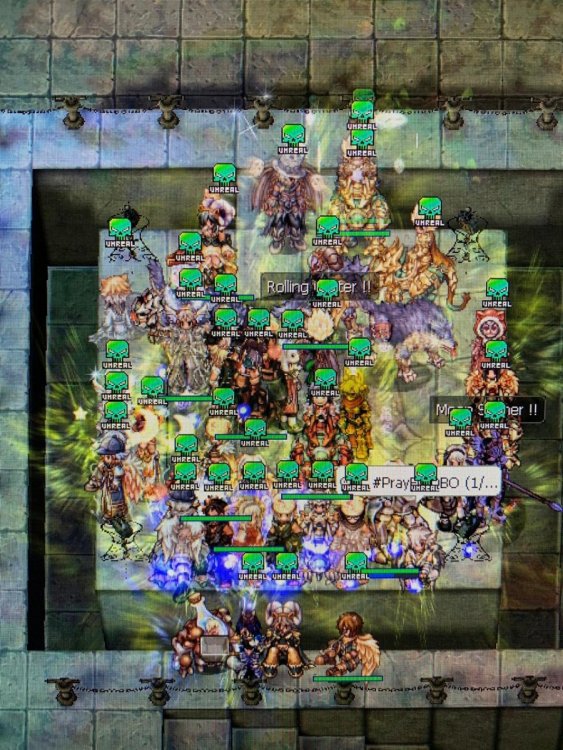 Fallamos en asistencia, muy baja ?
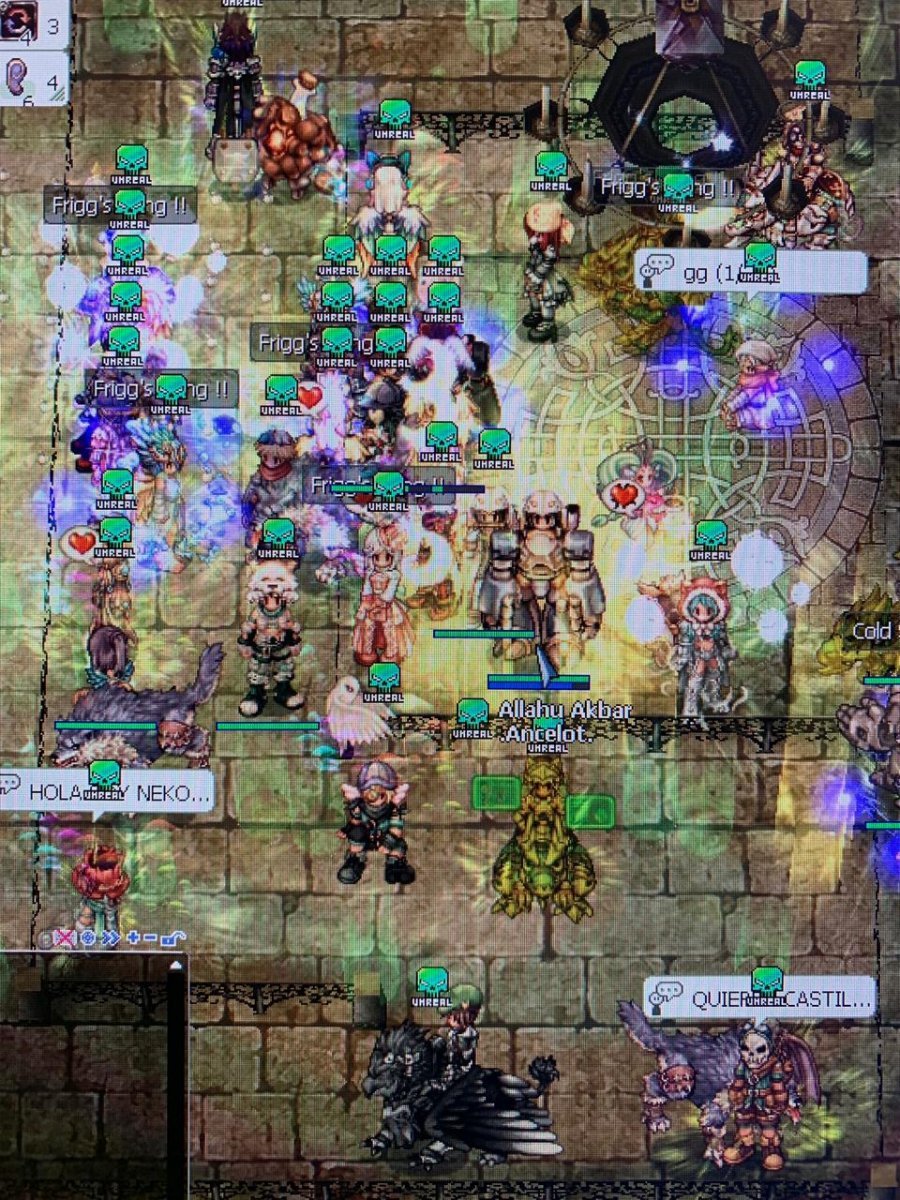
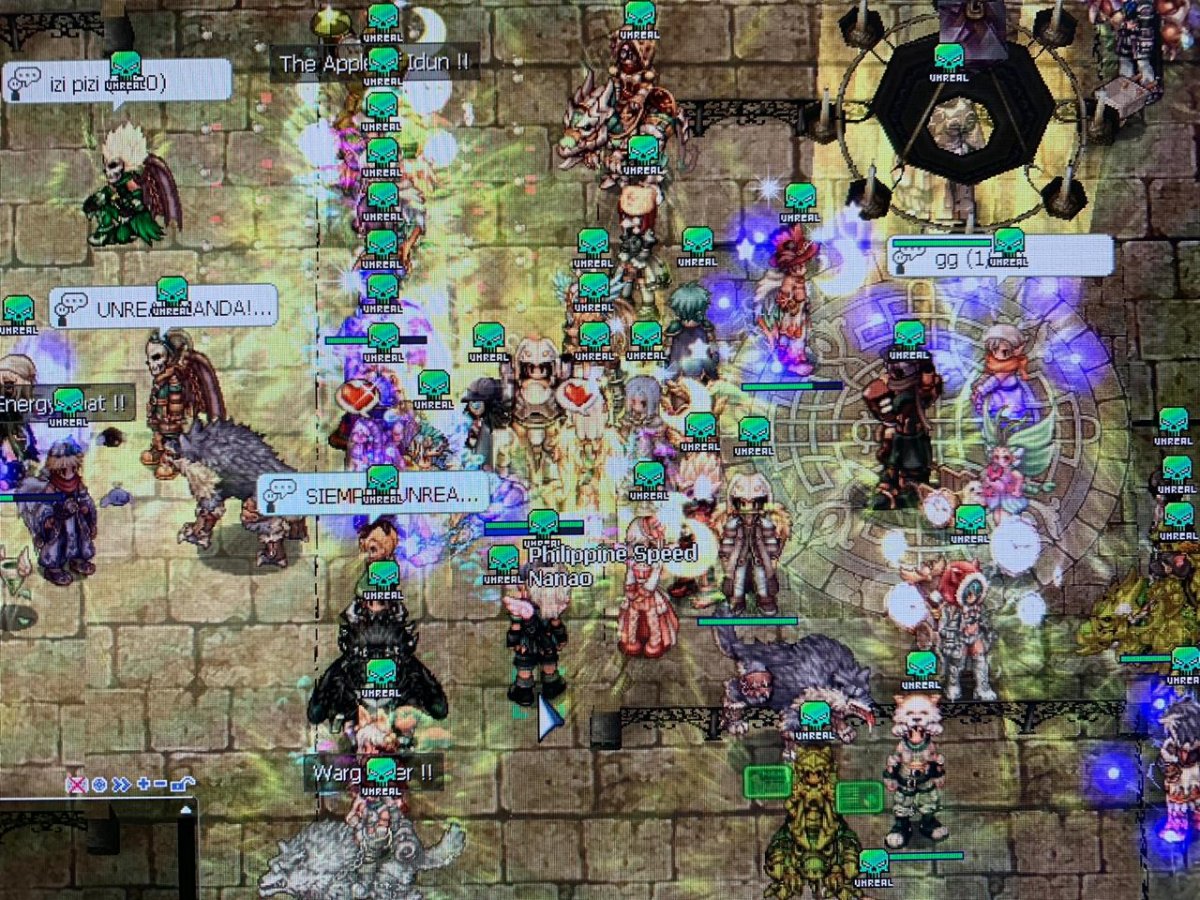
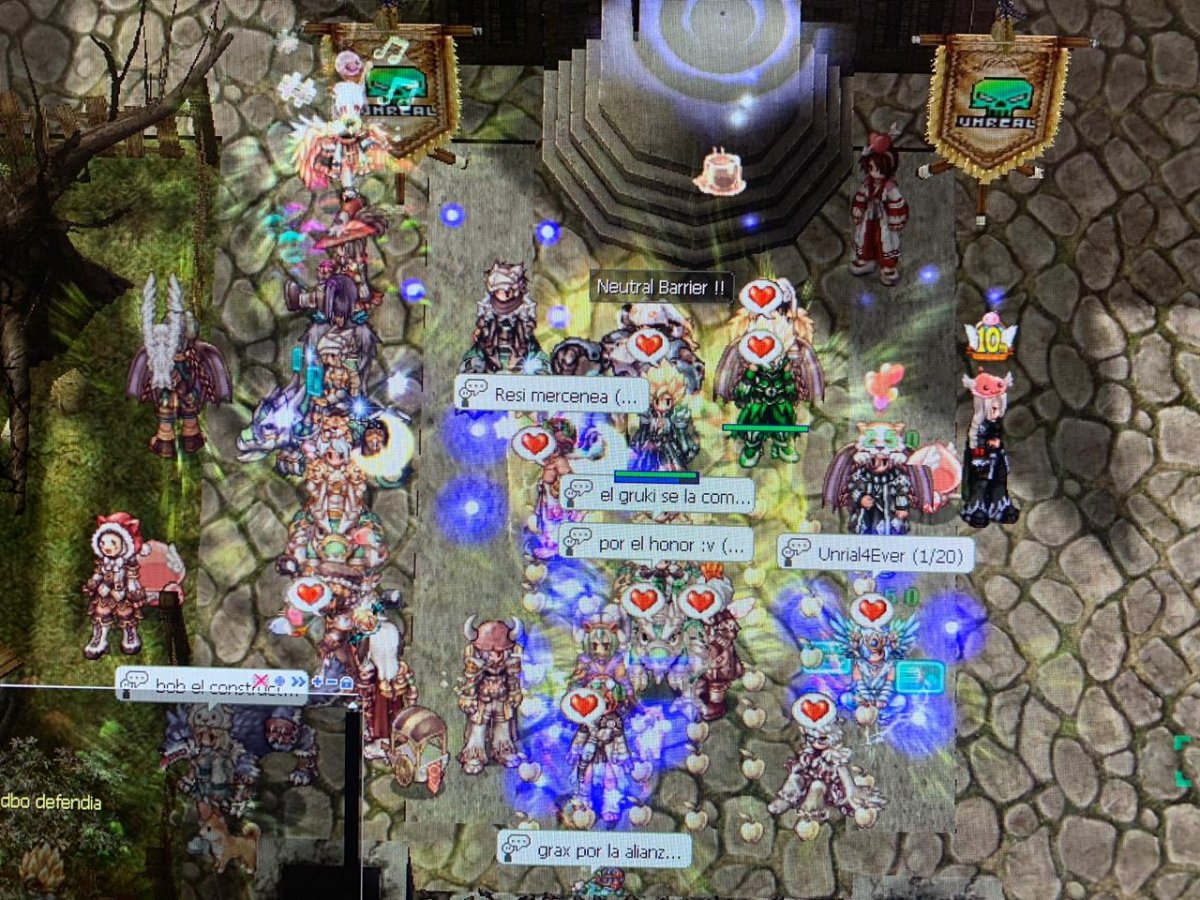
Terrible! 12 años de historia. A mejorar la seguridad y automatización de respaldo de datos en múltiples plataformas, y a seguir adelante como siempre! ? Ojo, no olvidar actualizar nuevos capítulos y reactivar PVP y BG!
Fallamos en asistencia, muy baja ?
Terrible! 12 años de historia. A mejorar la seguridad y automatización de respaldo de datos en múltiples plataformas, y a seguir adelante como siempre! ? Ojo, no olvidar actualizar nuevos capítulos y reactivar PVP y BG!






Account
Navigation
Buscar
Configure browser push notifications
Chrome (Android)
- Tap the lock icon next to the address bar.
- Tap Permissions → Notifications.
- Adjust your preference.
Chrome (Desktop)
- Click the padlock icon in the address bar.
- Select Site settings.
- Find Notifications and adjust your preference.
Safari (iOS 16.4+)
- Ensure the site is installed via Add to Home Screen.
- Open Settings App → Notifications.
- Find your app name and adjust your preference.
Safari (macOS)
- Go to Safari → Preferences.
- Click the Websites tab.
- Select Notifications in the sidebar.
- Find this website and adjust your preference.
Edge (Android)
- Tap the lock icon next to the address bar.
- Tap Permissions.
- Find Notifications and adjust your preference.
Edge (Desktop)
- Click the padlock icon in the address bar.
- Click Permissions for this site.
- Find Notifications and adjust your preference.
Firefox (Android)
- Go to Settings → Site permissions.
- Tap Notifications.
- Find this site in the list and adjust your preference.
Firefox (Desktop)
- Open Firefox Settings.
- Search for Notifications.
- Find this site in the list and adjust your preference.