


S - 5.1
Members
-
Ingreso
Todo lo publicado por S - 5.1
-
 up para que me sigan llevando a ogh
 -
UP para que me toque algo de la herencia.
Ya paguenme las woes con los 10b mensuales que sacan
https://irowiki.org/wiki/Sura_Job_Change_Guide
Eden al lado del viejo de las quest
 amarra navajas, ese men andaba vendiendo hats de quest
Ya alu deja de hacerte rico
Ahora resulta que todos iban a ir a woe
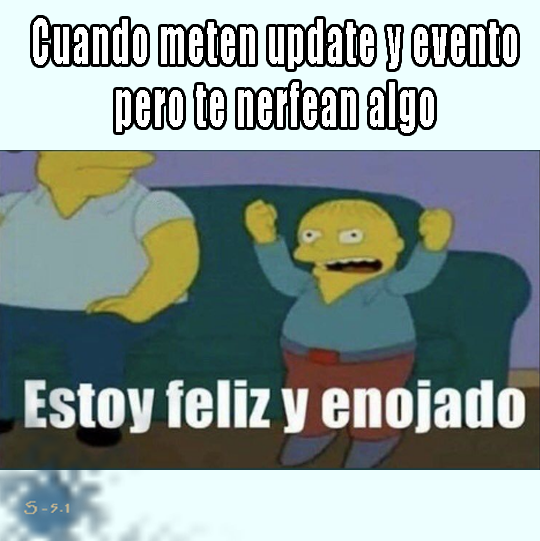
? como les gusta llorar y hacer drama, supongo tuvieron que hacer una desconexión para meter lo de las recompensas y hacer mantenimiento, ha de faltar poco para evento y lo del test.
amarra navajas, ese men andaba vendiendo hats de quest
Ya alu deja de hacerte rico
Ahora resulta que todos iban a ir a woe
? como les gusta llorar y hacer drama, supongo tuvieron que hacer una desconexión para meter lo de las recompensas y hacer mantenimiento, ha de faltar poco para evento y lo del test.
















Account
Buscar
Configure browser push notifications
Chrome (Android)
- Tap the lock icon next to the address bar.
- Tap Permissions → Notifications.
- Adjust your preference.
Chrome (Desktop)
- Click the padlock icon in the address bar.
- Select Site settings.
- Find Notifications and adjust your preference.
Safari (iOS 16.4+)
- Ensure the site is installed via Add to Home Screen.
- Open Settings App → Notifications.
- Find your app name and adjust your preference.
Safari (macOS)
- Go to Safari → Preferences.
- Click the Websites tab.
- Select Notifications in the sidebar.
- Find this website and adjust your preference.
Edge (Android)
- Tap the lock icon next to the address bar.
- Tap Permissions.
- Find Notifications and adjust your preference.
Edge (Desktop)
- Click the padlock icon in the address bar.
- Click Permissions for this site.
- Find Notifications and adjust your preference.
Firefox (Android)
- Go to Settings → Site permissions.
- Tap Notifications.
- Find this site in the list and adjust your preference.
Firefox (Desktop)
- Open Firefox Settings.
- Search for Notifications.
- Find this site in the list and adjust your preference.