Vaistoll
Members
-
Ingreso
-
Última visita
Todo lo publicado por Vaistoll
-
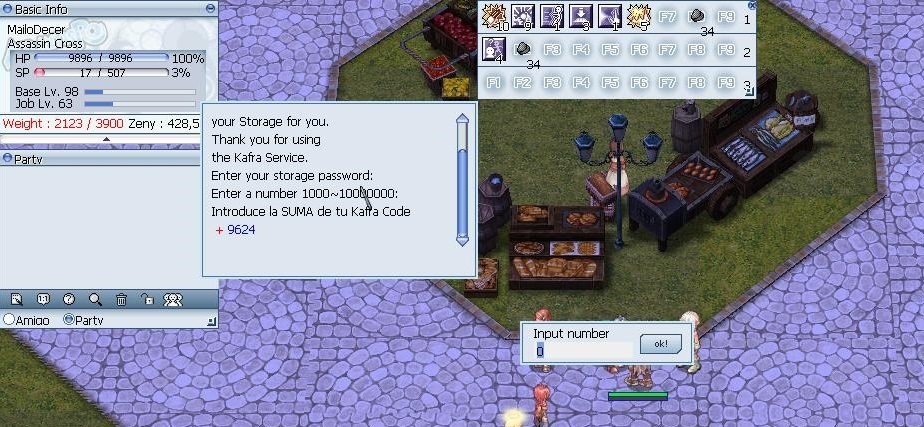
 Mira, que me ayudaste bastante, el problema es, no se bien como ingresarla, no se si primero es el antirobo y después la suma, o solo la suma, ese es el problema, como jamas había utilizado este tipo de antikeyloger, y se me dificultara un poco la verdad quitarlo, igual manera gracias por esta ayuda. si puedes ayudarme con lo otro de arriba seria grande para volver con mi cuenta. :3
 -
Buenos días, tardes o noches. Quiero comentarles, el problema que tengo con kafra hace mas de 1 año y medio. Llevo tiempos teniendo este problema que jamas he logrado solucionar, y es que el código de kafra me pide una suma que no entiendo lo suficientemente bien para que es la función de eso, me vino aparecer en el tiempo que llevo jugando, trato de solucionarlo con mi Correo electrónico, pero la solución Aun no se da //: Si alguien puede ayudarme con ello y solucionar este problema, podre recuperar mi cuenta. Gracias por su atención.