Jump to content
View in the app

A better way to browse. Learn more.

Foro AtlantisRO

A full-screen app on your home screen with push notifications, badges and more.

To install this app on iOS and iPadOS
  1. Tap the Share icon in Safari
  2. Scroll the menu and tap Add to Home Screen.
  3. Tap Add in the top-right corner.
To install this app on Android
  1. Tap the 3-dot menu (⋮) in the top-right corner of the browser.
  2. Tap Add to Home screen or Install app.
  3. Confirm by tapping Install.

bloodlikan

Members
  • Ingreso

  • Última visita

Todo lo publicado por bloodlikan

  1. bloodlikan publicó un tema en Ventas
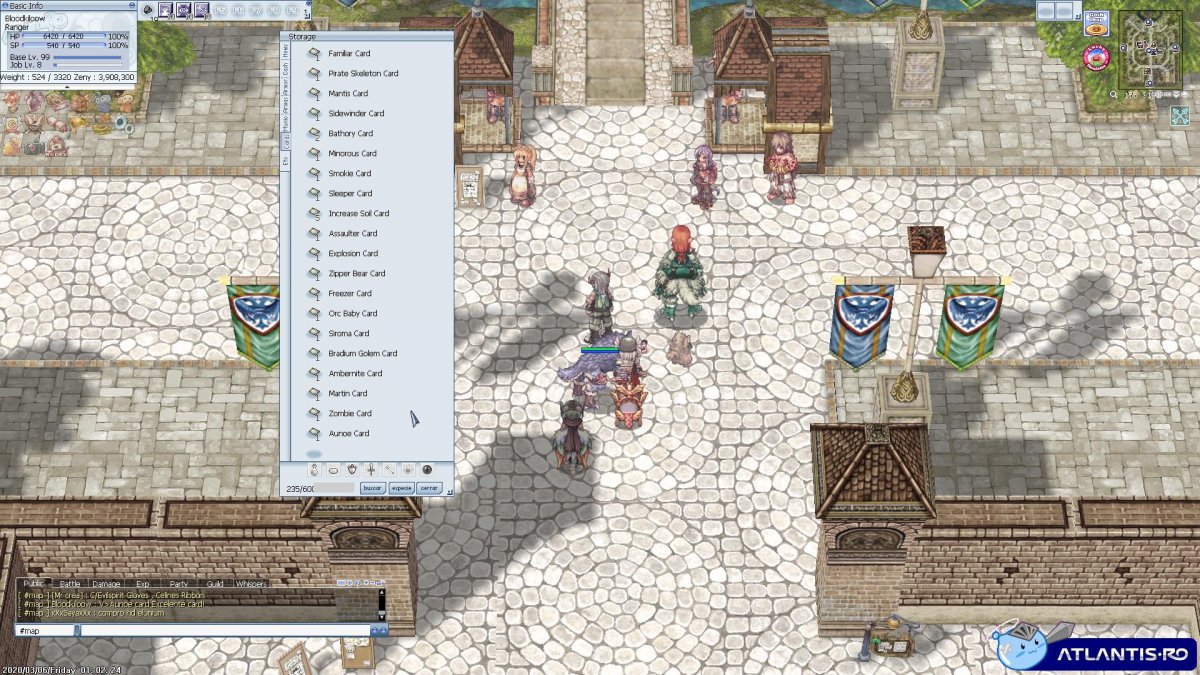
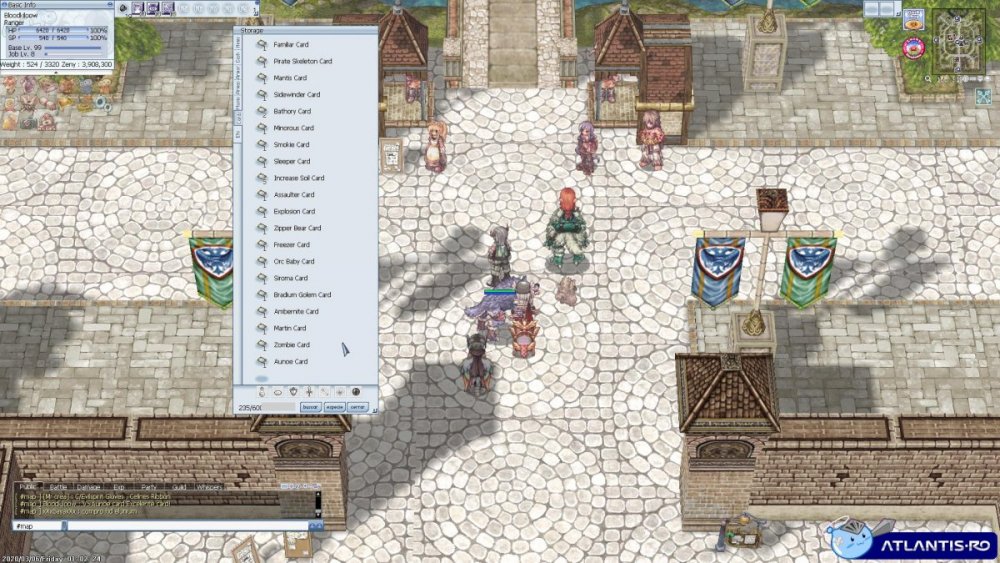
    Se venden esas cartas! Precios razonables!
  2. Mi opinion sobre la guild? Desde el primer dia, siempre muy atentos, ayudando donde levear, que equipo llevar, hasta me dieron equipo! todos son muy amables y sobre todo te hacen sentir en familia!!! no duden en unirse! Si quieren estar en una hermandad dentro del juego, esta es tu GUILD
  3. Enviado!
  4. A quien le puedo pasar mi celular y discord? todavia no me agregaron T.T a los grupos.
  5. bloodlikan publicó un tema en Ventas
    Ice pick+4 Elemental Sword a alguien les interesa?
  6. Buenas tardes! me quiero unir!

Account

Navigation

Buscar

Configure browser push notifications

Chrome (Android)
  1. Tap the lock icon next to the address bar.
  2. Tap Permissions → Notifications.
  3. Adjust your preference.
Chrome (Desktop)
  1. Click the padlock icon in the address bar.
  2. Select Site settings.
  3. Find Notifications and adjust your preference.