masterover
Members
-
Ingreso
-
Última visita
Todo lo publicado por masterover
-
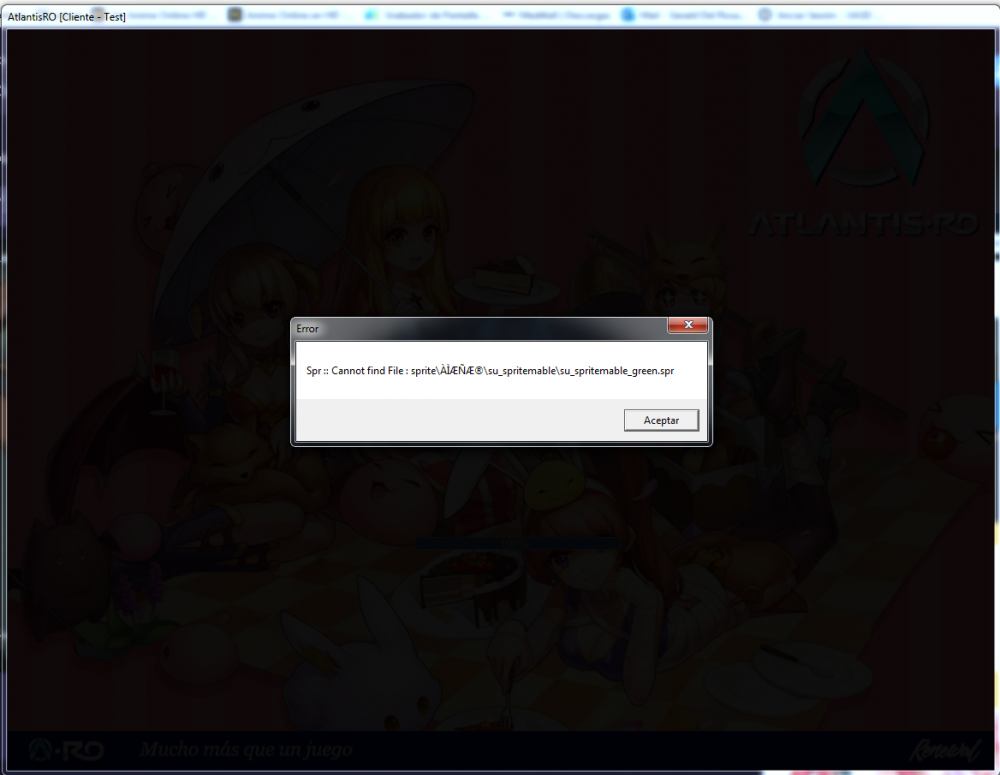
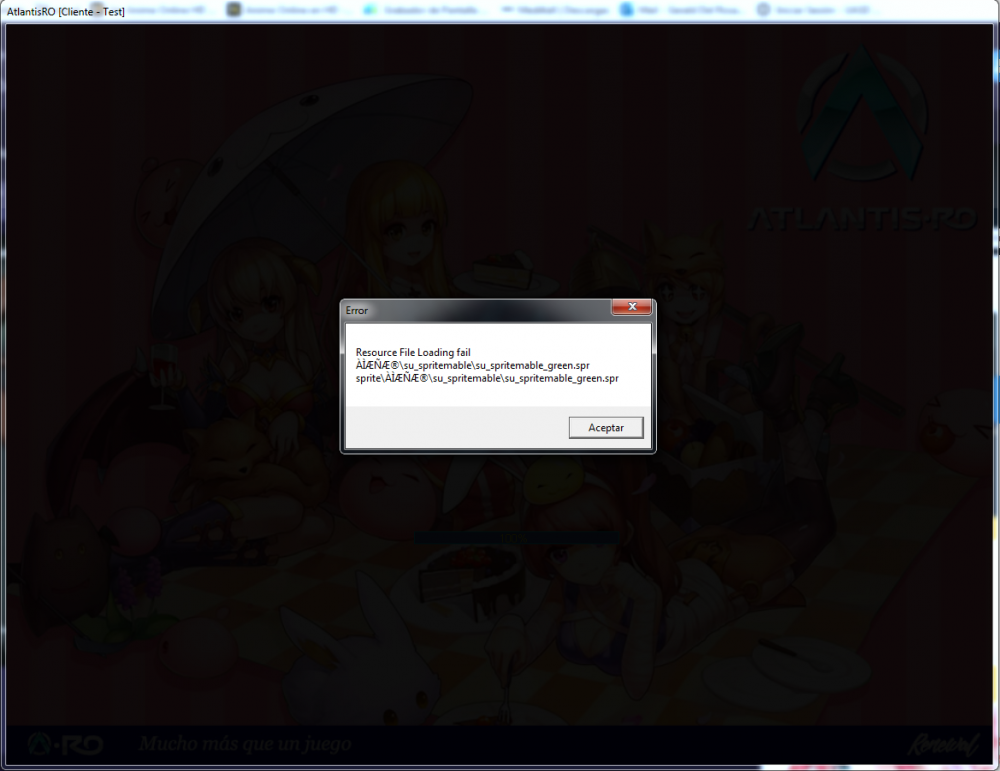
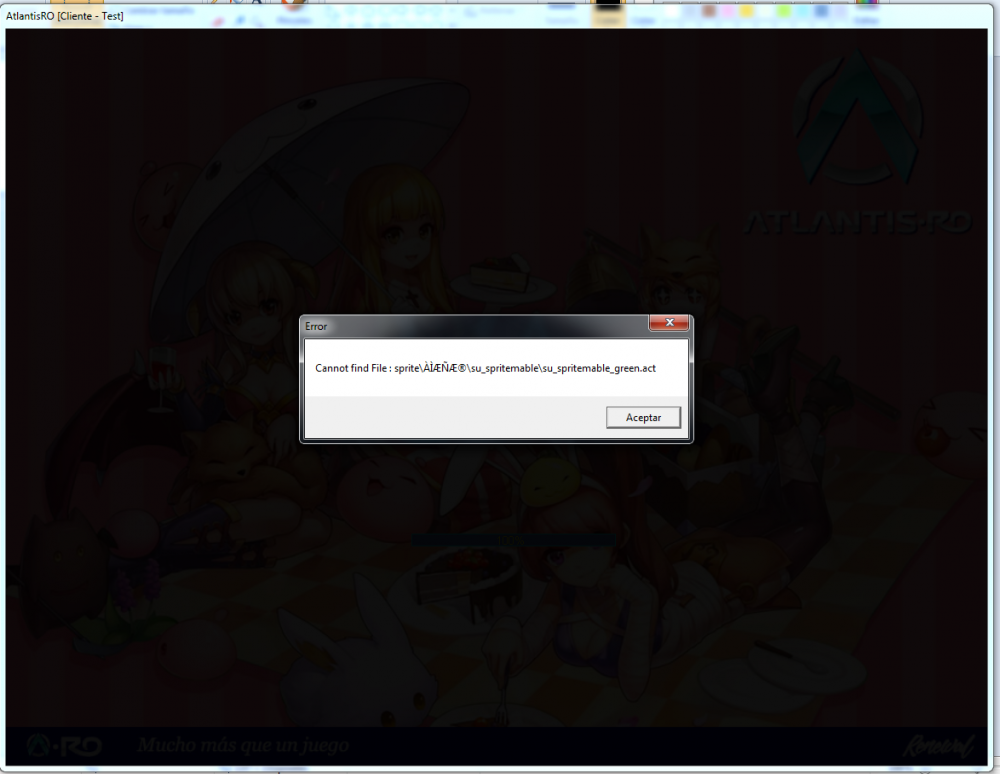
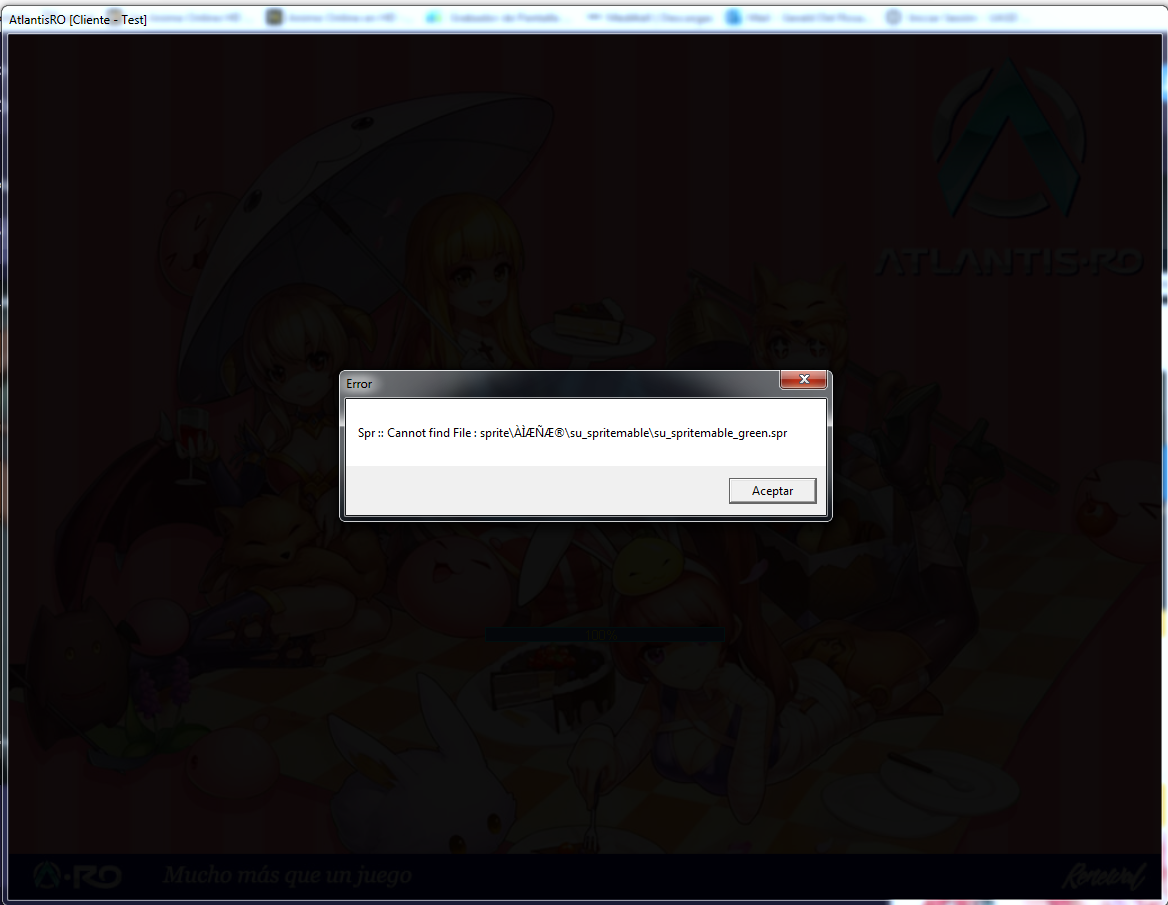
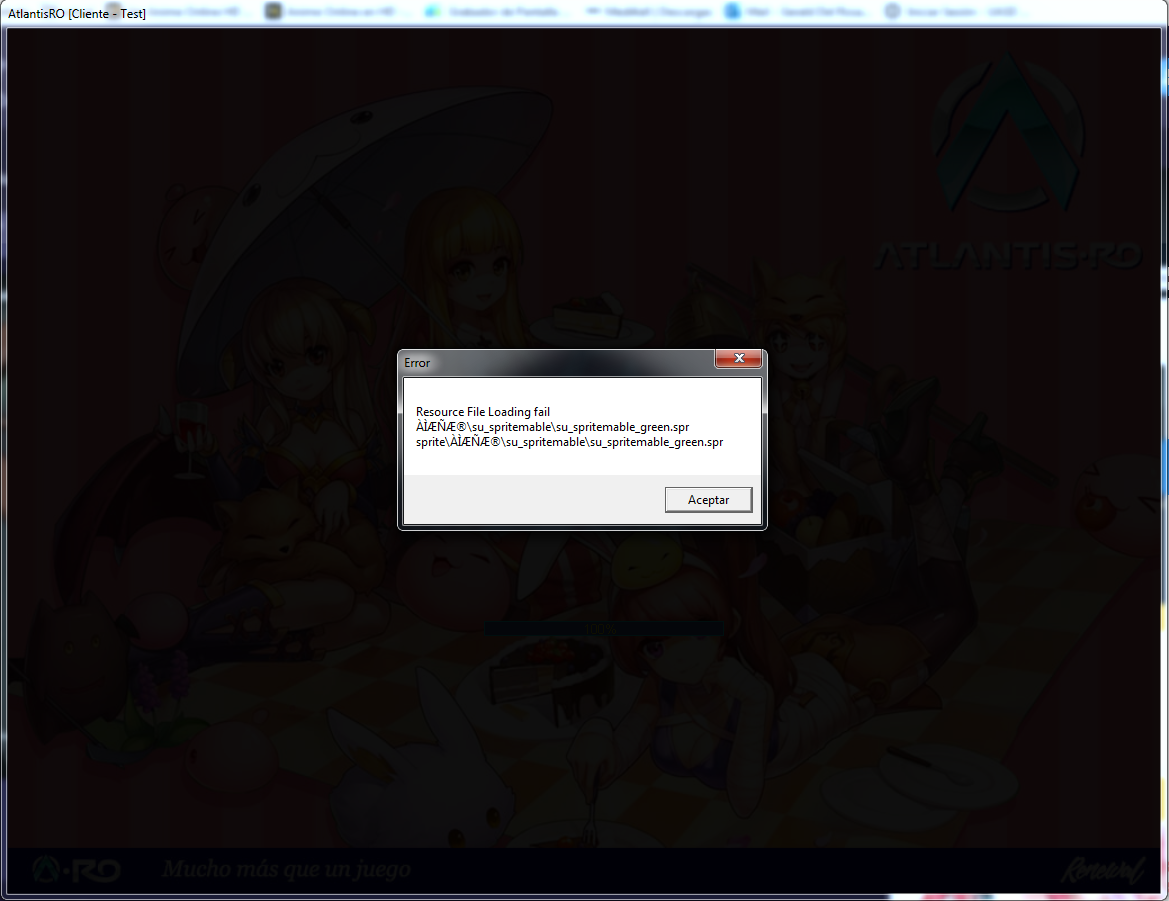
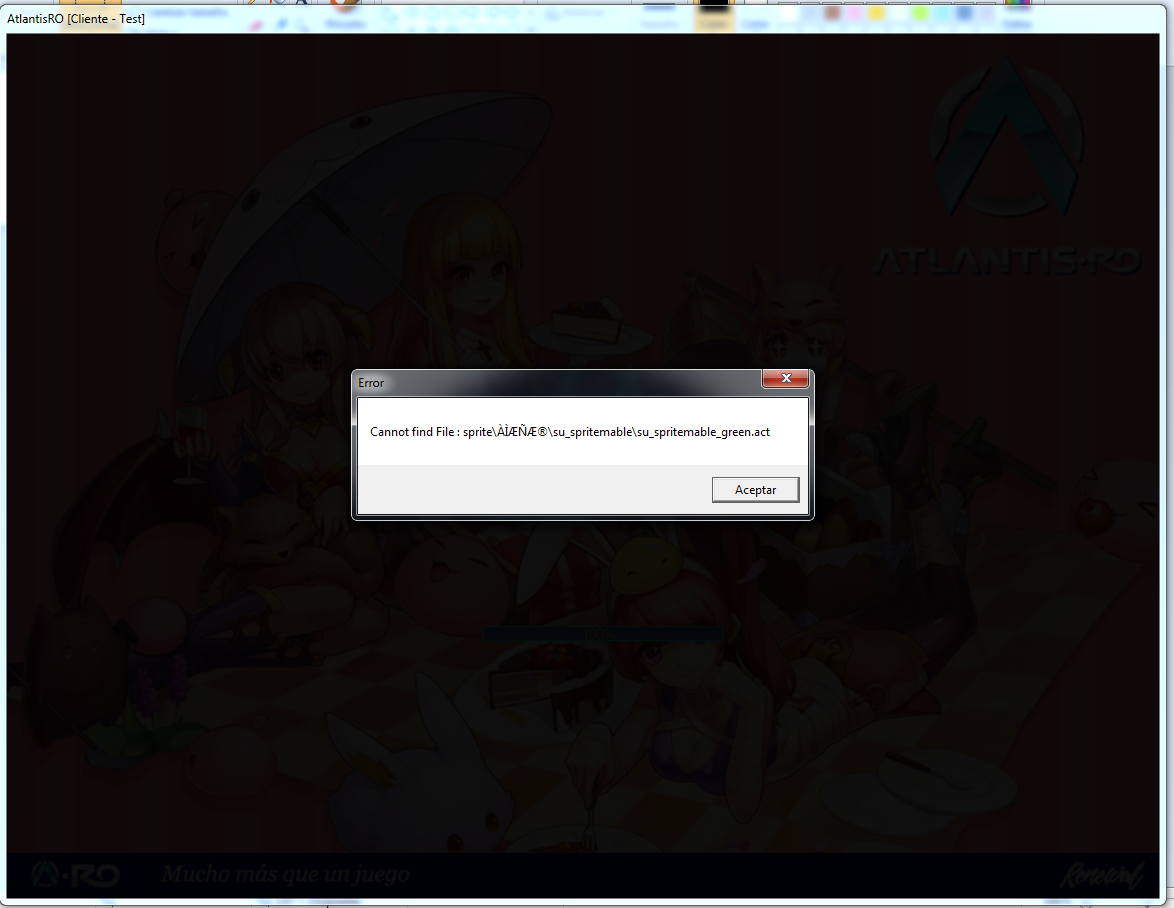
 Todo lo que tenga que ver con Doram da error, abrir skills, hablar con algunos npc. ahora ni loguear con el me deja. No me deja loguear con el desde que le subi las skills basicas. @zetsumei no puedo sacar screens del juego desde esa pantalla, lo intente, asi que tuve que usar las screens del pc.