Jump to content
View in the app

A better way to browse. Learn more.

Foro AtlantisRO

A full-screen app on your home screen with push notifications, badges and more.

To install this app on iOS and iPadOS
  1. Tap the Share icon in Safari
  2. Scroll the menu and tap Add to Home Screen.
  3. Tap Add in the top-right corner.
To install this app on Android
  1. Tap the 3-dot menu (⋮) in the top-right corner of the browser.
  2. Tap Add to Home screen or Install app.
  3. Confirm by tapping Install.

SLUR91

Members
  • Ingreso

  • Última visita

  1. SLUR91 ha cambiado su foto de perfil
  2. Hola buenas ! disculpa la ignorancia pero me estoy guiando acá para mi proyecto de warlock, ahora soy High Wizard pero no me queda claro con que mato para levear siendo high wizard si el SG esta a lvl 1. Gracias por tu tiempo quedo atento.
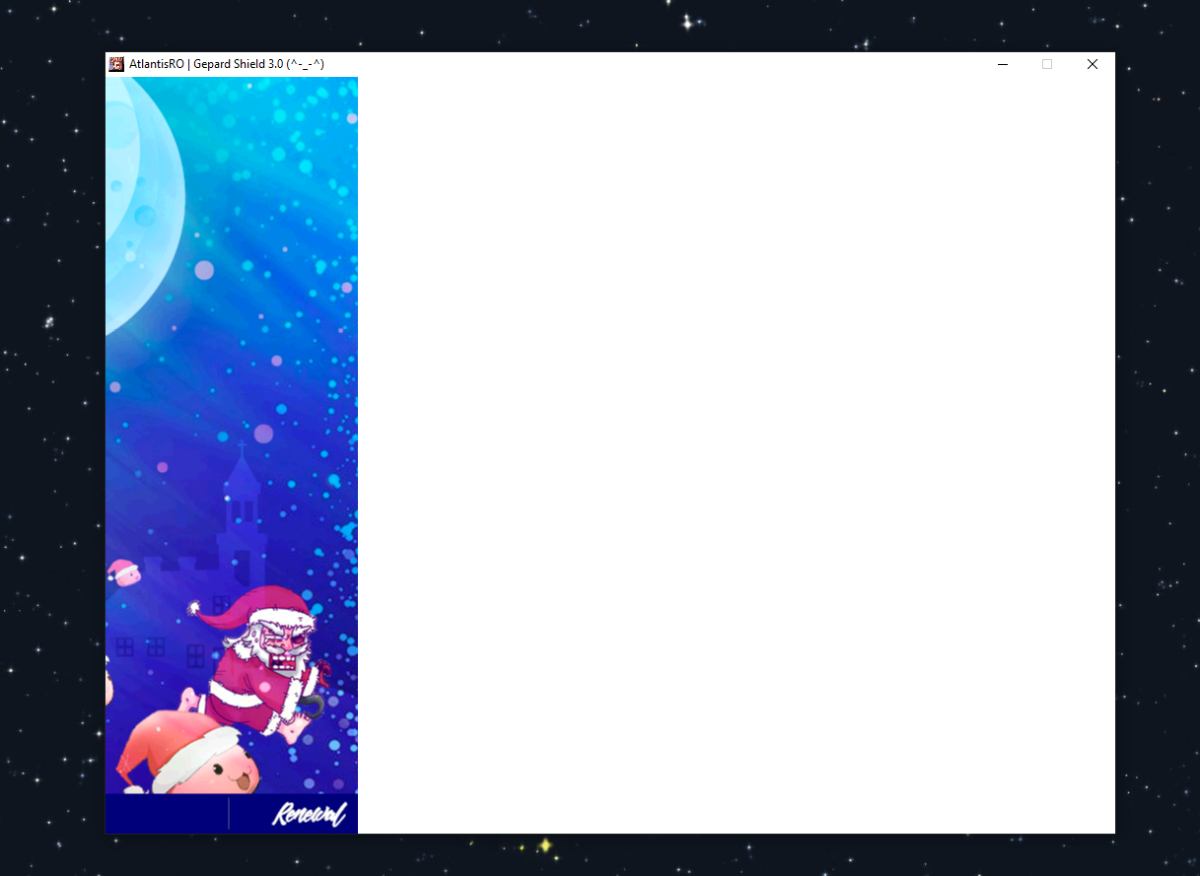
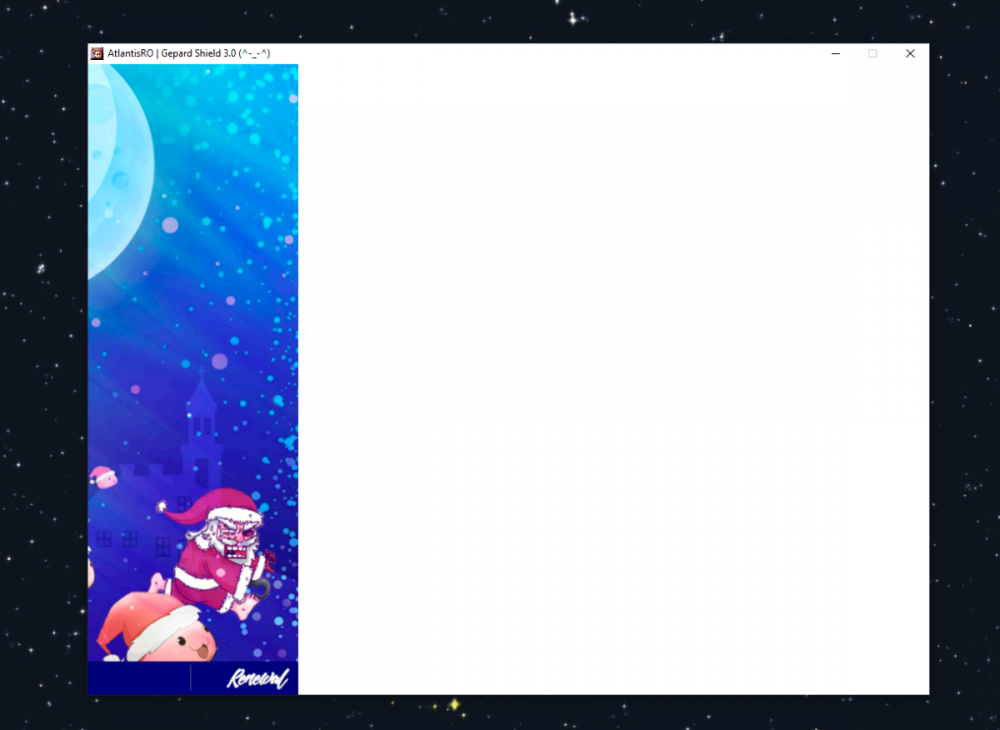
  3. Hola buenas! a alguien más le pasa que solo se le ve una parte de la pantalla del juego ????
Configure browser push notifications

Chrome (Android)
  1. Tap the lock icon next to the address bar.
  2. Tap Permissions → Notifications.
  3. Adjust your preference.
Chrome (Desktop)
  1. Click the padlock icon in the address bar.
  2. Select Site settings.
  3. Find Notifications and adjust your preference.