
Dreyko X2
Members
-
Ingreso
-
Última visita
Todo lo publicado por Dreyko X2
-
 Buenos días up vespertino
 -
Buenas noches, los vemos en Veins
-
Up nocturno, buenas noches a todos.
-
Date una vuelta a Veins o pulsa mi firma y ahí te vemos
-
Únete y se parte de nuestra comunidad.
-
Te esperamos en Veis, Unete.
-
Up vespertino
-
Up vespertino,
-
Creo que tiene activados los comando /q1 y /q2. Desactívalos seguro te ayuda. /q1 - activa/desactiva el click derecho con el f9 /q2 - activa/desactiva las skills f7 y f8 con la rueda del raton
-
Yo mañanero, acompañamos a nuestras parties te esperamos en Veins
-
Te esperamos en Veis, Unete.
-
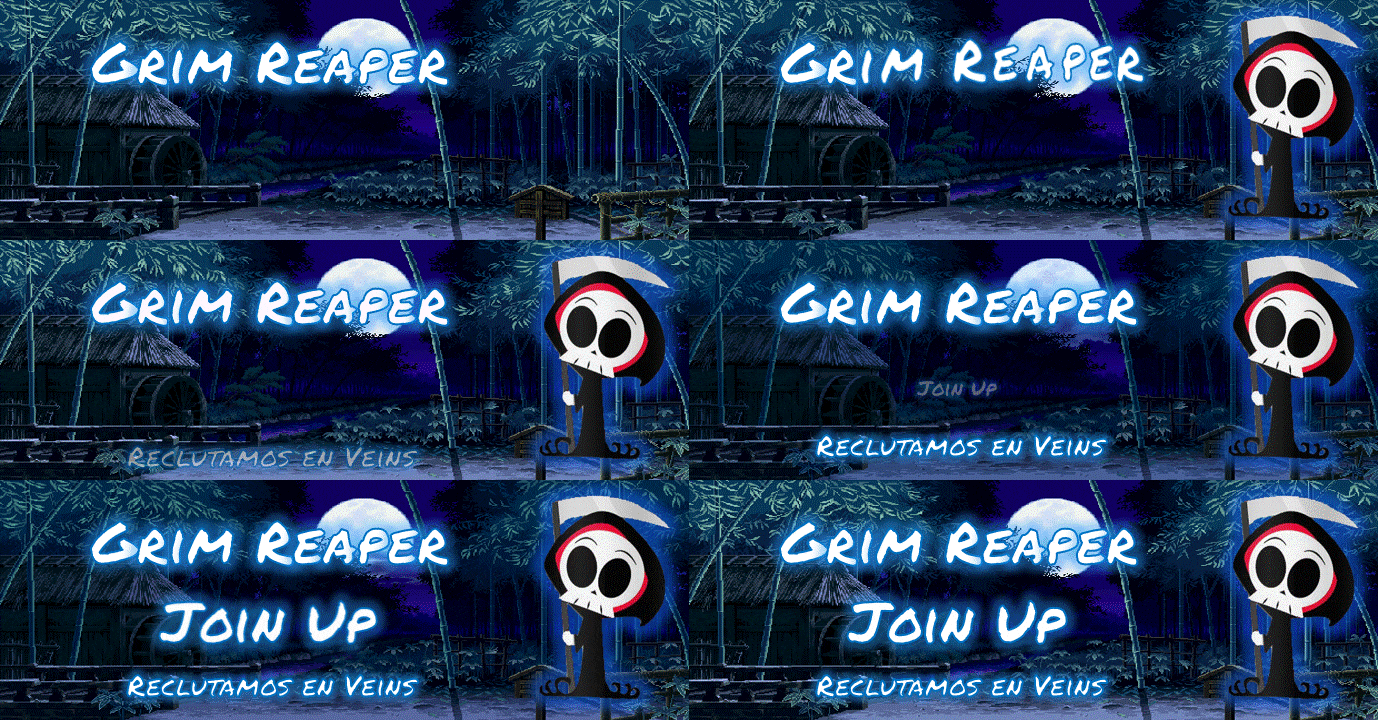
Ven, conócenos y convéncete de por que somos la mejor opción Es tu oportunidad en Party publica Grim Reaper

-
Si juegas solo y sientes que no encajas, vente a nuestra party publica y conócenos el Jueves, mas información en el link: Party publica Grim Reaper
-
Buscanos en Veins , y deja de jugar solo.
-
-
Buenos días, los esperamos en Veins
-
-
Arriba los Poring
-
Pues buenos días y up
-
-
-
-
-
-


