Jump to content
View in the app

A better way to browse. Learn more.

Foro AtlantisRO

A full-screen app on your home screen with push notifications, badges and more.

To install this app on iOS and iPadOS
  1. Tap the Share icon in Safari
  2. Scroll the menu and tap Add to Home Screen.
  3. Tap Add in the top-right corner.
To install this app on Android
  1. Tap the 3-dot menu (⋮) in the top-right corner of the browser.
  2. Tap Add to Home screen or Install app.
  3. Confirm by tapping Install.

Al Qaeda

Members
  • Ingreso

  • Última visita

Todo lo publicado por Al Qaeda

  1. Al Qaeda responde a MISHU de tema en WoE
    Sory por el anti-rango no cumplió su objetivo, vakigod apareció y los mando a la casa a mimir.? woe un poco aburrida, aproveche tomar once y roncar pa los chicos de dc??
  2. Al Qaeda responde a Shin EVAN de tema en WoE
    Como cuando sigues negando que eres ferlord, pero ya todos saben la realidad y peor no saber qué más decir? ojito soy cinta negra en taekwondo

  3. Al Qaeda responde a Shin EVAN de tema en WoE
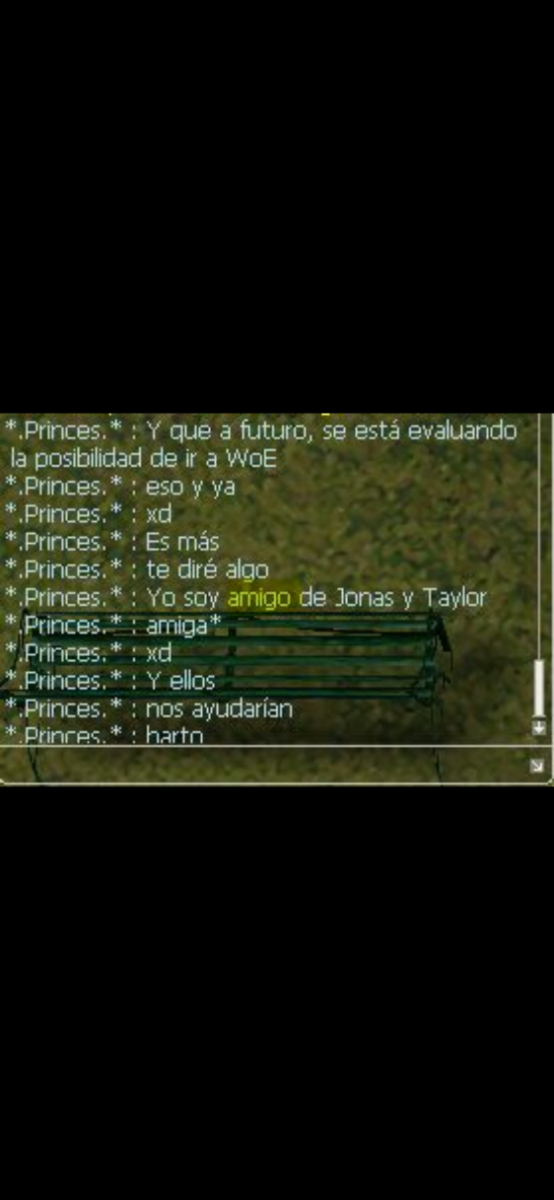
    Con mis amigos Jonás y taylor le ganaremos a unrial?
Account

Navigation

Buscar

Configure browser push notifications

Chrome (Android)
  1. Tap the lock icon next to the address bar.
  2. Tap Permissions → Notifications.
  3. Adjust your preference.
Chrome (Desktop)
  1. Click the padlock icon in the address bar.
  2. Select Site settings.
  3. Find Notifications and adjust your preference.