Jump to content
View in the app

A better way to browse. Learn more.

Foro AtlantisRO

A full-screen app on your home screen with push notifications, badges and more.

To install this app on iOS and iPadOS
  1. Tap the Share icon in Safari
  2. Scroll the menu and tap Add to Home Screen.
  3. Tap Add in the top-right corner.
To install this app on Android
  1. Tap the 3-dot menu (⋮) in the top-right corner of the browser.
  2. Tap Add to Home screen or Install app.
  3. Confirm by tapping Install.

Ironside

Members
  • Ingreso

  1. Pasas las penas baneando gente(?) ? HAHAHAHAHA SALUDOS
  2. Ironside empezó a seguir Valeria
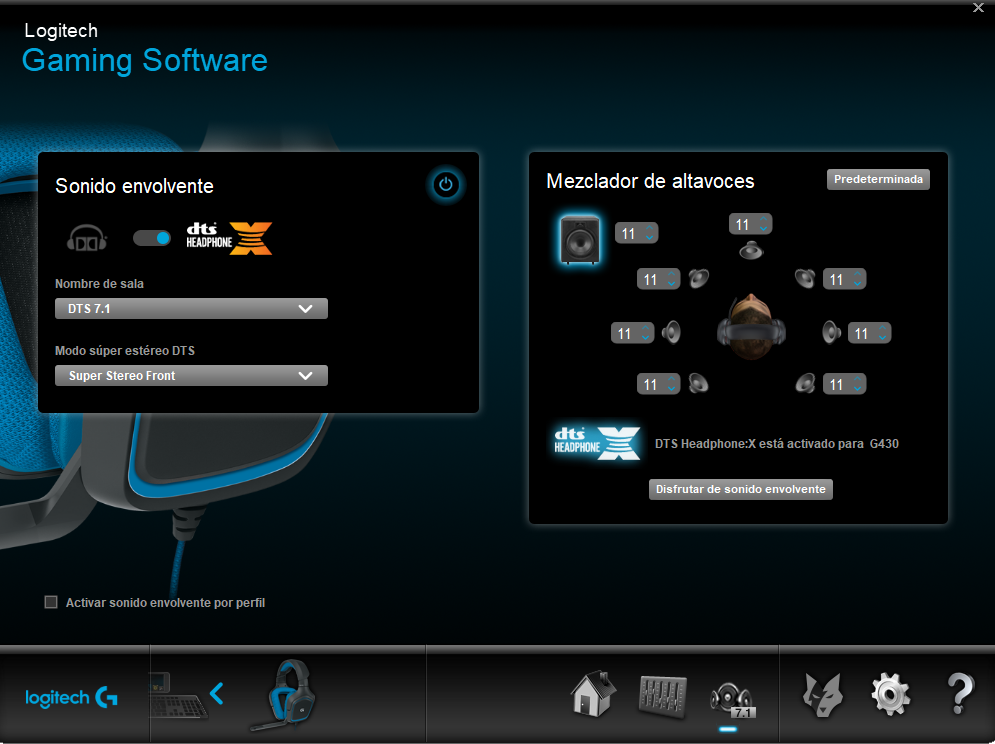
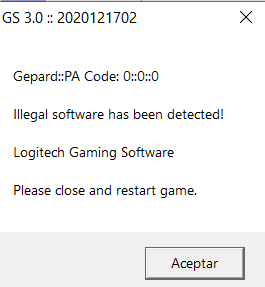
  3. su cosa anticheat tiene conflicto con el programa que utiliza mis audífonos, tengo Logitech G430 y al parecer produce un falso positivo. incluso cerrando el programa me aparece el siguiente error y no me deja entrar. O sea o escucho música con audífonos o juego ro ? alguna solución para esto???
  4. Ironside publicó un tema en Ventas
    Se escuchan ofertas!!! UwU Recluta ~~
  5. Ironside empezó a seguir Stella
  6. Stella empezó a seguir Ironside

Configure browser push notifications

Chrome (Android)
  1. Tap the lock icon next to the address bar.
  2. Tap Permissions → Notifications.
  3. Adjust your preference.
Chrome (Desktop)
  1. Click the padlock icon in the address bar.
  2. Select Site settings.
  3. Find Notifications and adjust your preference.