

Jump to content
View in the app

A better way to browse. Learn more.

Foro AtlantisRO

A full-screen app on your home screen with push notifications, badges and more.

To install this app on iOS and iPadOS
  1. Tap the Share icon in Safari
  2. Scroll the menu and tap Add to Home Screen.
  3. Tap Add in the top-right corner.
To install this app on Android
  1. Tap the 3-dot menu (⋮) in the top-right corner of the browser.
  2. Tap Add to Home screen or Install app.
  3. Confirm by tapping Install.

Rosalia

Members
  • Ingreso

  • Última visita

Todo lo publicado por Rosalia

  1. Muchas gracias...!!! Error corregido...!!!?
  2. gracias, eso hare?
  3. hola a todos!! Regreso al Ro después de meses de inactividad y al logear con mi homúnculo me sale error de la AI y me bota del server...mi pregunta es Donde arreglo la carpeta del AI, o que debo hacer para quitar el error?
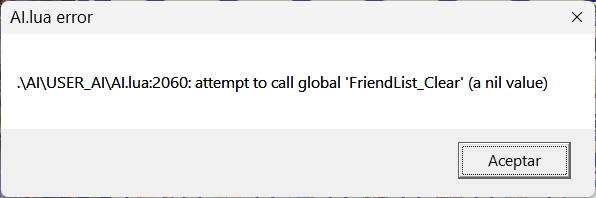
  4. Muchas gracias Lotus. Ya se realizó el cambio .
  5. Hola Lotus Hice el intento varias veces y solo me aparecen 2 flechitas nada de texto.
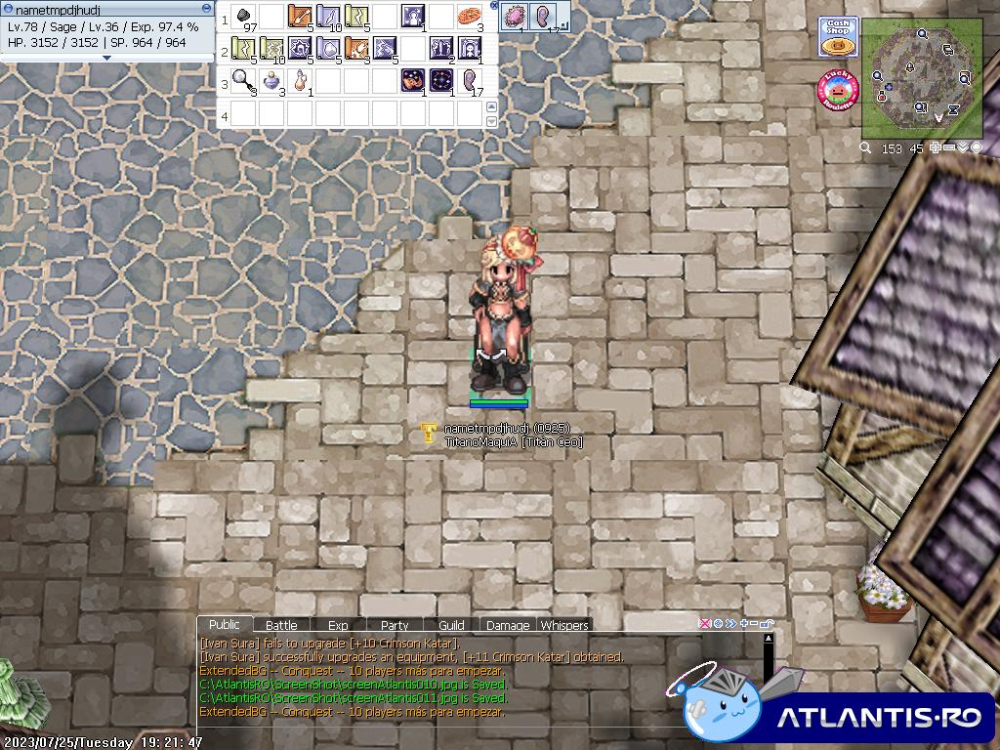
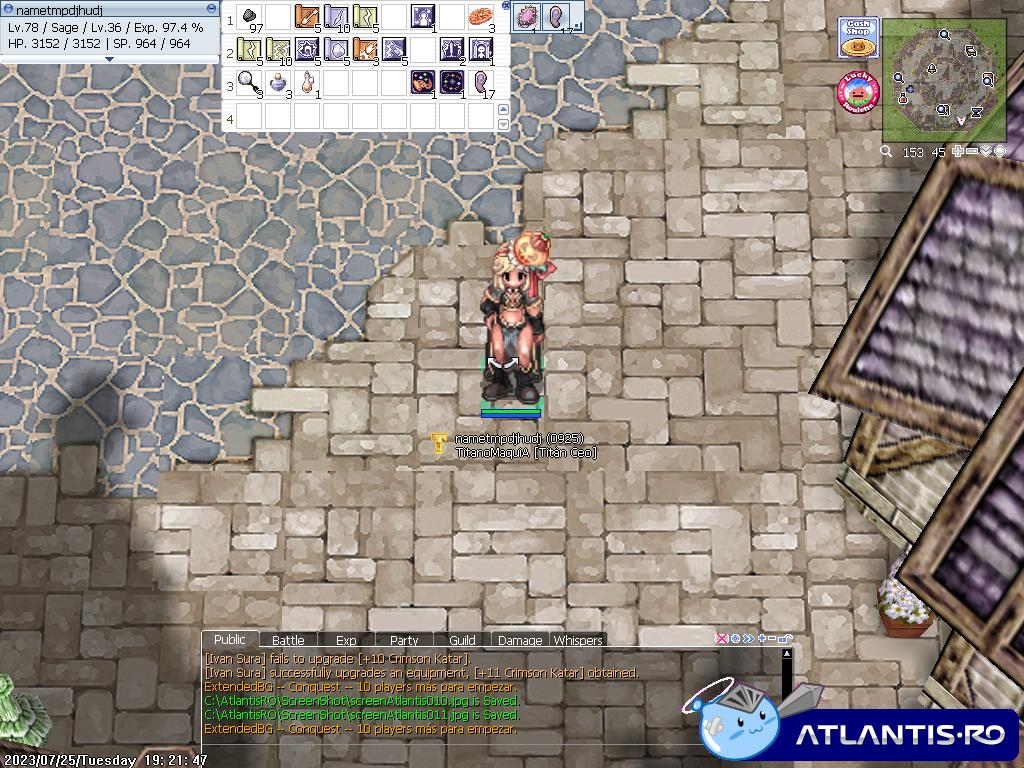
  6. Como se hace el nuevo nombre? Por la nueva actualizacion me cambio el nick..no se como cambiarlo. Gracias por la atencion
Configure browser push notifications

Chrome (Android)
  1. Tap the lock icon next to the address bar.
  2. Tap Permissions → Notifications.
  3. Adjust your preference.
Chrome (Desktop)
  1. Click the padlock icon in the address bar.
  2. Select Site settings.
  3. Find Notifications and adjust your preference.