memojarias-1
Members
-
Ingreso
-
Última visita
Todo lo publicado por memojarias-1
-
Soy rune knight
-
Hola tengo una twin blade +10 de fuego con 3 true sereyen card pero el daño apenas es de 120k o menos, pego más con el sonic wabe 250k alguien me puede ayudar por favor gracias Equipo peuz , black Ribbion +9 headers Carta solo 1 gold scaraba Daño 223+333
-
Buen día alguien sabe dónde consigo las box que dropean headers entre esos el black Ribbion agradezco su ayuda.
-
Gracias
-
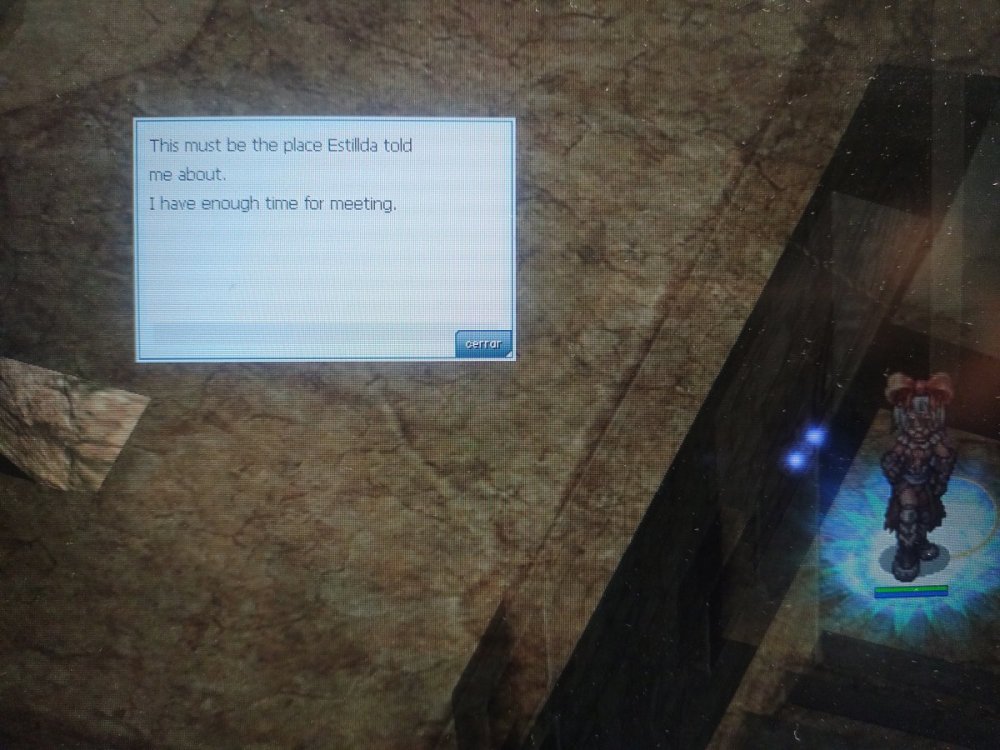
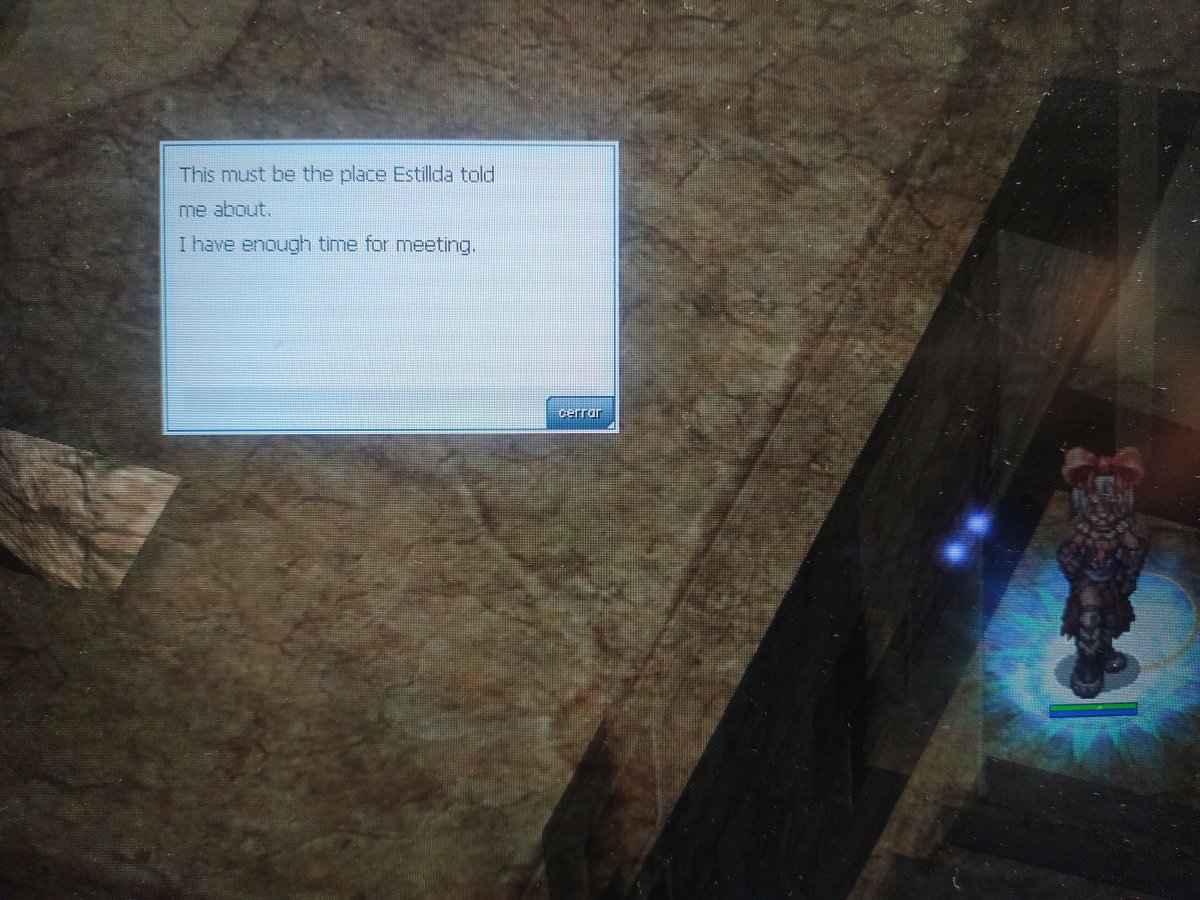
Hola estoy en la parte donde debo esperar para luchar con el hombre pero no sale dice que la quest tiene un tiempo de 30 minutos pero llevo mas de 1 hora y no sale