
Jump to content
View in the app

A better way to browse. Learn more.

Foro AtlantisRO

A full-screen app on your home screen with push notifications, badges and more.

To install this app on iOS and iPadOS
  1. Tap the Share icon in Safari
  2. Scroll the menu and tap Add to Home Screen.
  3. Tap Add in the top-right corner.
To install this app on Android
  1. Tap the 3-dot menu (⋮) in the top-right corner of the browser.
  2. Tap Add to Home screen or Install app.
  3. Confirm by tapping Install.

Tabla de líderes

Contenido popular

Showing content with the highest reputation on 08/06/22 en todas las areas

  1. 2 puntos
    Hubo más movimiento de lo habitual. Grande mi compi! ??!! Pd. Que lata andar sin link ?, repárenlos por faaa! Los tóxic pollos reclutan ?
  2. 2 puntos
    Me divertí mucho esta WoE vengo a presumir mi firma :3
  3. 1 punto
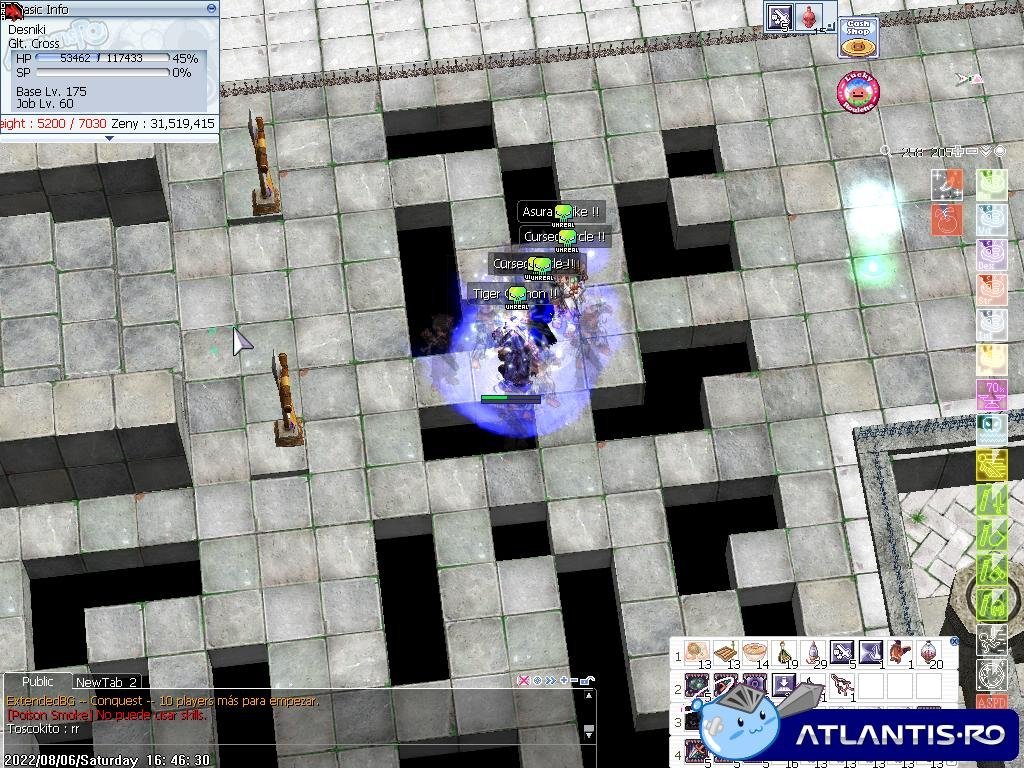
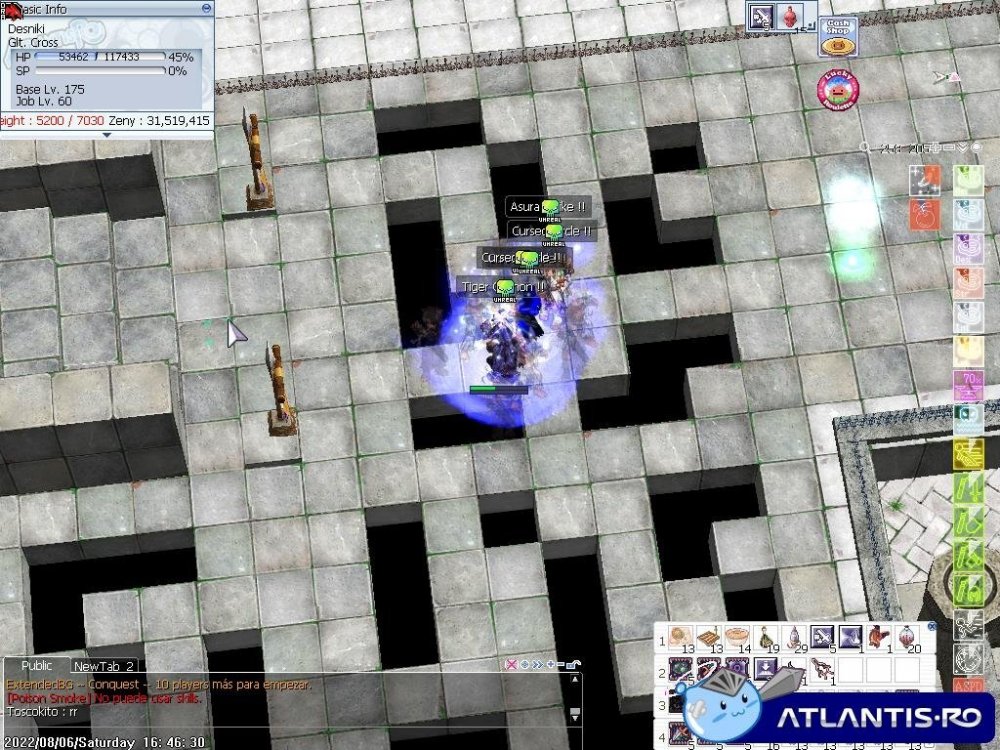
    buena woe... 4 suras y solo pueden bajarme la mitad de vida.... hermoso!!! los quiero, ladren ahora
  4. 1 punto
    Les hizo bien el descanso (?), de pronto salieron un par de push más decentes que de costumbre. Nos vimos.
  5. 1 punto
    Buena buoeee la pase super bien jajaj te guarde cupos para mis FCP e.é
  6. 1 punto
    Farmeo mas minions en woe que en lol. Gracias por el support, de 10 como siempre, igual que los push ? Una diosa mi ms ?
  7. UP para mostrar mi RG Atun!!!! PD: Coman Atun cabros :3

Configure browser push notifications

Chrome (Android)
  1. Tap the lock icon next to the address bar.
  2. Tap Permissions → Notifications.
  3. Adjust your preference.
Chrome (Desktop)
  1. Click the padlock icon in the address bar.
  2. Select Site settings.
  3. Find Notifications and adjust your preference.