Jump to content
View in the app

A better way to browse. Learn more.

Foro AtlantisRO

A full-screen app on your home screen with push notifications, badges and more.

To install this app on iOS and iPadOS
  1. Tap the Share icon in Safari
  2. Scroll the menu and tap Add to Home Screen.
  3. Tap Add in the top-right corner.
To install this app on Android
  1. Tap the 3-dot menu (⋮) in the top-right corner of the browser.
  2. Tap Add to Home screen or Install app.
  3. Confirm by tapping Install.

Tabla de líderes

Contenido popular

Showing content with the highest reputation on 01/06/24 en todas las areas

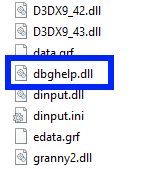
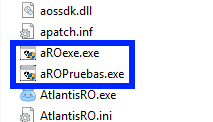
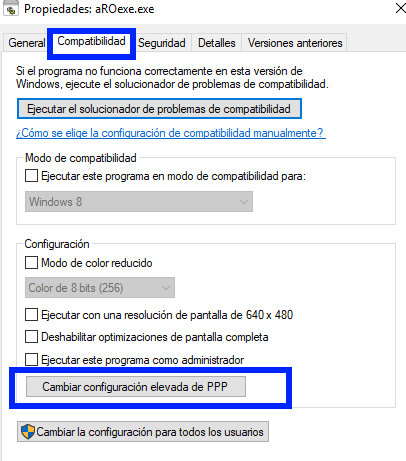
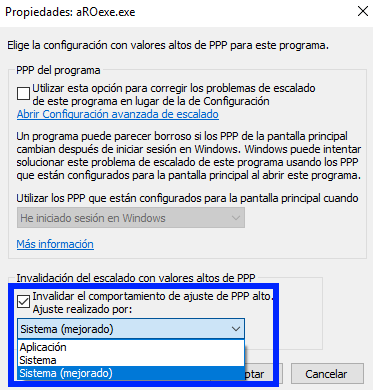
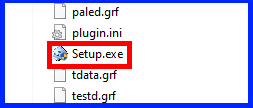
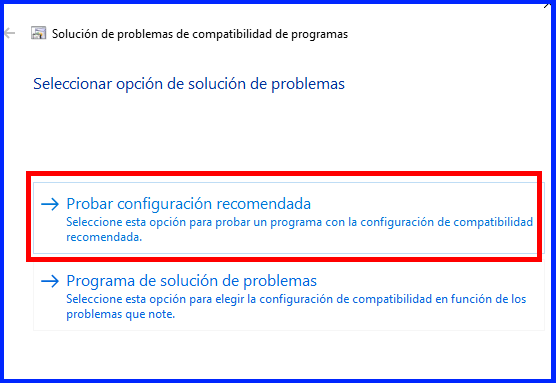
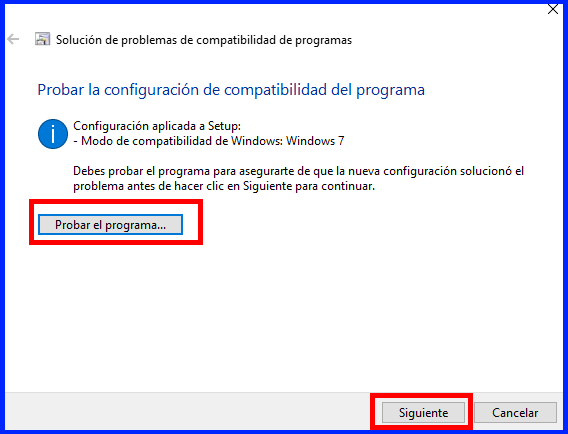
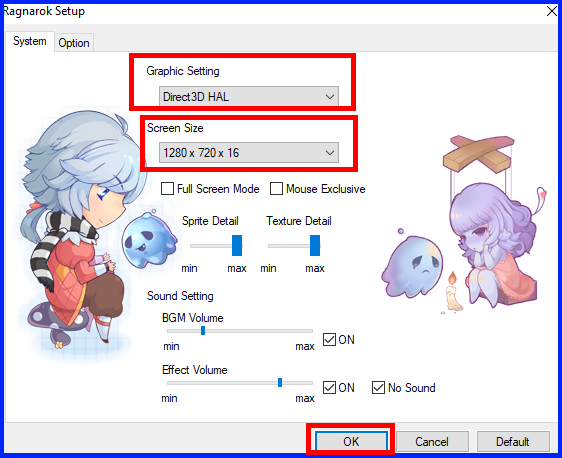
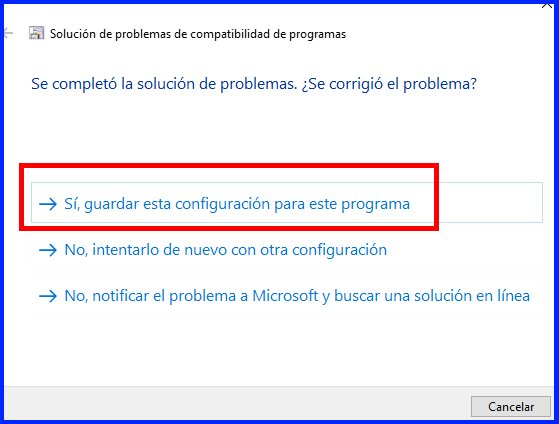
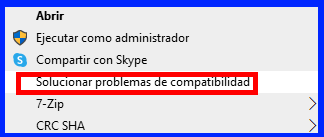
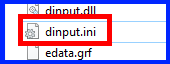
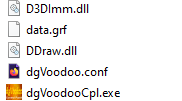
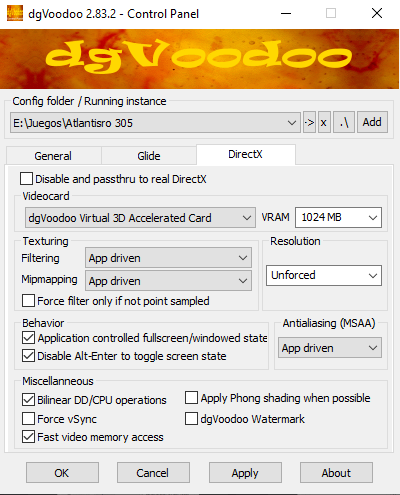
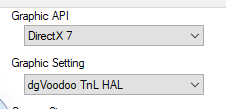
  1. Hola, feliz año por favor pruebe los pasos que se muestran en el primer spoiler del siguiente tema:
  2. Enlaces: ID Expirada / Esta ID ha expirado Problema tarjeta ATI (atiumdag.dll) Cannot init d3d or grf file has problem: No se encuentra el punto de entrada al procedimiento MiniDumpWriteDump en la biblioteca de vínculos dinámicos C:Windowssystem32nvscap.dll: Resolución en pantalla arriba de 1080 (2k, 3k, 4k): Crash inmediato al iniciar (usualmente solo sucede en Windows 11 versión home):

Configure browser push notifications

Chrome (Android)
  1. Tap the lock icon next to the address bar.
  2. Tap Permissions → Notifications.
  3. Adjust your preference.
Chrome (Desktop)
  1. Click the padlock icon in the address bar.
  2. Select Site settings.
  3. Find Notifications and adjust your preference.