
Tabla de líderes
-
Karas
GM1Puntos642Contenido -
Gin
Members1Puntos11Contenido -
AnnoyingCat
Colaboradores1Puntos373Contenido



Contenido popular
Showing content with the highest reputation on 05/07/26 en todas las areas
-
The lore intensifies - https://www.youtube.com/watch?v=VkEJ1T_49ag1 punto
-
¡Precioso diseño! Una Bianca enamorada, es algo que no hemos contemplado, suele intimidar a algunos muchachos, pero da un par de ideas para algún San Valentin, @Lotus no? Por ahí un love-triangle entre ella y su eterna rival Valentina Illyuncha. Pero, ¿por quién? Espero podamos ver más de ti en futuros concursos. ¡No te rindas!1 punto
-
weno lo dejo porsiacaso, sniff sniff, lo tenia presente y se me olvido u.u
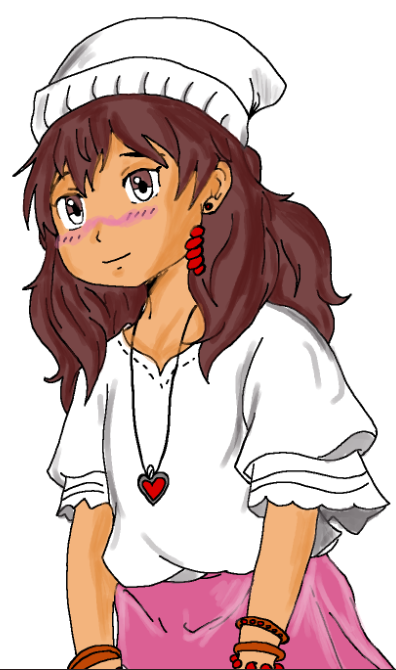 1 punto
 -
me olvide enviar el mio y ya lo tenia listooooo, noo puede seeeerrrr T_T !!!!!!0 puntos