
Jump to content
View in the app

A better way to browse. Learn more.

Foro AtlantisRO

A full-screen app on your home screen with push notifications, badges and more.

To install this app on iOS and iPadOS
  1. Tap the Share icon in Safari
  2. Scroll the menu and tap Add to Home Screen.
  3. Tap Add in the top-right corner.
To install this app on Android
  1. Tap the 3-dot menu (⋮) in the top-right corner of the browser.
  2. Tap Add to Home screen or Install app.
  3. Confirm by tapping Install.

Shin EVAN

Members
  • Ingreso

  • Última visita

Todo lo publicado por Shin EVAN

  1. Shin EVAN responde a TheOne de tema en WoE
    casi explota.mp4 en ese momento temblamos, demo, lo callearon :<
  2. up
  3. up
  4. Shin EVAN publicó un tema en WoE
    mucho lag si. pero bueno, nomas asureaba kasldkjlasdjkl facilito uwu
  5. up
  6. se agradece UP UNREAL ❤️
  7. up
  8. up
  9. antes de ponerle luk ponle vit, un gx sin vit no te va rendir mucho :c
  10. animo ? bienvenido
  11. sin hacerla larga 60 dex 90 agi 90 str lo que sobre vit ?
  12. UP
  13. Shin EVAN responde a Bohe de tema en WoE
    el linker se divertia mas XD
  14. up
  15. up
  16. Shin EVAN publicó un tema en WoE
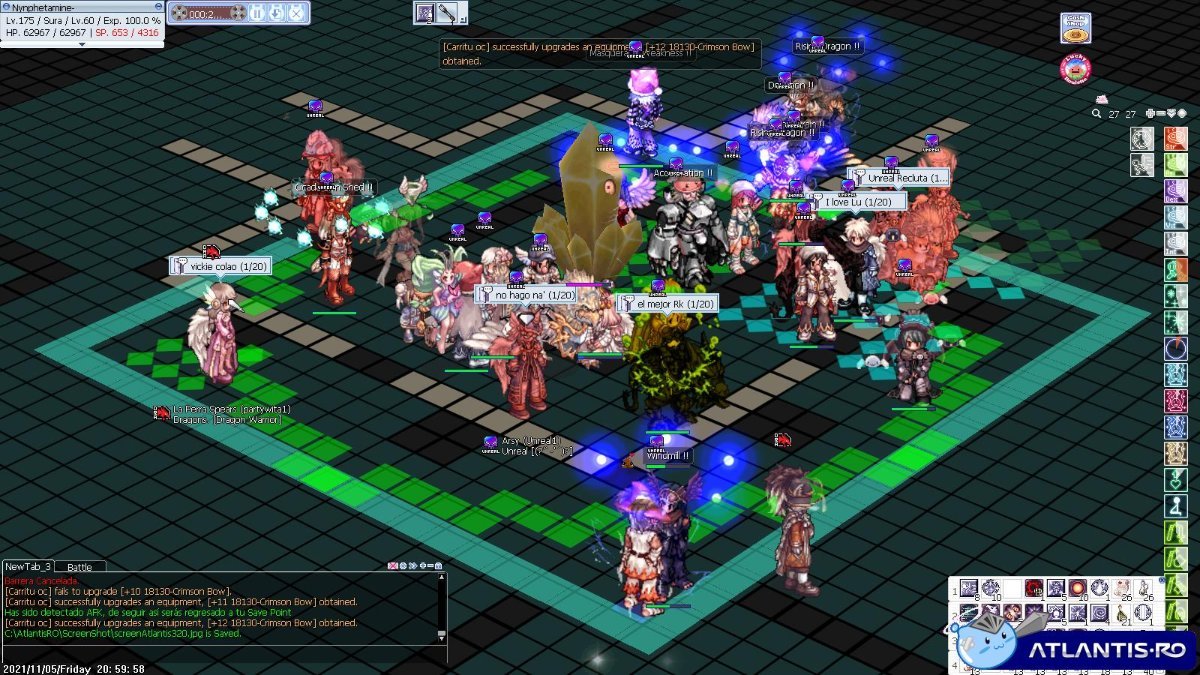
    quemocion ❤️ que woe tan asombrosa jasdlkhab UNREAL RECLUTA ❤️ vikcy de colado jsjs
  17. up
  18. up, hoy cumplo 1 año en unreal
  19. UP
  20. Shin EVAN publicó un tema en WoE
    buena woe, unreal calleando solo en el empe o fuera de, formato de 24 o 38(?) esta cabron pero bueno, estubo facilito ? esos calls se pueden ver ❤️
  21. Shin EVAN publicó un tema en WoE
    fue bueno, pero redimiento ... xD isi
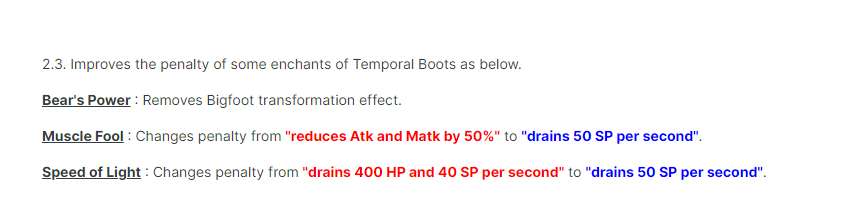
  22. acá el funcionamiento del nuevo muscle fool mas aparte que deberían quitar el oso del bears power
  23. ontan los nuevos precios ?
  24. es un sistema vip de iro xd o no recuerdo de que servidor, pero esas no las podremos activar a menos que quieran activar una medida vip el server
  25. Shin EVAN responde a Shin EVAN de tema en WoE
    siempre jajaja

Configure browser push notifications

Chrome (Android)
  1. Tap the lock icon next to the address bar.
  2. Tap Permissions → Notifications.
  3. Adjust your preference.
Chrome (Desktop)
  1. Click the padlock icon in the address bar.
  2. Select Site settings.
  3. Find Notifications and adjust your preference.