
Flam Lakay
Members
-
Ingreso
-
Última visita
Todo lo publicado por Flam Lakay
-
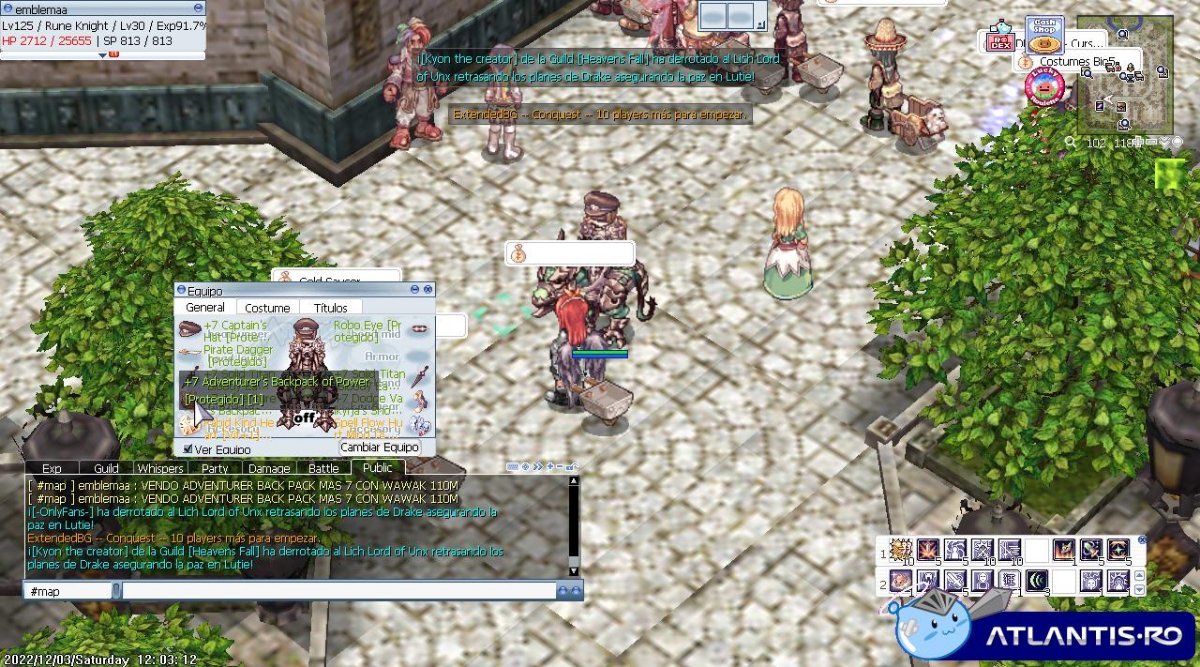
 BACK PACK MAS 7 CON WA WAK 110m ROBO EYE JEJE OFFER
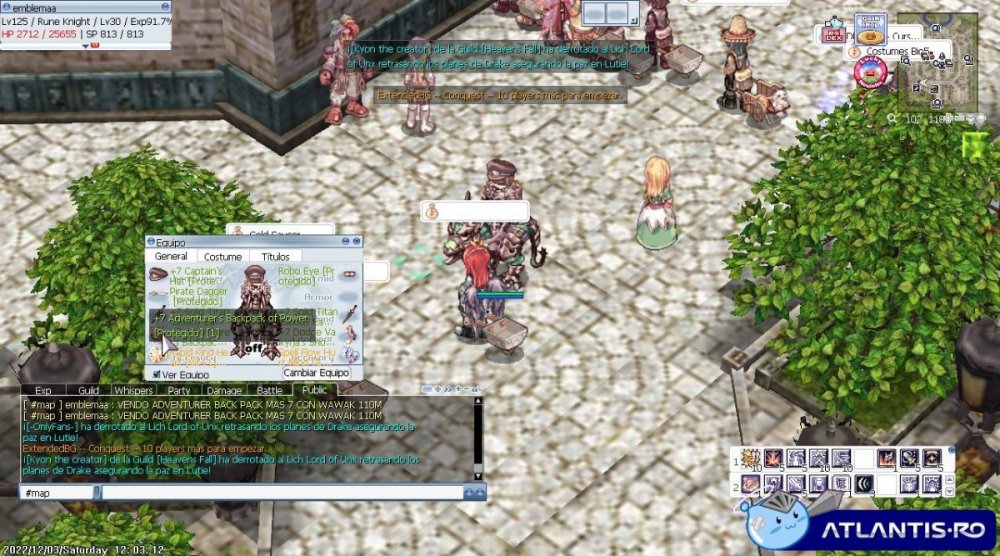 jijiji si por fa ayuda GMS :3 si no me quedo sin mis puntos de donacion CASH POINTS
no se como borrarla U,U
jajajaja si es cierto podrian como se dice jajajajajaja imitar lo que dice hay o usurpar mi personalidad verdad?
FUE HACE 49mintuos
LA GHOSTRING MVP CARD SIGUE SIENDO UTIL?
HAHAHAHAHAHAHA que raro
SI OKEY COMO HAGO ESO ?
por eso hablo por aca jejeje
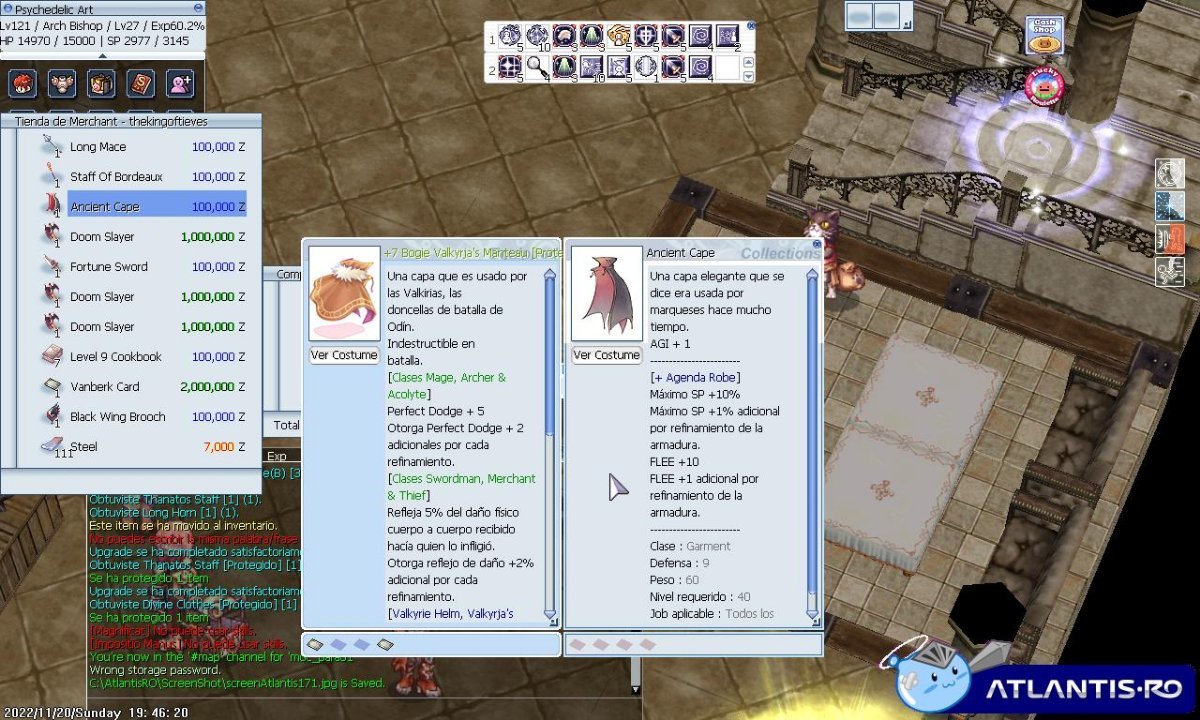
a bien es que quize acreditar la donacion en la pagina correspondiente y me mando acreditado o error
LE TOMO PICTURE Y LA MANDO
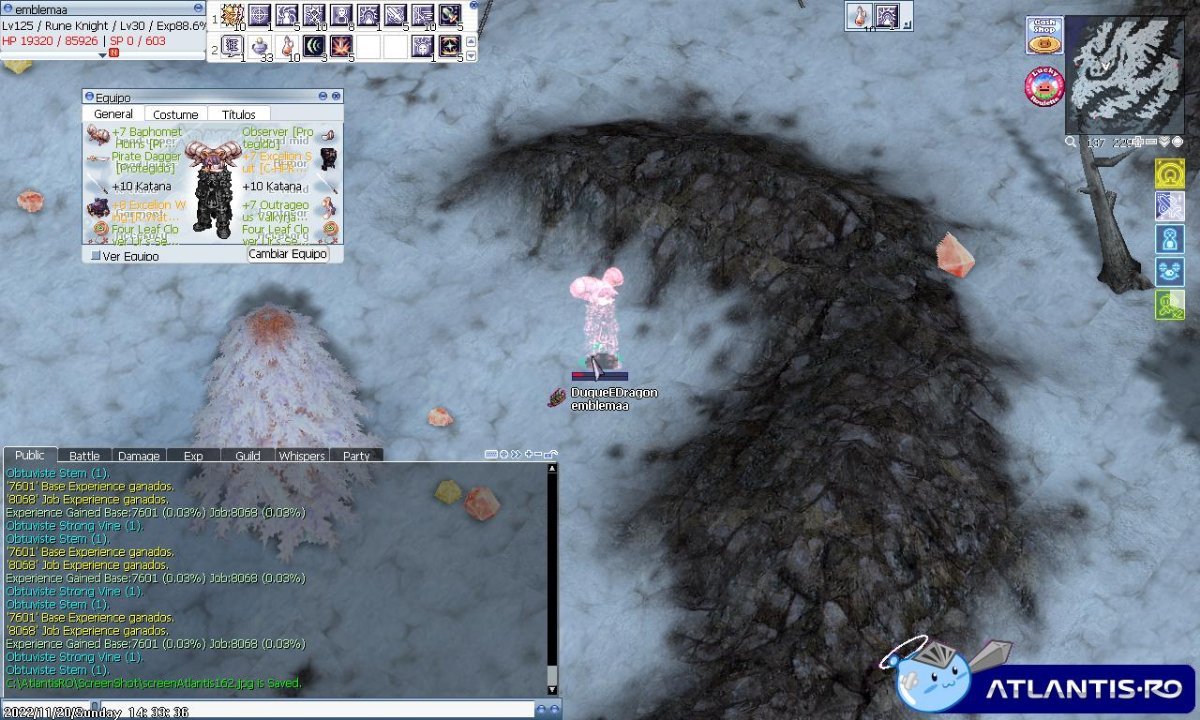
CUALQUIER SUGERENCIA SOY NIVEL 125 U,U
jijiji si por fa ayuda GMS :3 si no me quedo sin mis puntos de donacion CASH POINTS
no se como borrarla U,U
jajajaja si es cierto podrian como se dice jajajajajaja imitar lo que dice hay o usurpar mi personalidad verdad?
FUE HACE 49mintuos
LA GHOSTRING MVP CARD SIGUE SIENDO UTIL?
HAHAHAHAHAHAHA que raro
SI OKEY COMO HAGO ESO ?
por eso hablo por aca jejeje
a bien es que quize acreditar la donacion en la pagina correspondiente y me mando acreditado o error
LE TOMO PICTURE Y LA MANDO
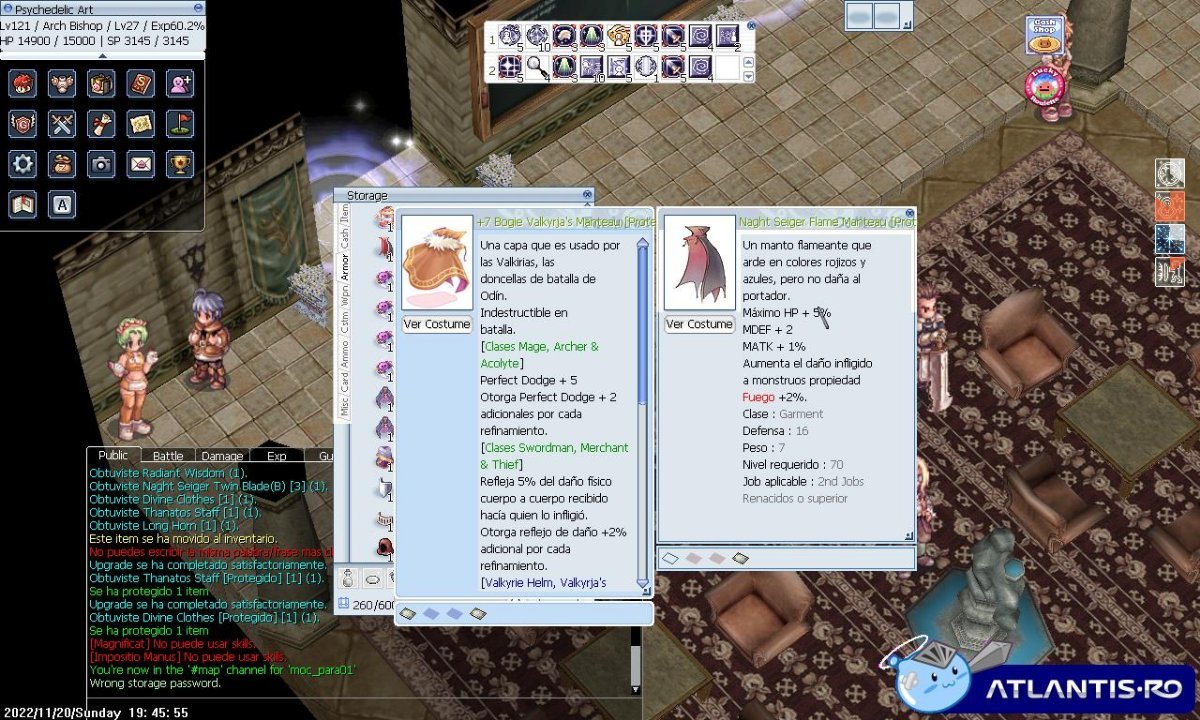
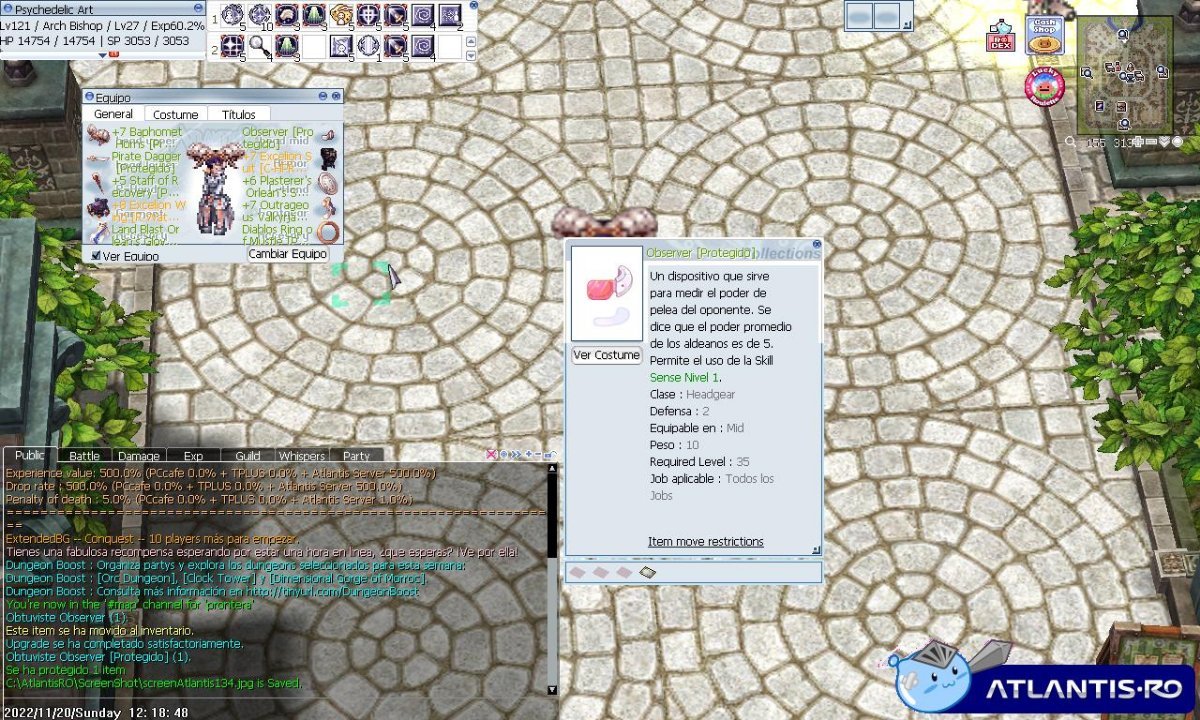
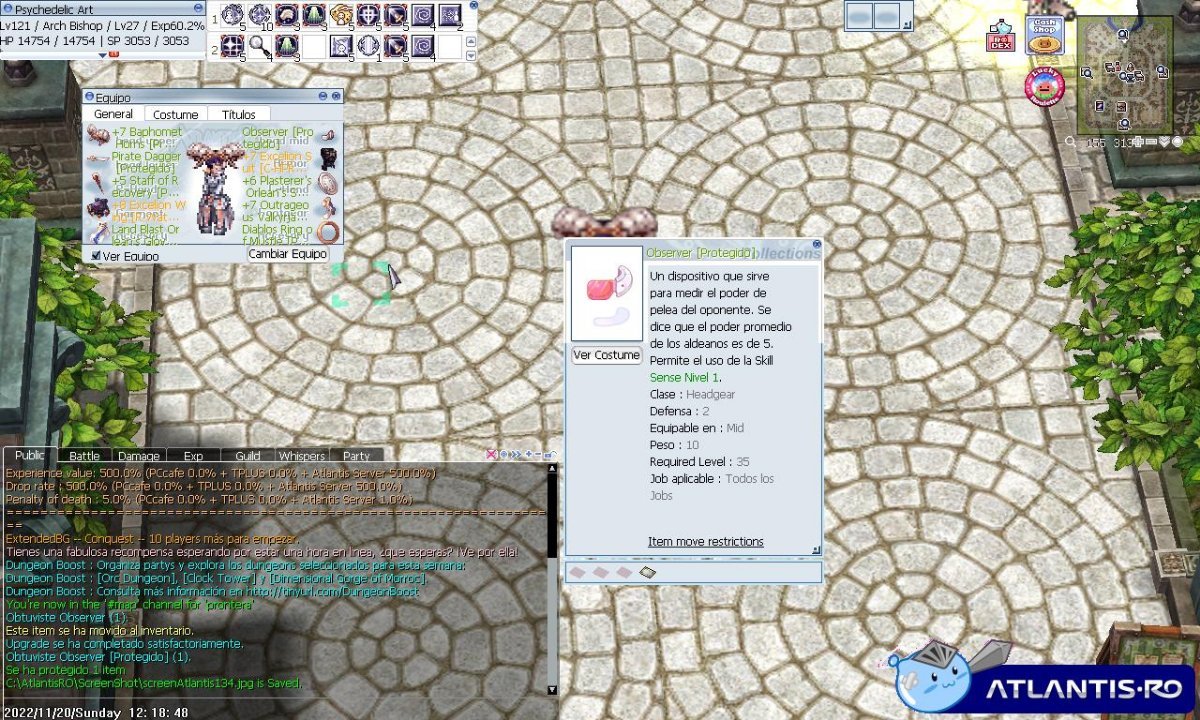
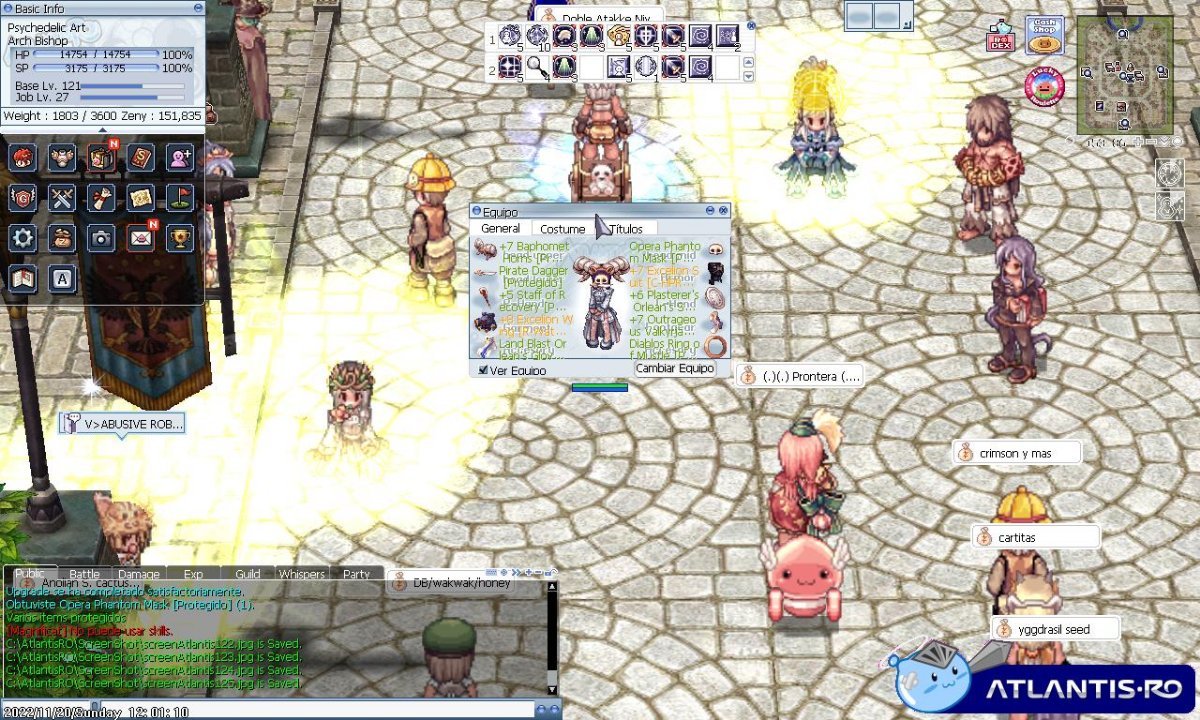
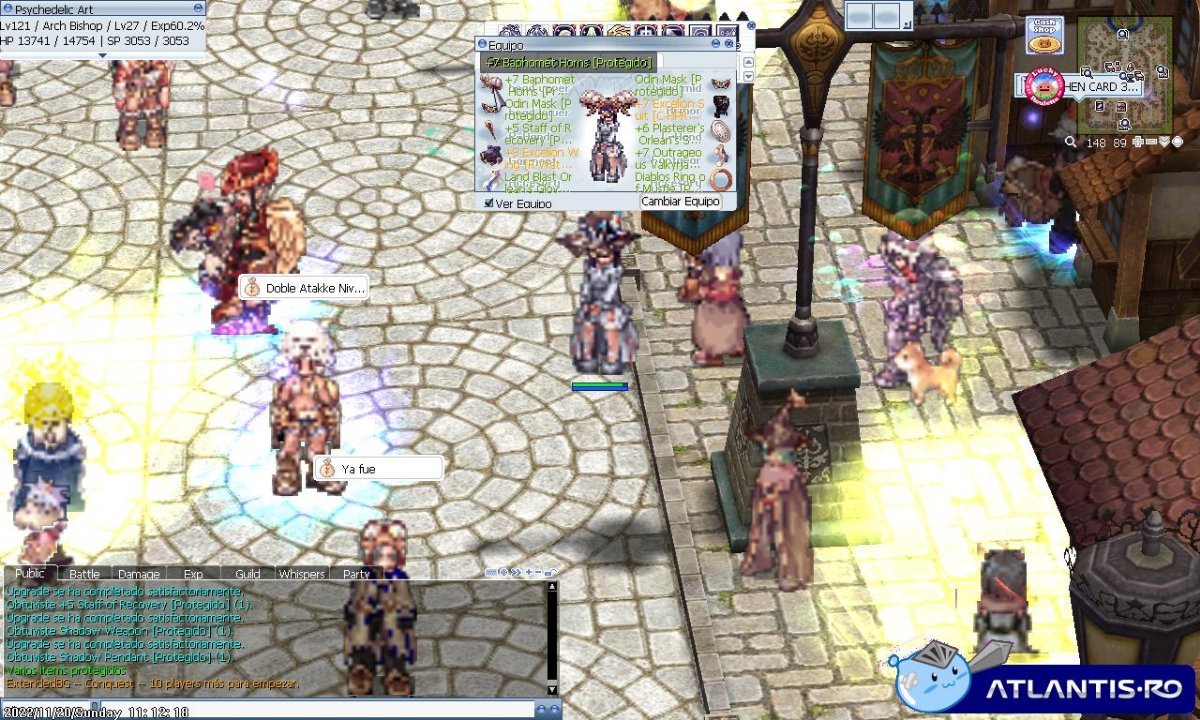
CUALQUIER SUGERENCIA SOY NIVEL 125 U,U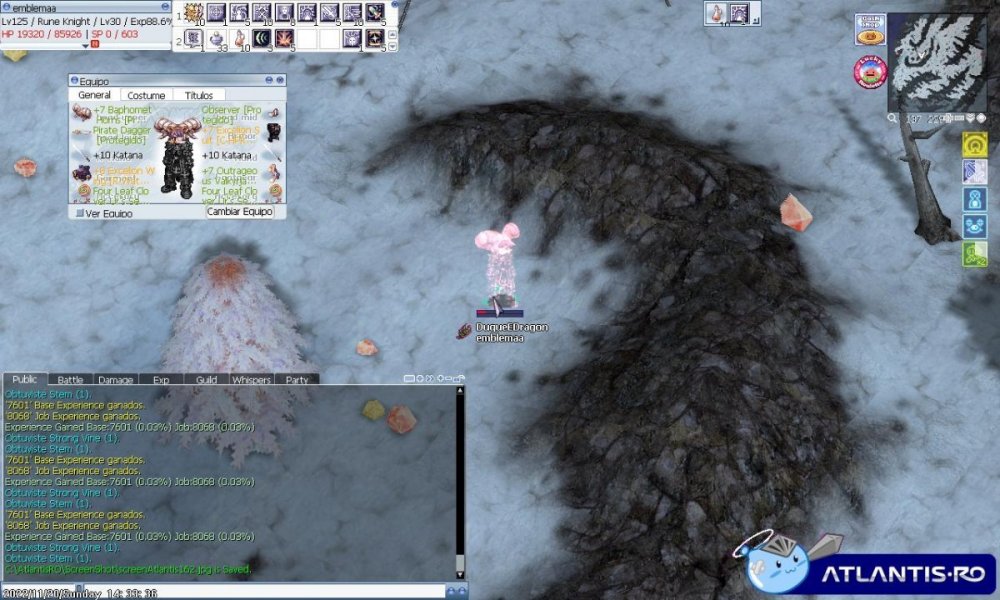 DESDE OTRA PERSPECTIVA ME MIRO HASTA PRA JAJAJA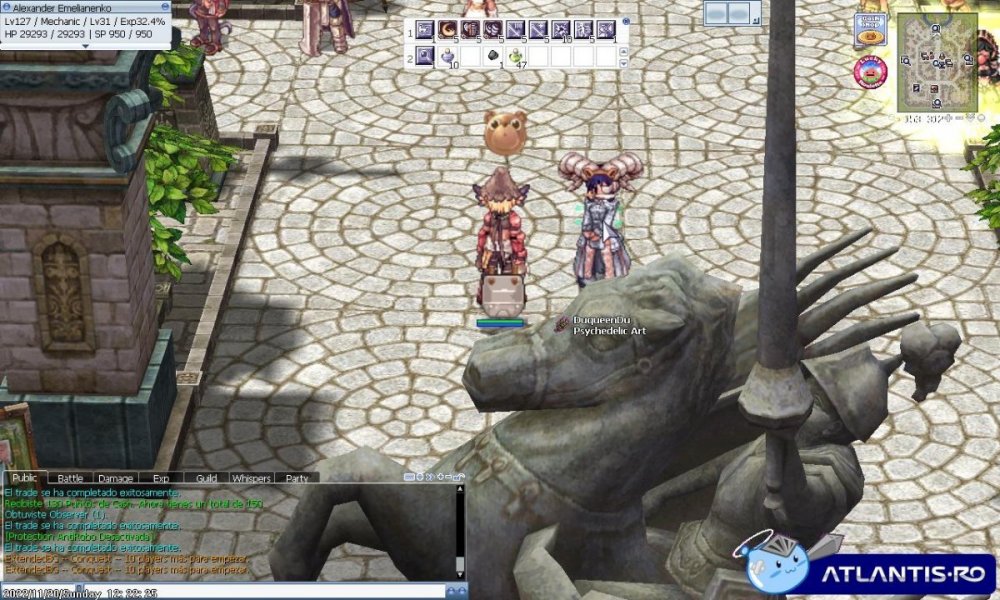
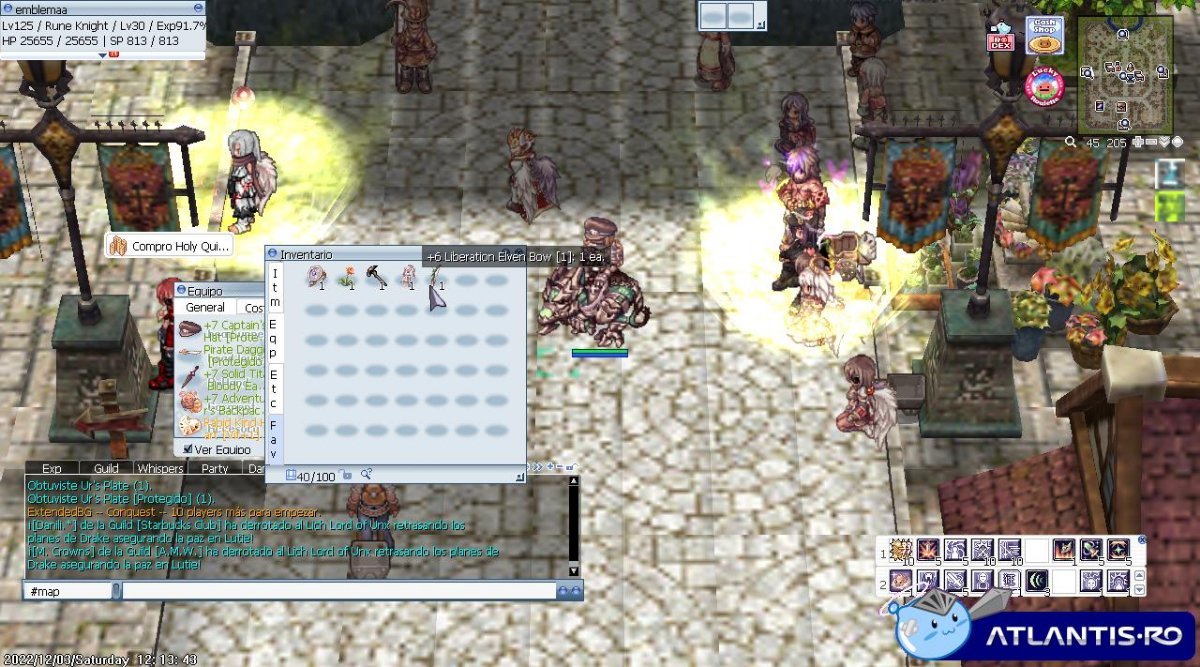
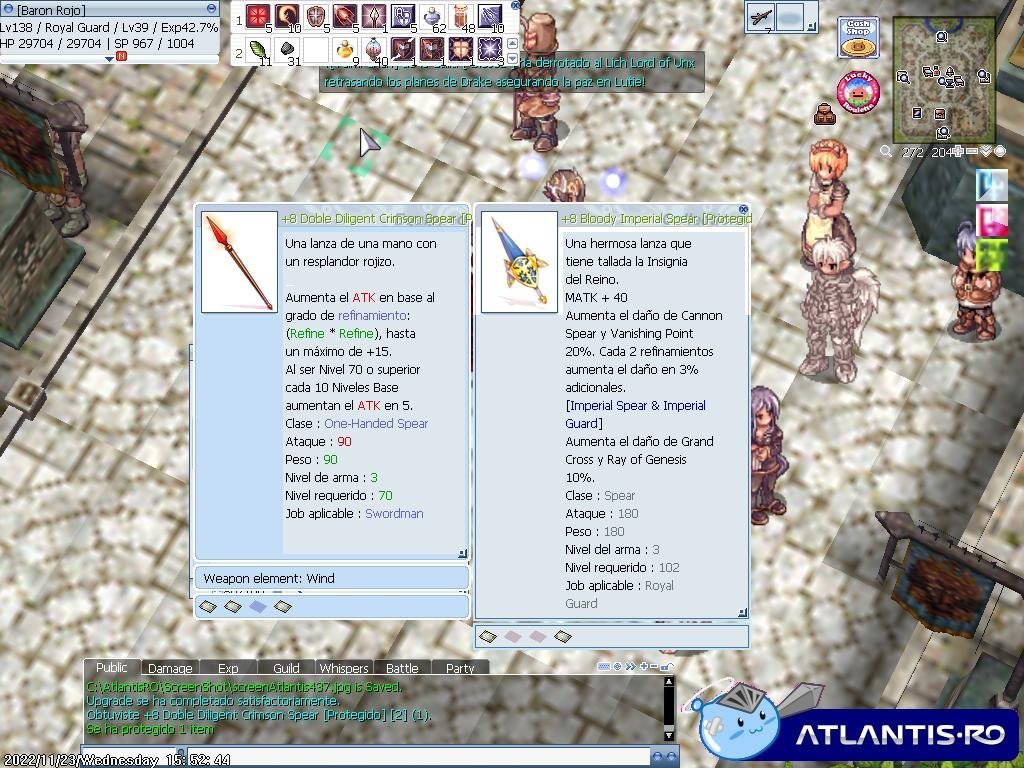
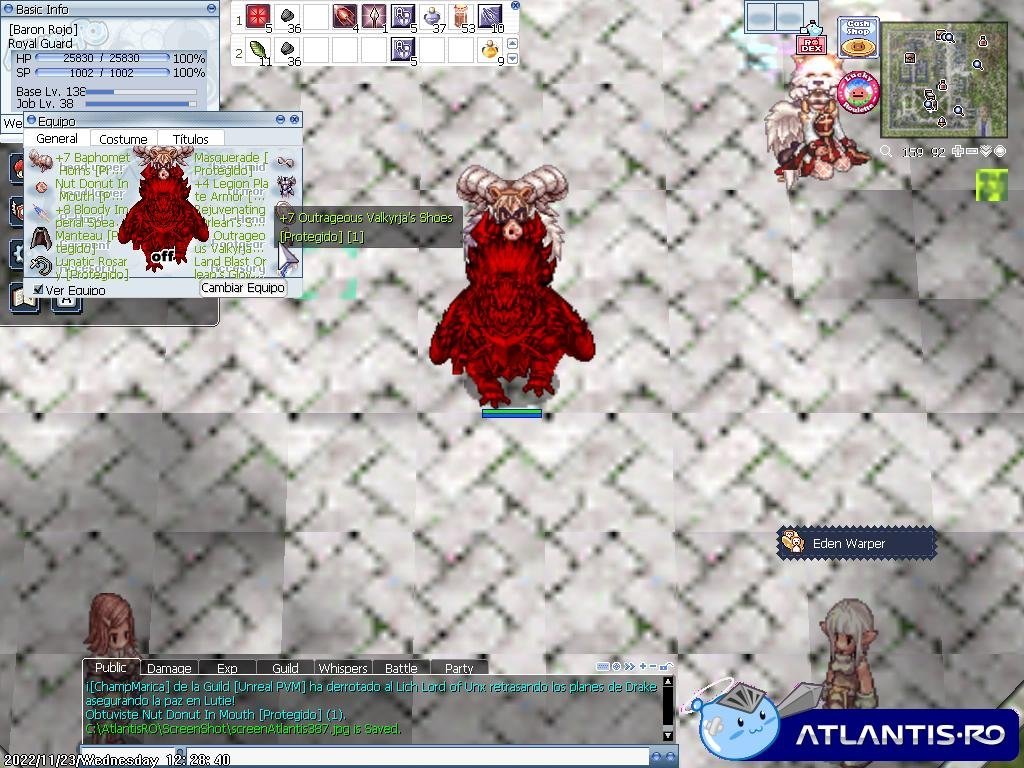
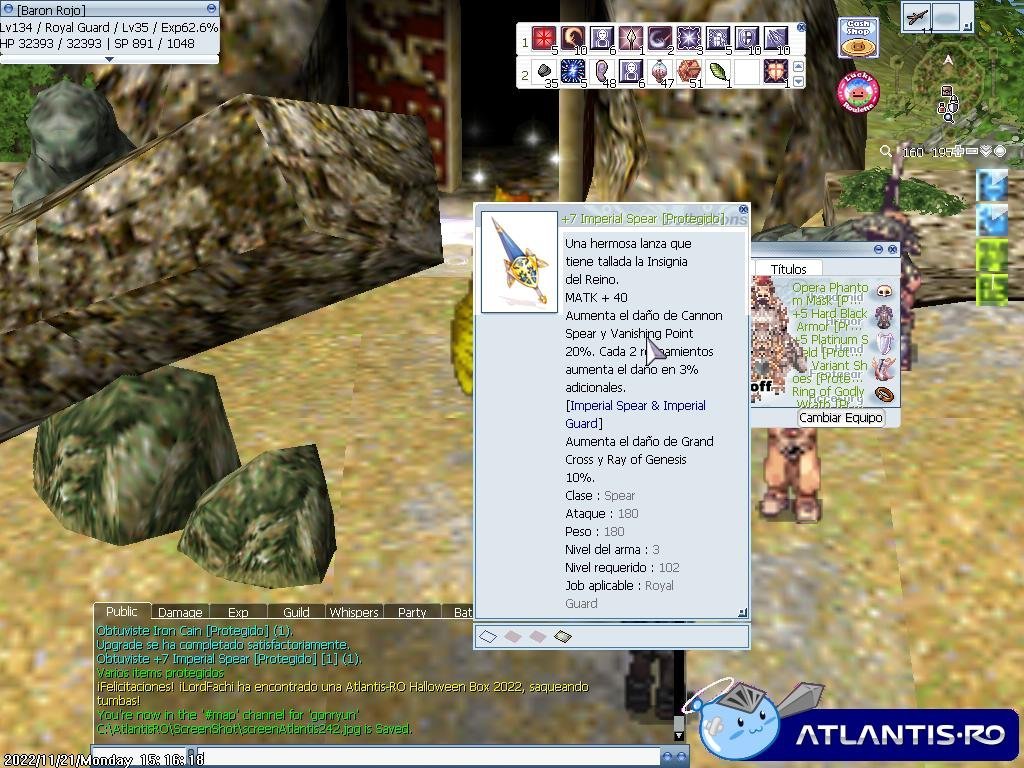
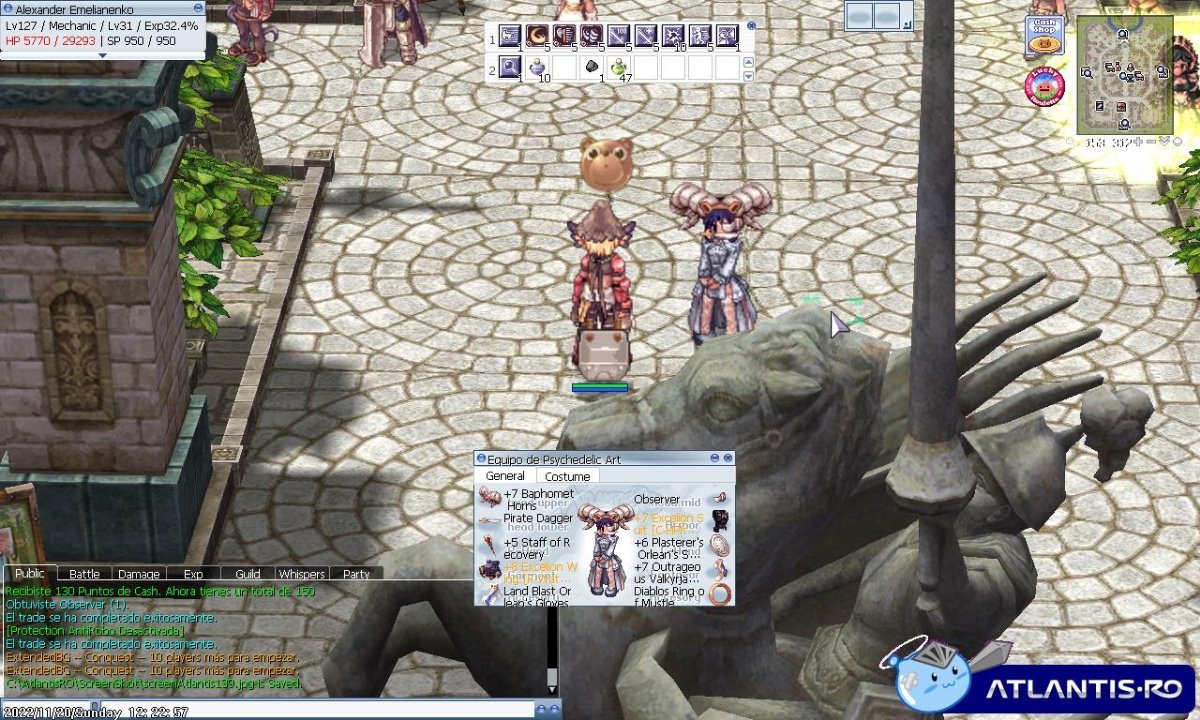
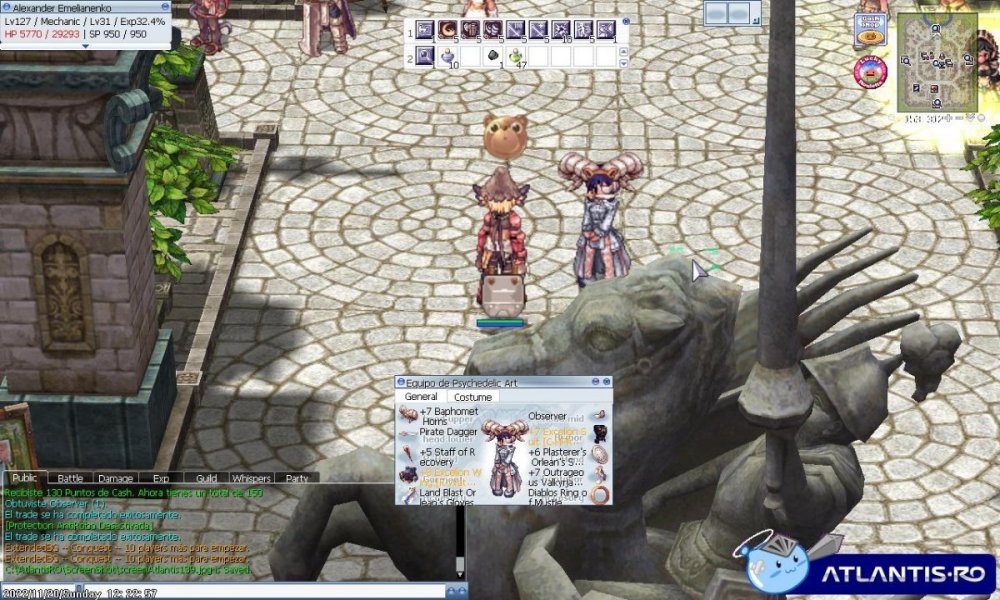 WUJU ! TODO ES MIO JEJEJE NADA PEDIDO Y O PRESTADO TODO MIOOOOOOOOOOOOOO!
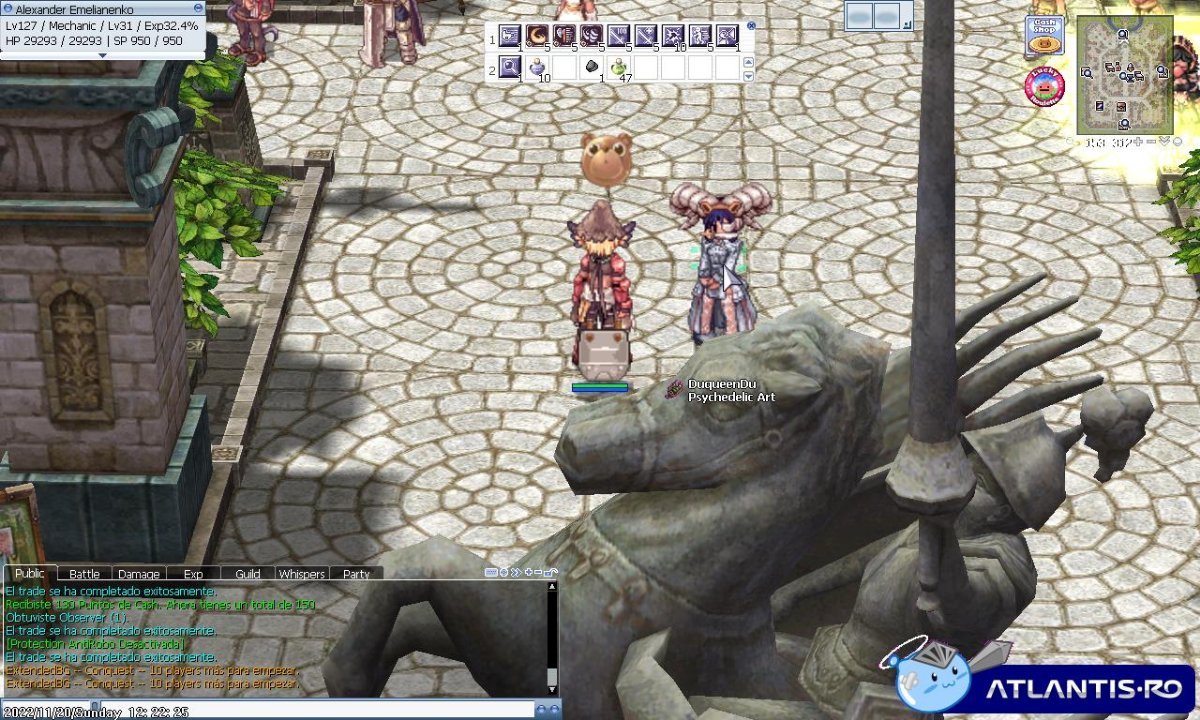
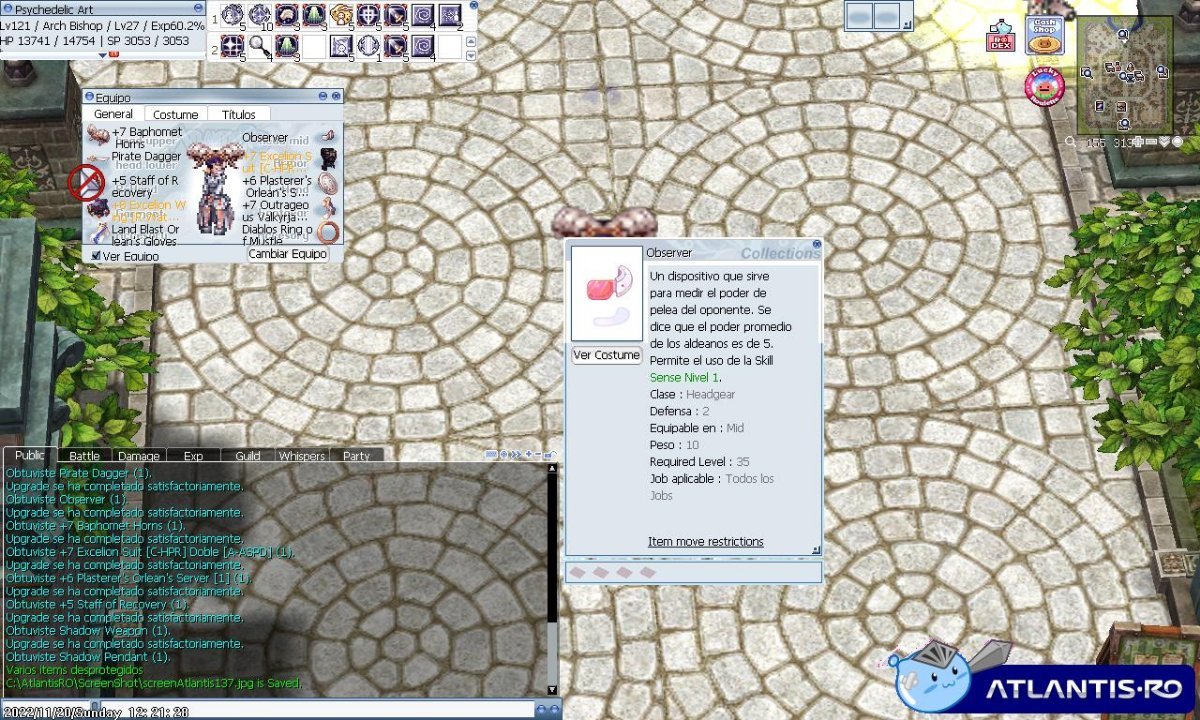
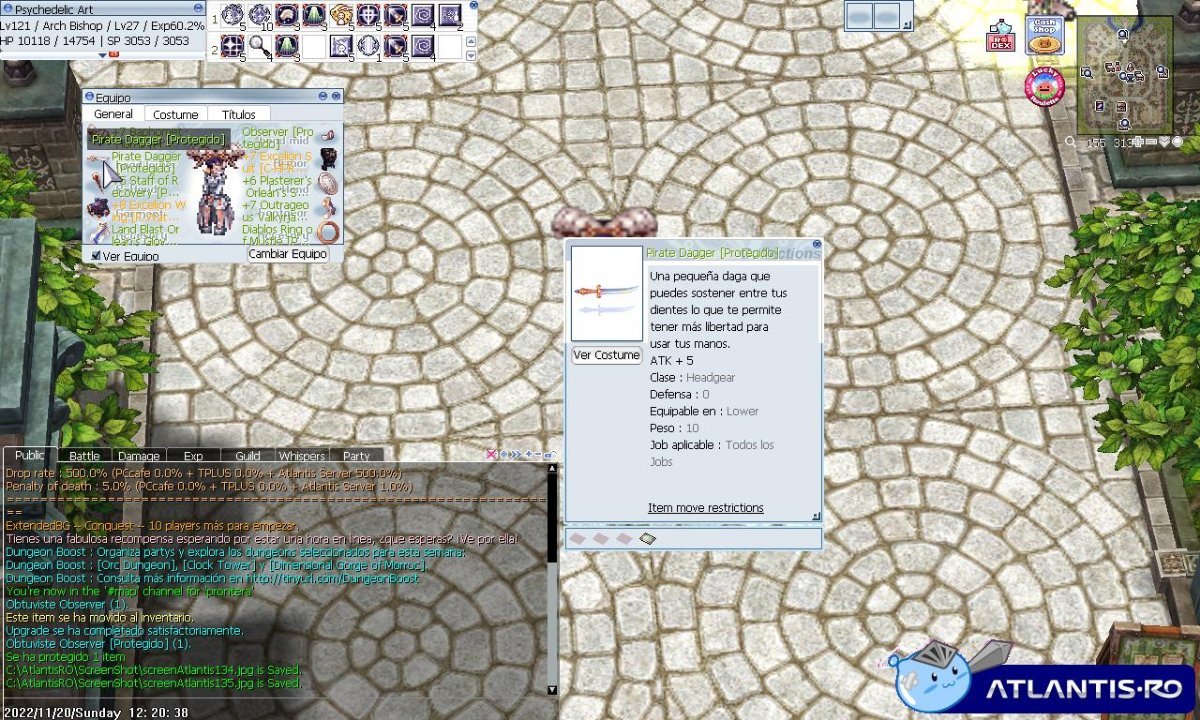
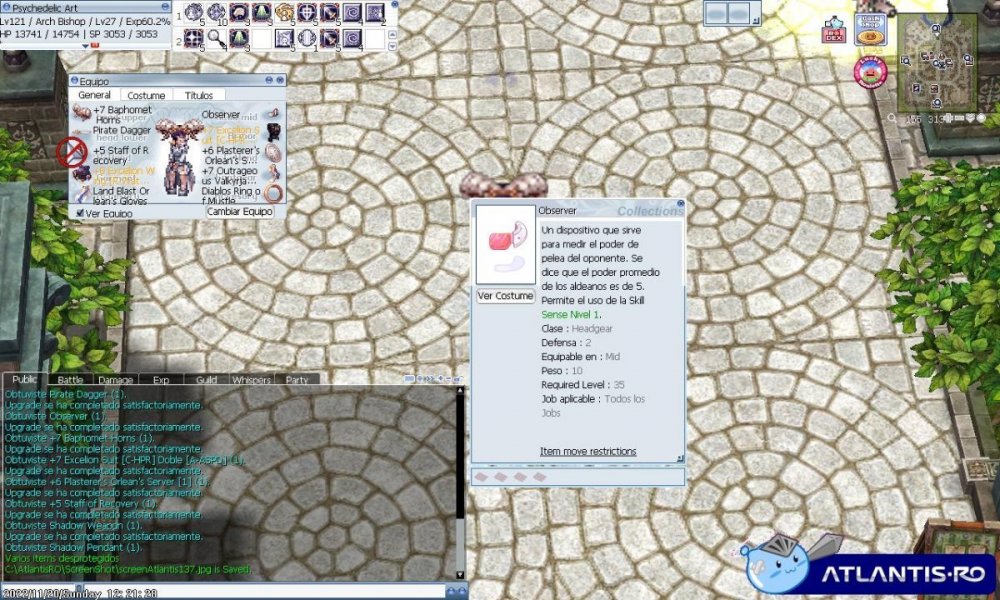 JEJEJE MI SET HAY VA 2 ITEMS DONATIONS OBSERVER Y PIRATE DAGGER WUJU !
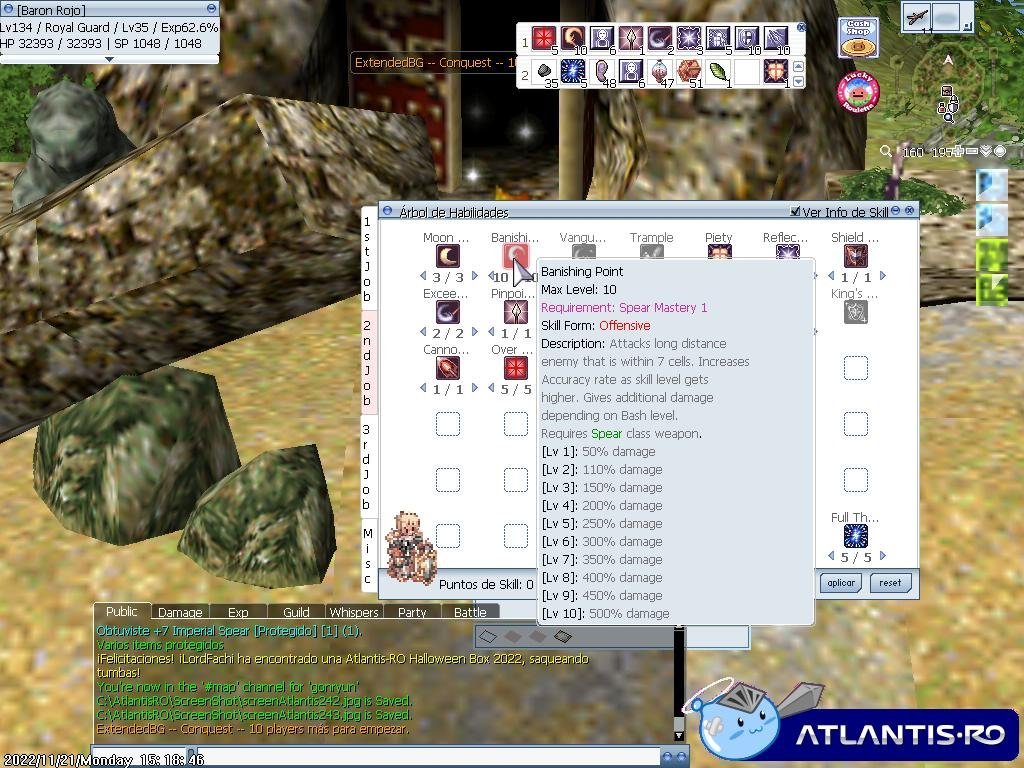
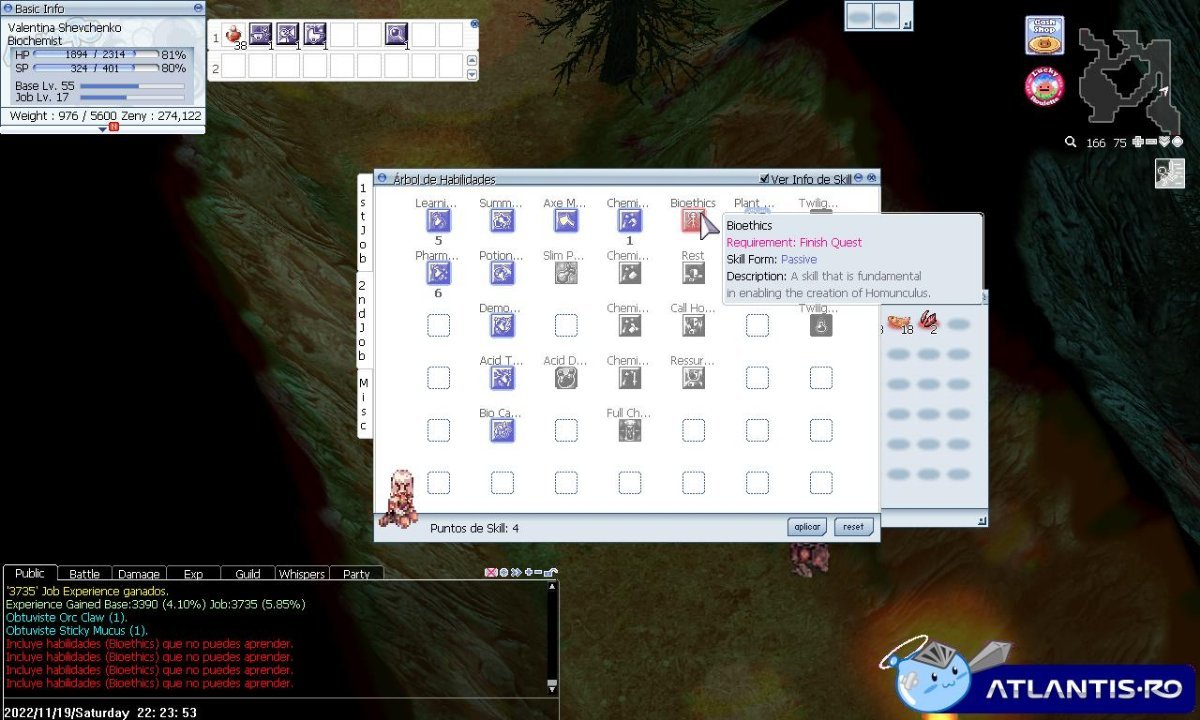
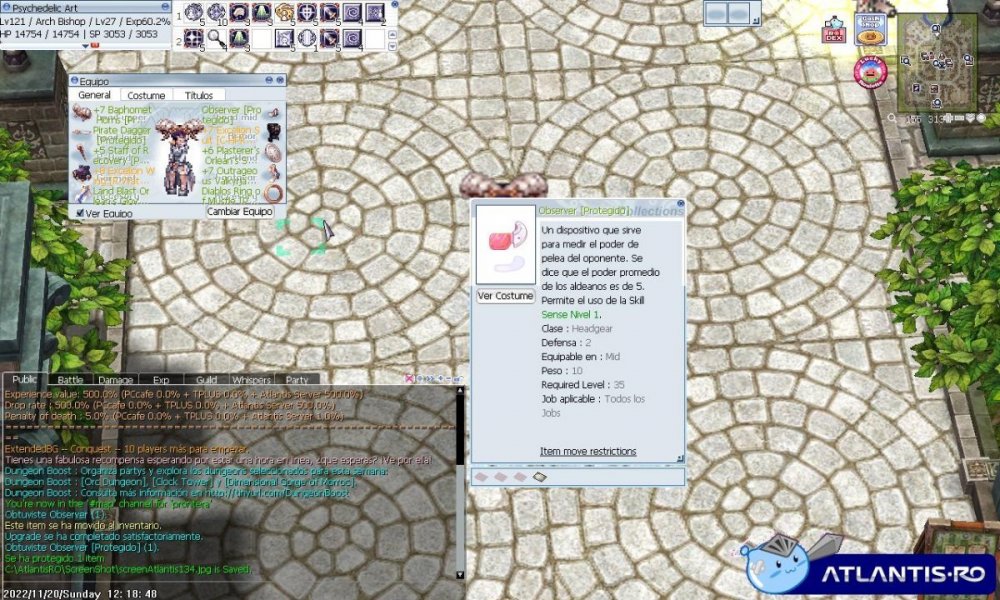 DICE FINISHING QUEST CUAL QUEST Y.Y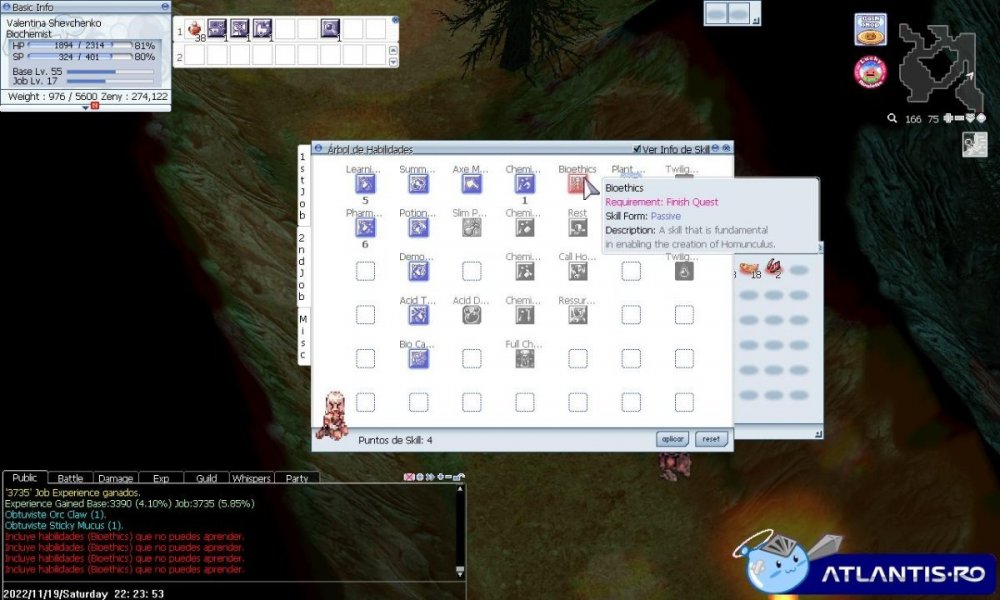
Account
Navigation
Buscar
Configure browser push notifications
Chrome (Android)
- Tap the lock icon next to the address bar.
- Tap Permissions → Notifications.
- Adjust your preference.
Chrome (Desktop)
- Click the padlock icon in the address bar.
- Select Site settings.
- Find Notifications and adjust your preference.
Safari (iOS 16.4+)
- Ensure the site is installed via Add to Home Screen.
- Open Settings App → Notifications.
- Find your app name and adjust your preference.
Safari (macOS)
- Go to Safari → Preferences.
- Click the Websites tab.
- Select Notifications in the sidebar.
- Find this website and adjust your preference.
Edge (Android)
- Tap the lock icon next to the address bar.
- Tap Permissions.
- Find Notifications and adjust your preference.
Edge (Desktop)
- Click the padlock icon in the address bar.
- Click Permissions for this site.
- Find Notifications and adjust your preference.
Firefox (Android)
- Go to Settings → Site permissions.
- Tap Notifications.
- Find this site in the list and adjust your preference.
Firefox (Desktop)
- Open Firefox Settings.
- Search for Notifications.
- Find this site in the list and adjust your preference.