Jump to content
View in the app

A better way to browse. Learn more.

Foro AtlantisRO

A full-screen app on your home screen with push notifications, badges and more.

To install this app on iOS and iPadOS
  1. Tap the Share icon in Safari
  2. Scroll the menu and tap Add to Home Screen.
  3. Tap Add in the top-right corner.
To install this app on Android
  1. Tap the 3-dot menu (⋮) in the top-right corner of the browser.
  2. Tap Add to Home screen or Install app.
  3. Confirm by tapping Install.

Pyunsuke

Members
  • Ingreso

  • Última visita

Todo lo publicado por Pyunsuke

  1. Buenas! Quería saber si hay un archivo actualizado porque el de Marzo me dice que no está disponible, gracias!
  2. Efectivamente era el antivirus, muchas gracias.
  3. Solucionado, muchas gracias igual!
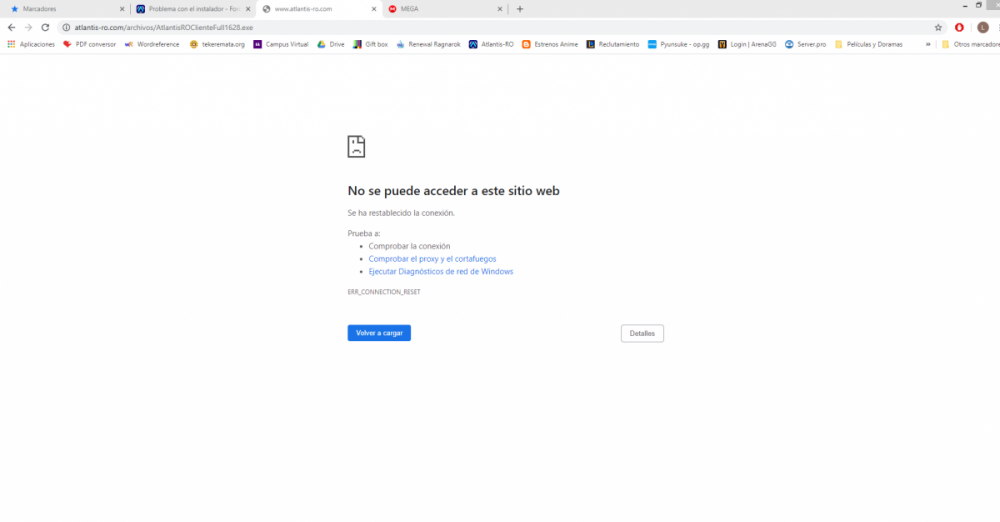
  4. Buenas tardes, quería saber si hay algún problema con el instalador, porque no me funciona. Quiero descargar el programa desde 0 así que le doy al angeling (https://www.atlantis-ro.net/descargas/) pero me sale esto:

Configure browser push notifications

Chrome (Android)
  1. Tap the lock icon next to the address bar.
  2. Tap Permissions → Notifications.
  3. Adjust your preference.
Chrome (Desktop)
  1. Click the padlock icon in the address bar.
  2. Select Site settings.
  3. Find Notifications and adjust your preference.