-
Desconexión 6 de Septiembre 2022
Rayos, a mi me llegó a gustar los efectos que trae ese ejecutable, ojalá y pulan a fondo esos detalles y esté con celeridad de nuevo en línea. Un saludo!
-
[Evento] Actividades Aniversario AtlantisRo 2022
HOLA DISTINGUIDOS ADMINISTRADORES DEL ATLANTIS RAGNAROK ONLINE. ¿SERÍAN TAN AMABLES DE PROLONGAR UNOS DÍAS MÁS EL EVENTO? MUCHAS GRACIAS!
-
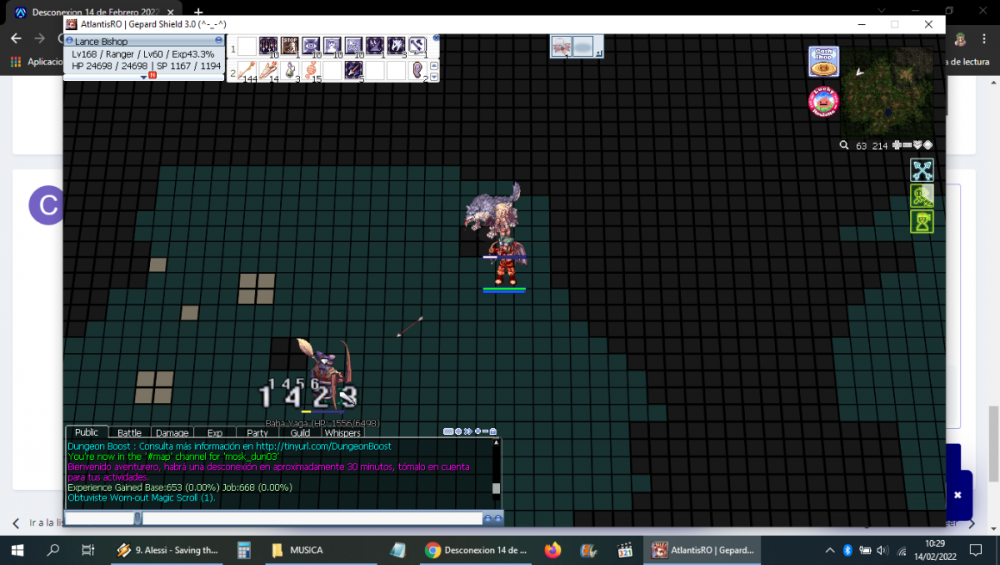
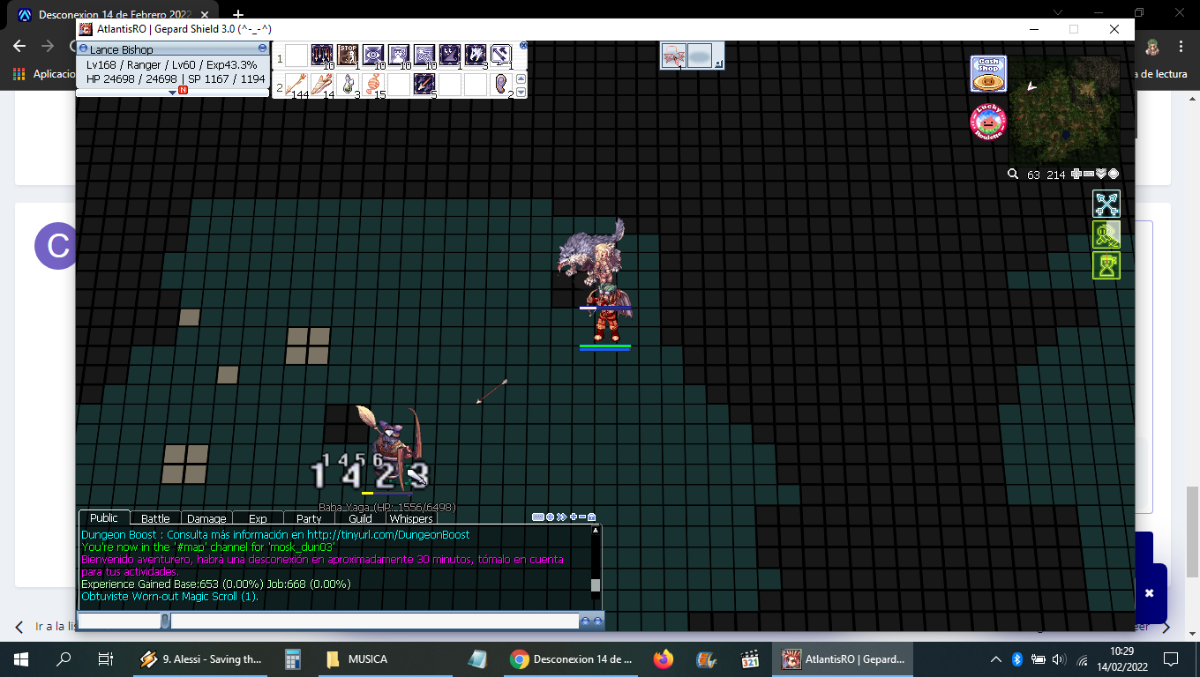
Desconexion 14 de Febrero 2022
-
Que estat base le pongo a mi ranger
Pues, lo básico para un Ranger es AGI y DEX, por lo general se colocan a la par; ahora, la cosa cambia si ese Ranger será trampero.
-
[Evento Halloween] En el Interior de la Demencia.
PERO SI SON UN AMOR LA COMUNIDAD DE ATLANTIS!!! La verdad, muchos son más tóxicos que un paseo por Chernóbil. Por algo muchos juegan solos, o sólo se juntan cuando tienen el mismo nivel de radiación.
-
Comandos habilitados en Atlantis RO
El comando con el cual reemplazaron @item del viejo emulador Hercules
-
Desconexion Mayor [03 de Septiembre 2021]
EL CARIÑO A ESO QUE AMAS CRECE CUANDO LA COSA SE PONE DURA.
-
Situación WoE 04-06-21
En dónde se publica (enlace) los lugares dónde se desarrolla la WOE? Algún alma caritativa me la puede enviar? por favor.
-
Desconexión 29 de Abril 2021
Buenas. Hay un LAG terrible. Y las Alas de Mariposa no funcionan!
-
Desconexión 26 de Febrero 2021
Excelente!!!
-
AWSM Guild! Recluta~
Y uno que otro es creador de contenido, además de dar soluciones personalizadas por medio de Discord.
-
Desconexión 6 de Enero 2021
O sea... la Brazil y la Tongue ya no suman sus efectos, pero... ¿se pueden ocupar independientes? parece que yes.
- [Actividad Sorpresa] Encuentra la Brynhirld perdida.
cibericono
Members
-
Ingreso
-
Última visita
Account
Buscar
Configure browser push notifications
Chrome (Android)
- Tap the lock icon next to the address bar.
- Tap Permissions → Notifications.
- Adjust your preference.
Chrome (Desktop)
- Click the padlock icon in the address bar.
- Select Site settings.
- Find Notifications and adjust your preference.
Safari (iOS 16.4+)
- Ensure the site is installed via Add to Home Screen.
- Open Settings App → Notifications.
- Find your app name and adjust your preference.
Safari (macOS)
- Go to Safari → Preferences.
- Click the Websites tab.
- Select Notifications in the sidebar.
- Find this website and adjust your preference.
Edge (Android)
- Tap the lock icon next to the address bar.
- Tap Permissions.
- Find Notifications and adjust your preference.
Edge (Desktop)
- Click the padlock icon in the address bar.
- Click Permissions for this site.
- Find Notifications and adjust your preference.
Firefox (Android)
- Go to Settings → Site permissions.
- Tap Notifications.
- Find this site in the list and adjust your preference.
Firefox (Desktop)
- Open Firefox Settings.
- Search for Notifications.
- Find this site in the list and adjust your preference.